
비주얼 엔진이 전체 보드 이미지 인덱스를 검색해 가장 가까운 후보를 먼저 돌려줍니다.
가이드나 영상을 열기 전에 윤곽, 색상 배치, 그리드 레이아웃을 비교합니다.
스크린샷을 저장하거나 공유하지 않습니다. 가장 가까운 Pixel Flow 레벨을 찾는 데에만 사용됩니다.
Pixel Flow 레벨 찾기
레벨 번호, 보드 패턴, 기억나는 단서로 검색하세요.
부스터를 쓰기 전에 보드 이미지를 업로드해 후보를 확인하세요.
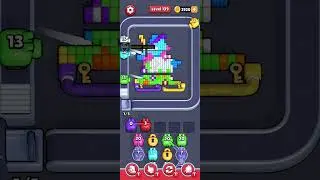 레벨 139: Known repeated-video level
Start from the largest exposed path, then leave mixed edge pixels alone until that path creates a larger shooting lane.
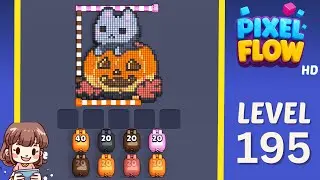 레벨 195: Shared-video hard level
Pick the largest safe color mass first, then use the newly opened area to decide whether the route is actually the same as the video.
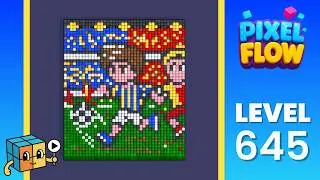 레벨 645: Wrong-layout hotspot
Start with the white perimeter because it separates the four quadrants. Once the cage breaks, use grouped pink corners and then work into the cyan locks.
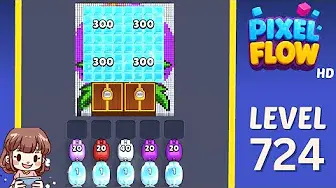
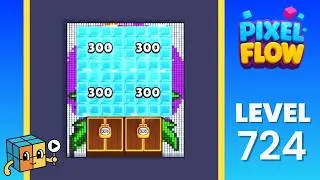 레벨 724: Frozen blocker board
Use the side strips first, then spend high-ammo pigs into the ice and chest blockers. The goal is opening space before chasing the hidden butterfly colors.
신뢰도 체크
루트를 따르기 전에 보드를 확인하세요.
윤곽, 노출 색상, 트레이 압박이 모두 맞아야 합니다.
보드 윤곽
레벨 번호를 믿기 전에 외곽 모양이 먼저 맞아야 합니다.
보이는 색상
처음 보이는 색상 묶음이 같은 위치에 있어야 합니다.
트레이 압박
어려운 보드는 같은 첫 오프너가 있는지 확인하세요.
가까운 범위
결과가 가깝지만 한 구역이 다르면 주변 레벨을 여세요.
결과 읽는 법
그림이 맞는 페이지를 여세요.
미리보기, 첫 제거 색상, 주변 범위가 화면과 맞는 결과가 가장 좋습니다.