
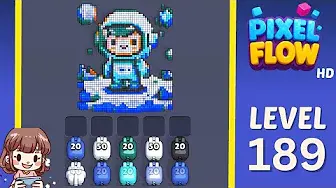
先确认视觉线索,再看路线提示、失败点、道具判断和视频辅助。
强化
Pixel Flow 关卡 189 攻略与视频解法
Pick the color with two exposed pockets and clear both before chasing isolated pixels.
Several colors are split into separate pockets, so clearing one pocket may unlock another.
Layered color split
- Match center pocket position and the color that opens a path into the pocket, then follow the opener before touching scattered pixels.
- Jumping between pockets creates leftover singles that waste later ammo.
- Use Add Tray only if two useful pigs are waiting and three slots are already blocked. 打开攻略
- If the pockets are not split the same way, use the screenshot finder.
棋盘护照
把它当作单关工作台。
先确认视觉线索,再看路线提示、失败点、道具判断和视频辅助。
Match center pocket position and the color that opens a path into the pocket, then follow the opener before touching scattered pixels.
Open the player only after the cover looks close to your board. If the shape or first exposed colors differ, use the screenshot matcher first.
当数字对了但图片不对时,先看附近的棋盘页。
重点看
center pocket positionthe color that opens a path into the pocketlargest visible groupsame board outlinevideo cover check
强化攻略
按这个顺序核对。
Enhanced pages add board-specific judgment. They still start with the picture because a close level number can hide a different layout.
Confirm the board family
Check the center pocket position, the largest exposed group, and the border shape before trusting the level number.
Commit to one opener
Use the color that opens a path into the pocket to make space first. Switching targets too early usually creates leftovers instead of progress.
Protect the tray
Keep one empty slot until the pocket color can spend. A pig that cannot spend most of its ammo right now is usually tray weight.
Fallback by picture
If the pockets are not split the same way, use the screenshot finder.
强化攻略
Layered color split: 游玩前先看这些。
Use these notes when the board image matches your screen. If the shape differs, jump to screenshot matching before spending boosters.
图片匹配
Several colors are split into separate pockets, so clearing one pocket may unlock another.
开局匹配
Pick the color with two exposed pockets and clear both before chasing isolated pixels.
道具匹配
Jumping between pockets creates leftover singles that waste later ammo.
道具匹配
Use Add Tray only if two useful pigs are waiting and three slots are already blocked.
重点看
center pocket positionthe color that opens a path into the pocketlargest visible groupsame board outlinevideo cover checkcompare 174, 195, 238
同一个关卡号可能对应不同棋盘时,用图片匹配。
Pick the color with two exposed pockets and clear both before chasing isolated pixels.
判断道具是能改变下一步,还是只会拖延失败。
查看道具
用道具前先走完这一步。
Enhanced pages are built around board reading: confirm the picture, find the opener, control the five slots, then decide whether a booster actually changes the next move.
Confirm the board family
Check the center pocket position, the largest exposed group, and the border shape before trusting the level number.
Commit to one opener
Use the color that opens a path into the pocket to make space first. Switching targets too early usually creates leftovers instead of progress.
Protect the tray
Keep one empty slot until the pocket color can spend. A pig that cannot spend most of its ammo right now is usually tray weight.
Fallback by picture
If the pockets are not split the same way, use the screenshot finder.
视频
播放前先用缩略图核对棋盘。
Open the player only after the cover looks close to your board. If the shape or first exposed colors differ, use the screenshot matcher first.
棋盘页面
玩家在这张棋盘上注意到了什么。
Short route clues, booster reminders, and wrong-layout warnings stay attached to this exact board image.
I wait until the center pocket position and the color that opens a path into the pocket both line up. If one clue is off, I assume it is a different board with the same level number.
Jumping between pockets creates leftover singles that waste later ammo.
Use Add Tray only if two useful pigs are waiting and three slots are already blocked. I check the opener first, then decide whether the extra slot actually changes the next move.
这张棋盘还没有玩家线索。
先测试一下布局,再补一条线索,下一条路线会更好读。
打开求解器
同号但不是同一张棋盘?
Match your screenshot against 2020 board visuals, then return to the closest level page once the picture lines up.
附近棋盘
按图片在这个区间里移动。
Use nearby pages when your board has the same level band but the picture is slightly different.
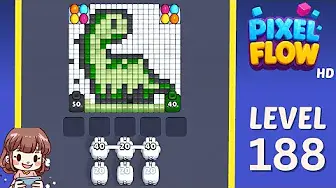
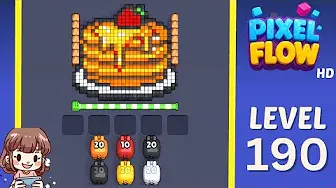
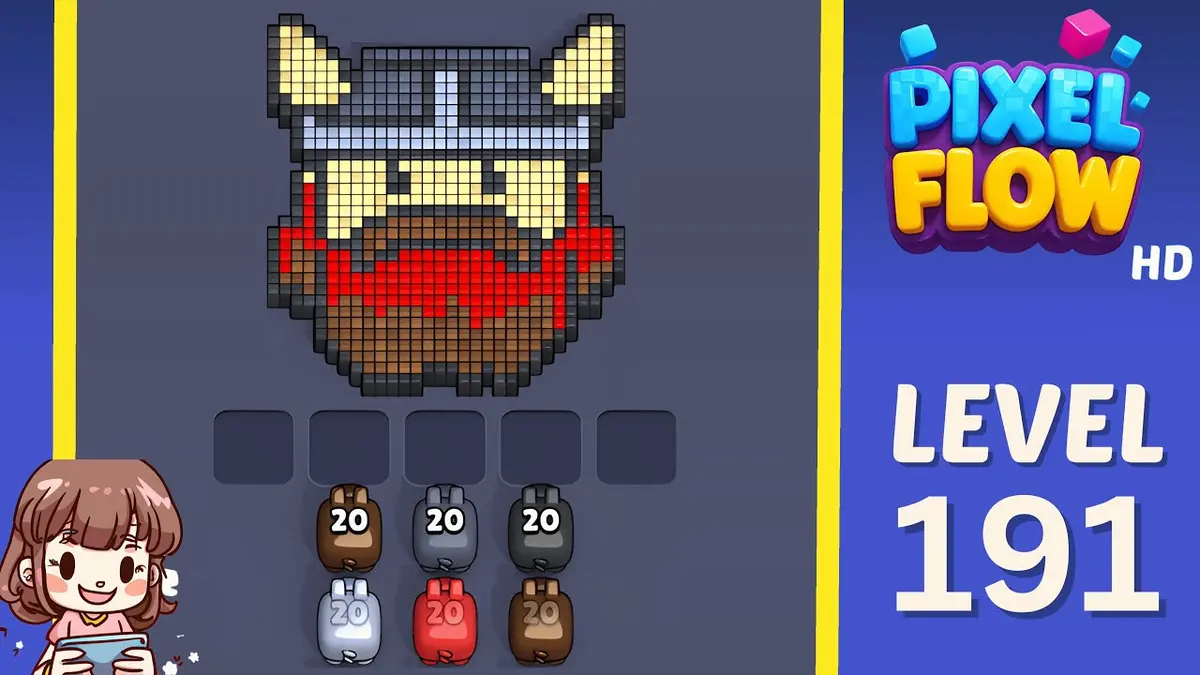
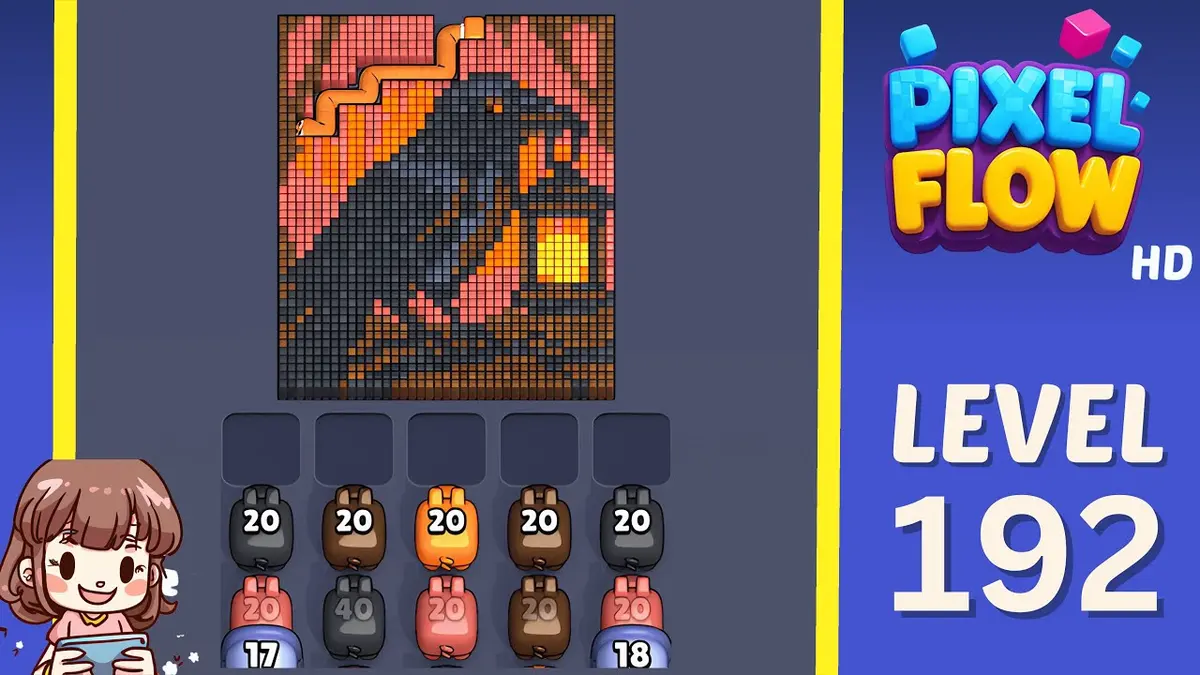
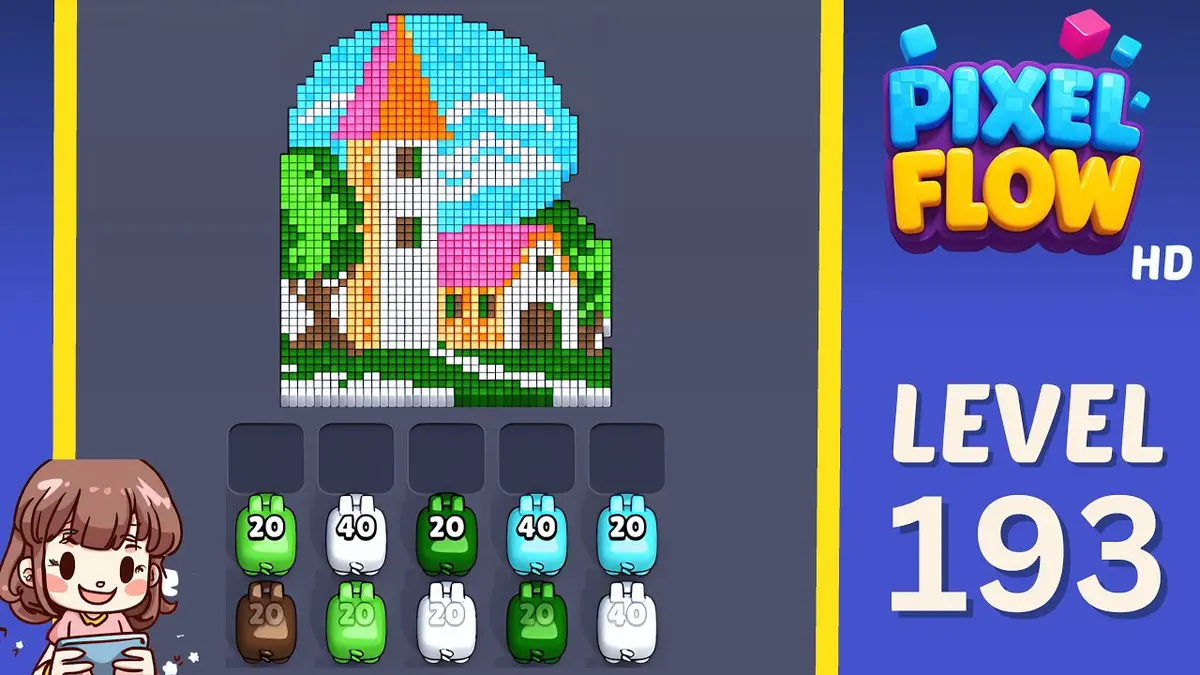
附近区间
浏览关卡区间。
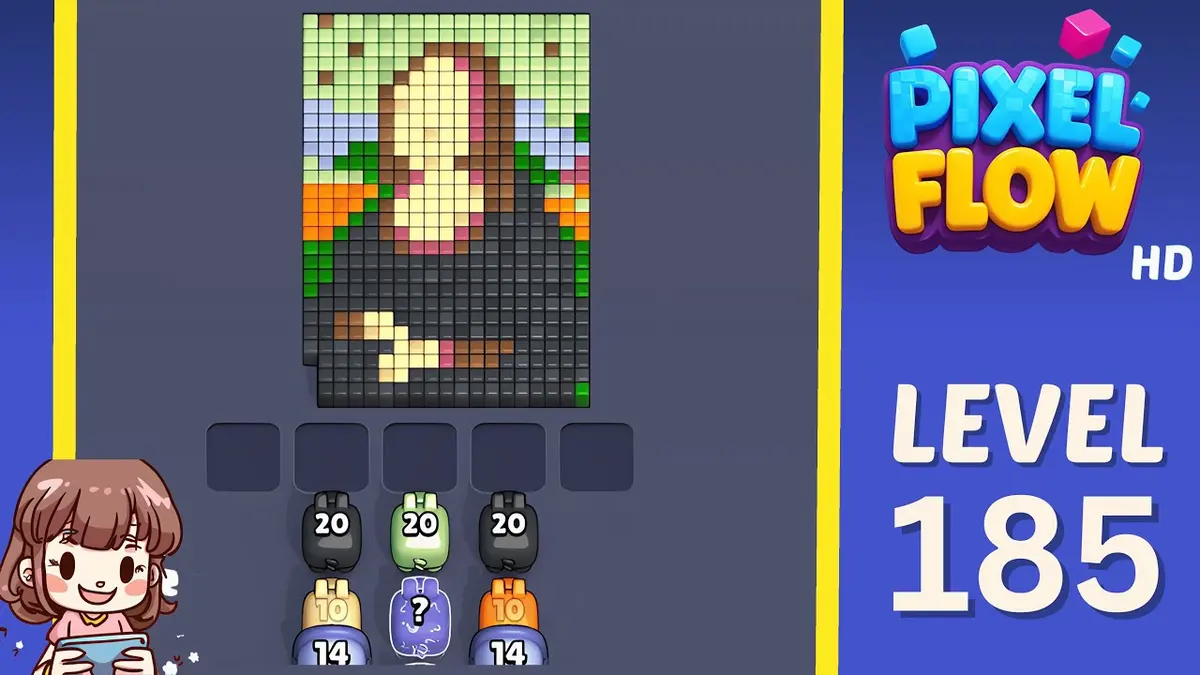
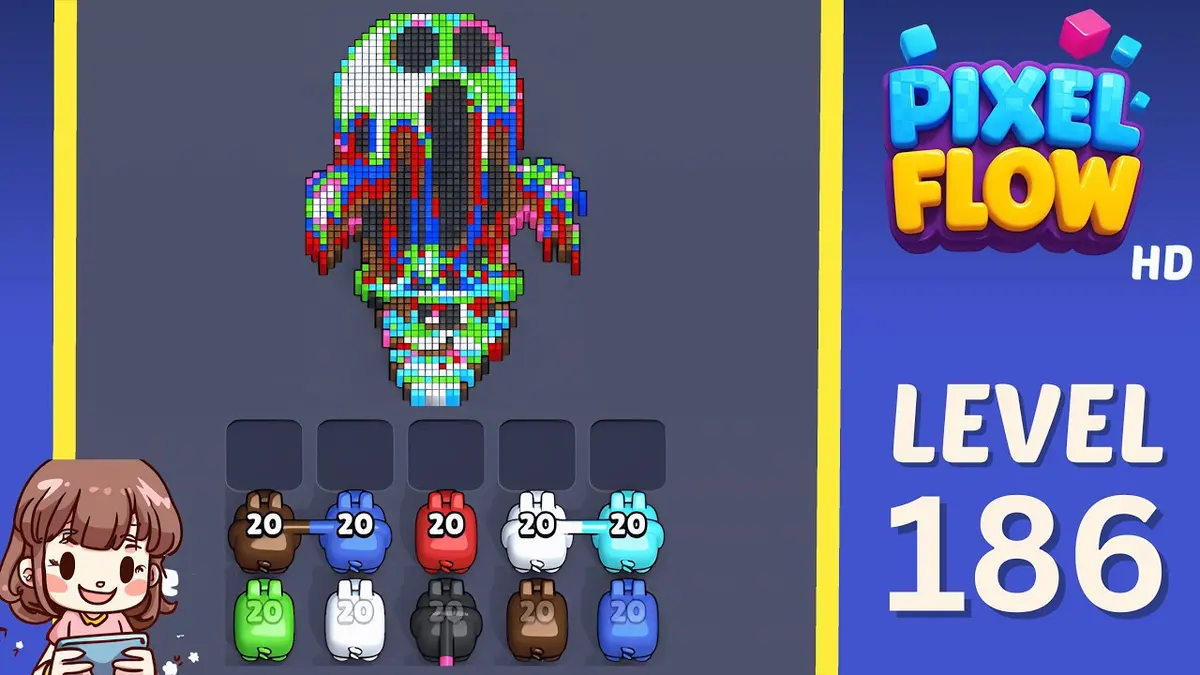
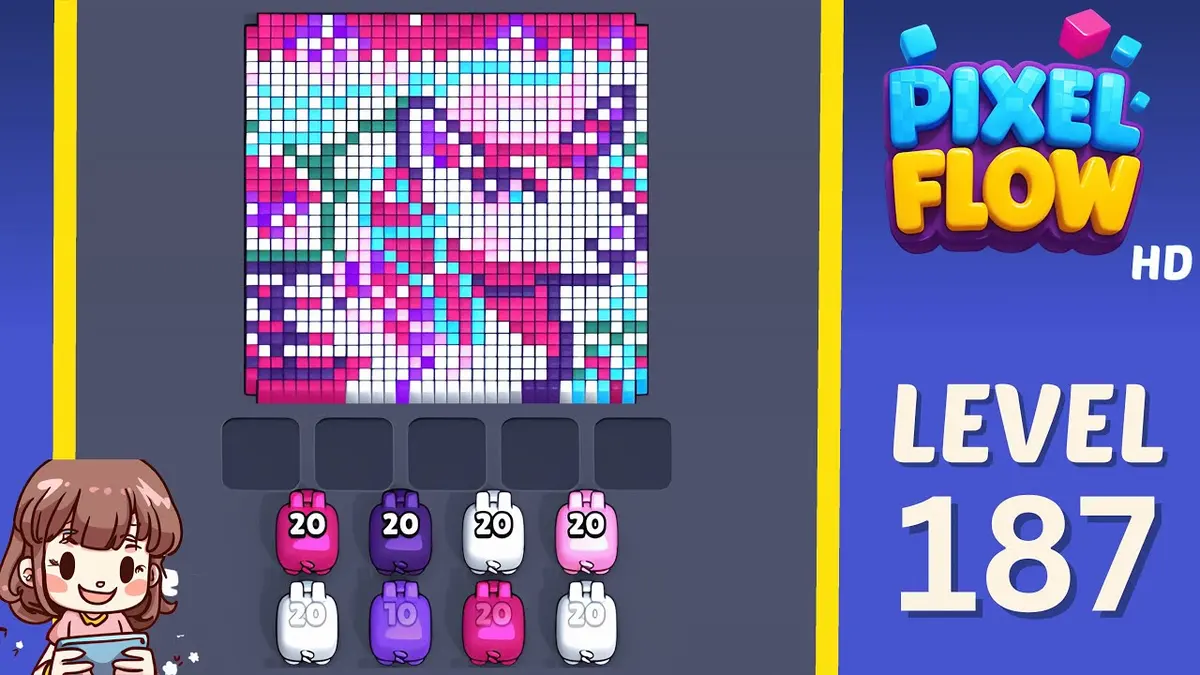
Open a few boards in the same small band when the level number is close but the image does not match.
强化攻略
打开这张棋盘附近的路线逻辑。
These pages may not be the same layout, but they show useful opener, tray, and booster decisions for nearby hard boards.
关卡 195
Shared-video hard level
Pick the largest safe color mass first, then use the newly opened area to decide whether the route is actually the same as the video.
打开攻略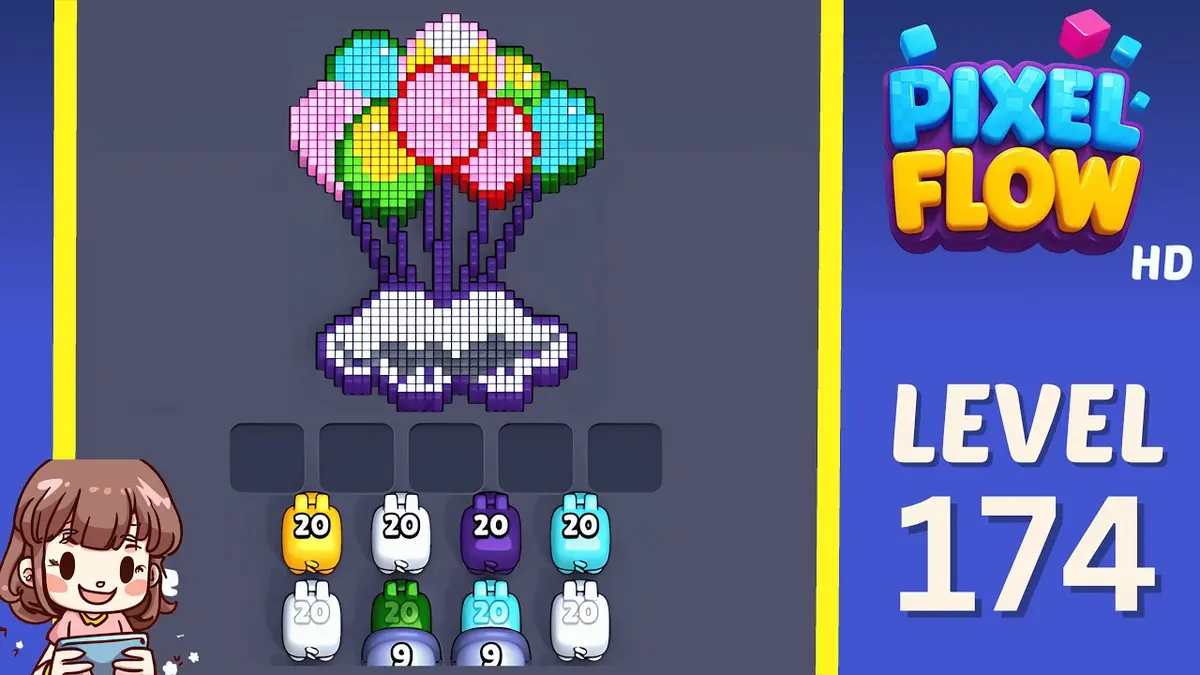
关卡 174
Queue recovery
Keep the fifth slot empty and cycle until the first high-ammo pig has a clear target.
打开攻略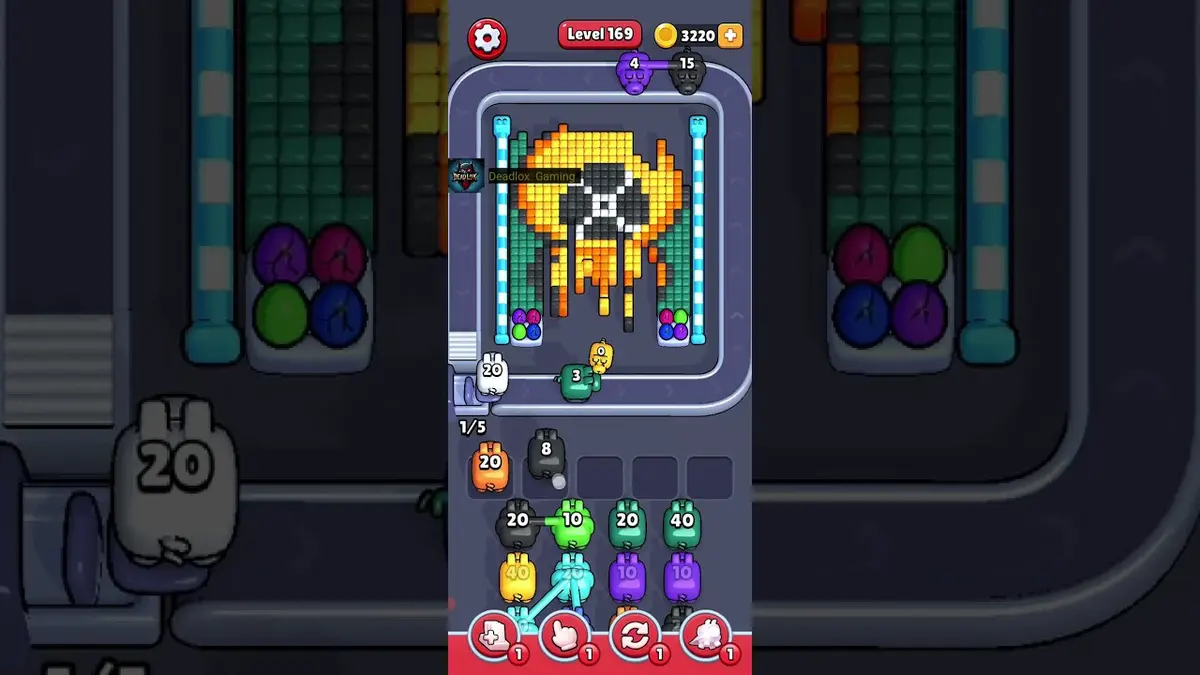
关卡 169
Small window sequence
Clear the first exposed window fully, then wait for the next matching color rather than forcing it.
打开攻略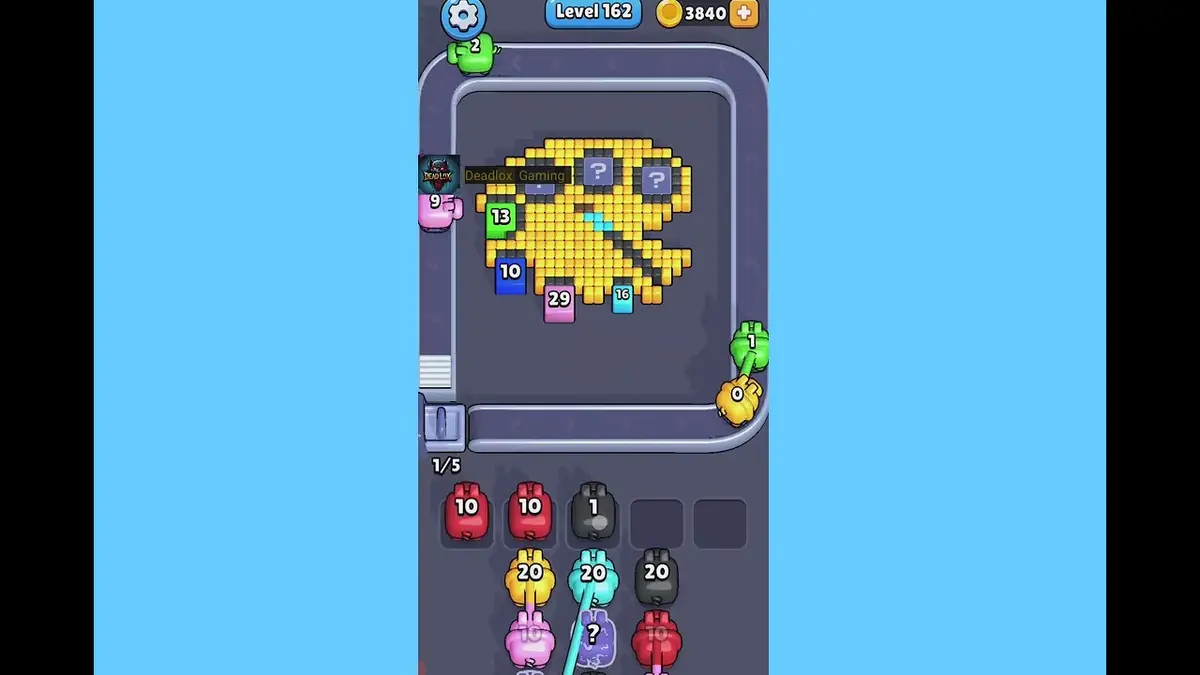
关卡 162
Queue rhythm lane
Use a two-beat rhythm: accept only pigs that can immediately clear an exposed chain.
打开攻略
评论
评论 (3)