
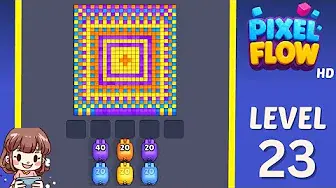
画像を確認し、近いレベルと比べ、見た目が違うときはスクリーンショット照合に切り替えます。
盤面照合
ピクセルフロー レベル 23 攻略・盤面画像
Use the Level 23 image as the first check: the board outline and exposed colors should look like your screen.
レベル 23 盤面照合
- Compare anchor group and border shape and the biggest anchor group near an edge with your screen before spending boosters on Level 23.
- The usual mistake is tapping every available color instead of waiting for a pig that can clear a full group.
- Restart before spending. Early levels teach color order better than a booster would. ガイドを開く
- If the layout does not match, upload a screenshot and use the closest visual result before spending boosters. Compare nearby Levels 21, 22, 24, 25 if the shape is close.
ボードパスポート
ボード照合ページとして使ってください。
画像を確認し、近いレベルと比べ、見た目が違うときはスクリーンショット照合に切り替えます。
Compare anchor group and border shape and the biggest anchor group near an edge with your screen before spending boosters on Level 23.
同じレベル番号でも別のボードになることがあるので、画像で照合します。
数字は合っていても画像が違うときは、近いボードページを先に見ます。
注目点
anchor group and border shapethe biggest anchor group near an edge
盤面照合
先に確認して、当てずっぽうにしない。
Ordinary board pages are useful as visual anchors: confirm the image, open nearby boards, or use the screenshot matcher when the screen differs.
Check the board before the route
Use the Level 23 image as the first check: the board outline and exposed colors should look like your screen.
Use the first move to create space
Clear the largest exposed color group first and keep the tray from filling with one-pixel shots.
Keep tray pressure under control
The usual mistake is tapping every available color instead of waiting for a pig that can clear a full group.
Use boosters only when they change the next move
Restart before spending. Early levels teach color order better than a booster would.
盤面ページ
このボードに自分の手がかりを追加。
Add route clues tied to the exact level image you are checking.
このボードにはまだプレイヤーの手がかりがありません。
レイアウトを試したあとに手がかりを追加すると、次のルートが読みやすくなります。
ソルバーを開く
同じ番号でも別のボード?
Match your screenshot against 2020 board visuals, then return to the closest level page once the picture lines up.
近い盤面
画像でこの範囲を移動。
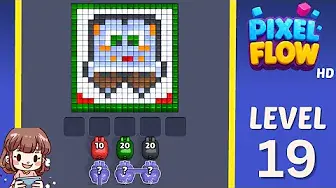
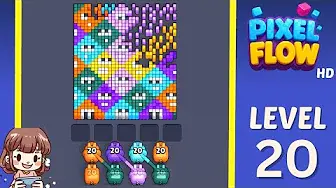
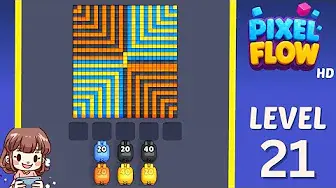
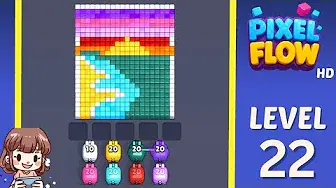
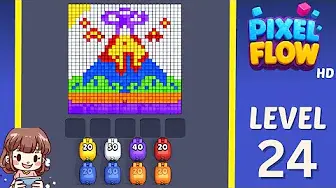
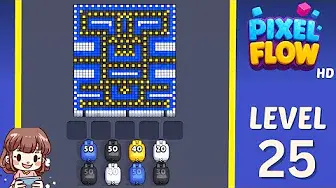
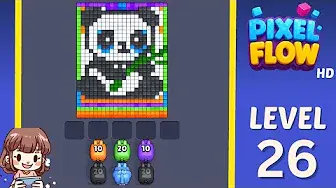
Use nearby pages when your board has the same level band but the picture is slightly different.
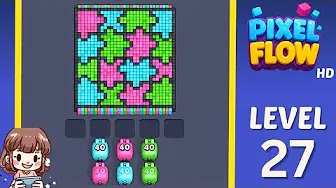
近い範囲
レベル範囲を見る。
Open a few boards in the same small band when the level number is close but the image does not match.
強化ガイド
このボード近くのルートロジックを開く。
These pages may not be the same layout, but they show useful opener, tray, and booster decisions for nearby hard boards.
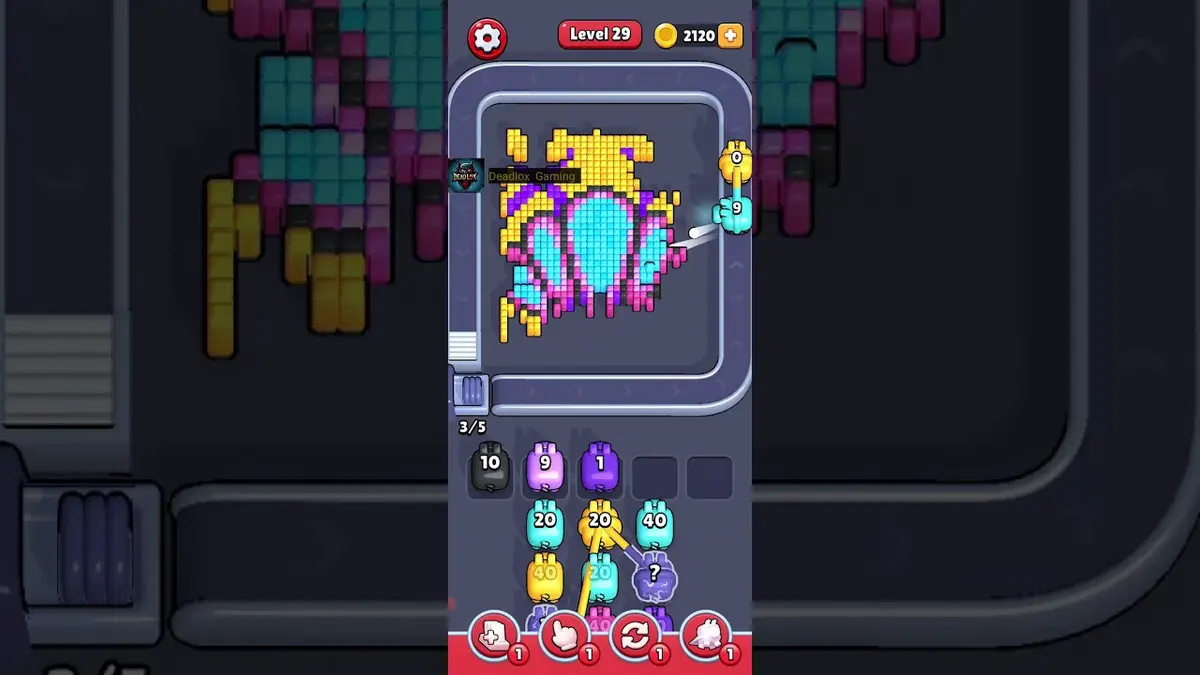
レベル 29
Early rhythm check
Let weak pigs pass when they cannot spend most of their ammo on the visible color.
ガイドを開く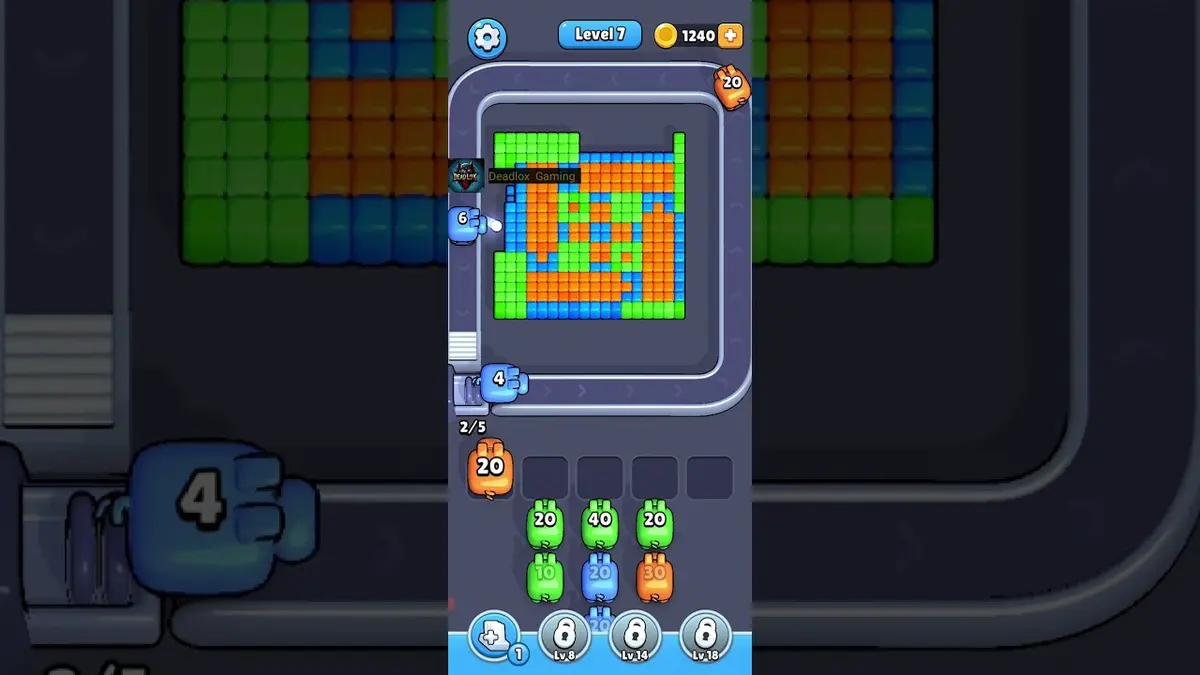
レベル 1
First color lane
Clear the longest matching lane first so the belt teaches you how color targeting works.
ガイドを開く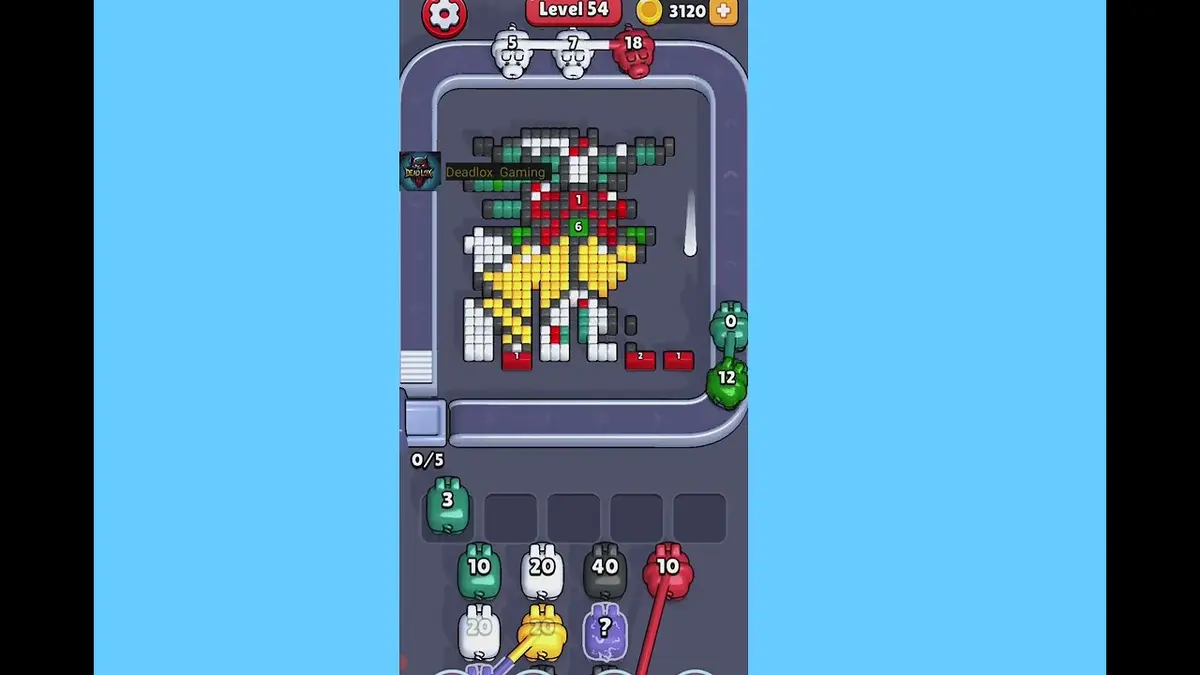
レベル 54
Crossing lane drill
Open the crossing with the color that has the cleanest visible chain, then use the second color after the lane breathes.
ガイドを開く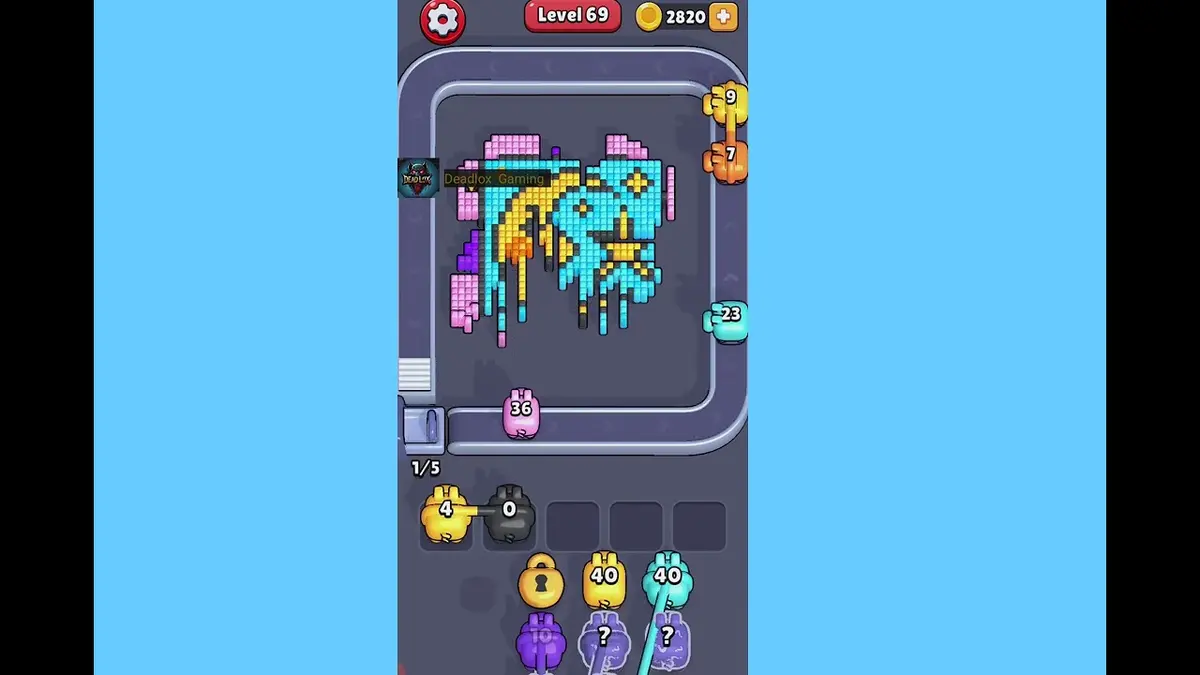
レベル 69
First hard wall
Break the exposed shell color first, then spend the narrow color after it has a direct line.
ガイドを開く
コメント
コメント (0)