
見た目の手がかりを確認してから、ルートのヒント、失敗点、ブースター判断、動画補助を見ます。
強化
ピクセルフロー レベル 1 攻略・動画ガイド
Clear the longest matching lane first so the belt teaches you how color targeting works.
A small board with obvious color lanes and very little slot pressure.
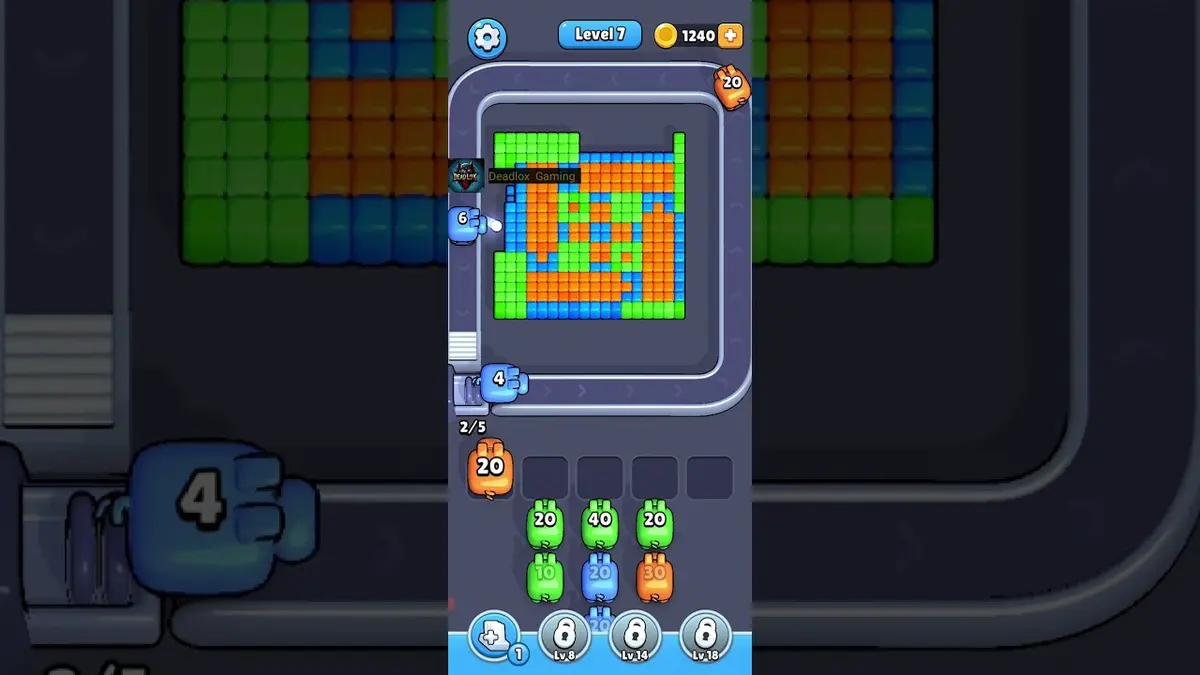
アトラスの先頭レベル 2
First color lane
- Match left/right lane balance and the side lane with the longest immediate run, then follow the opener before touching scattered pixels.
- New players tap every pig immediately and fill a slot with a color that has no open pixel.
- Do not spend a booster here. Restarting teaches more than saving a booster would. ガイドを開く
- If your board is not the starter lane, use the level search and match by color layout.
ボードパスポート
単一レベルの作業台として使ってください。
見た目の手がかりを確認してから、ルートのヒント、失敗点、ブースター判断、動画補助を見ます。
Match left/right lane balance and the side lane with the longest immediate run, then follow the opener before touching scattered pixels.
Open the player only after the cover looks close to your board. If the shape or first exposed colors differ, use the screenshot matcher first.
数字は合っていても画像が違うときは、近いボードページを先に見ます。
注目点
left/right lane balancethe side lane with the longest immediate runlargest visible groupsame board outlinevideo cover check
強化ガイド
この順番で確認してください。
Enhanced pages add board-specific judgment. They still start with the picture because a close level number can hide a different layout.
Confirm the board family
Check the left/right lane balance, the largest exposed group, and the border shape before trusting the level number.
Commit to one opener
Use the side lane with the longest immediate run to make space first. Switching targets too early usually creates leftovers instead of progress.
Protect the tray
Keep the lane color instead of scattered side pixels. A pig that cannot spend most of its ammo right now is usually tray weight.
Fallback by picture
If your board is not the starter lane, use the level search and match by color layout.
強化ガイド
First color lane: プレイ前にここを確認。
Use these notes when the board image matches your screen. If the shape differs, jump to screenshot matching before spending boosters.
画像一致
A small board with obvious color lanes and very little slot pressure.
最初の一手一致
Clear the longest matching lane first so the belt teaches you how color targeting works.
ブースター一致
New players tap every pig immediately and fill a slot with a color that has no open pixel.
ブースター一致
Do not spend a booster here. Restarting teaches more than saving a booster would.
注目点
left/right lane balancethe side lane with the longest immediate runlargest visible groupsame board outlinevideo cover checkcompare 29, 54, 69
同じレベル番号でも別のボードになることがあるので、画像で照合します。
Clear the longest matching lane first so the belt teaches you how color targeting works.
ブースターが次の一手を変えるのか、失敗を遅らせるだけかを見極めます。
ブースター確認
ブースターを使う前にこの手順を通す。
Enhanced pages are built around board reading: confirm the picture, find the opener, control the five slots, then decide whether a booster actually changes the next move.
Confirm the board family
Check the left/right lane balance, the largest exposed group, and the border shape before trusting the level number.
Commit to one opener
Use the side lane with the longest immediate run to make space first. Switching targets too early usually creates leftovers instead of progress.
Protect the tray
Keep the lane color instead of scattered side pixels. A pig that cannot spend most of its ammo right now is usually tray weight.
Fallback by picture
If your board is not the starter lane, use the level search and match by color layout.
動画
再生前にサムネイルでボードを確認。
Open the player only after the cover looks close to your board. If the shape or first exposed colors differ, use the screenshot matcher first.
盤面ページ
このボードでプレイヤーが気づいたこと。
Short route clues, booster reminders, and wrong-layout warnings stay attached to this exact board image.
I wait until the left/right lane balance and the side lane with the longest immediate run both line up. If one clue is off, I assume it is a different board with the same level number.
New players tap every pig immediately and fill a slot with a color that has no open pixel.
Do not spend a booster here. Restarting teaches more than saving a booster would. I check the opener first, then decide whether the extra slot actually changes the next move.
このボードにはまだプレイヤーの手がかりがありません。
レイアウトを試したあとに手がかりを追加すると、次のルートが読みやすくなります。
ソルバーを開く
同じ番号でも別のボード?
Match your screenshot against 2020 board visuals, then return to the closest level page once the picture lines up.
近い盤面
画像でこの範囲を移動。
Use nearby pages when your board has the same level band but the picture is slightly different.
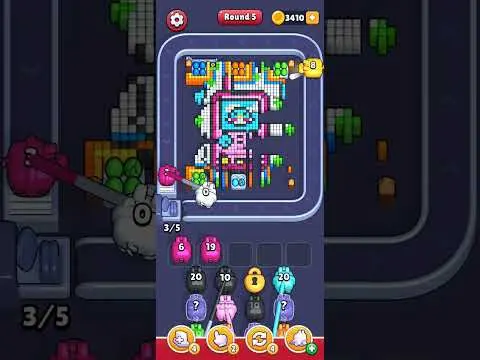
近い範囲
レベル範囲を見る。
Open a few boards in the same small band when the level number is close but the image does not match.
強化ガイド
このボード近くのルートロジックを開く。
These pages may not be the same layout, but they show useful opener, tray, and booster decisions for nearby hard boards.
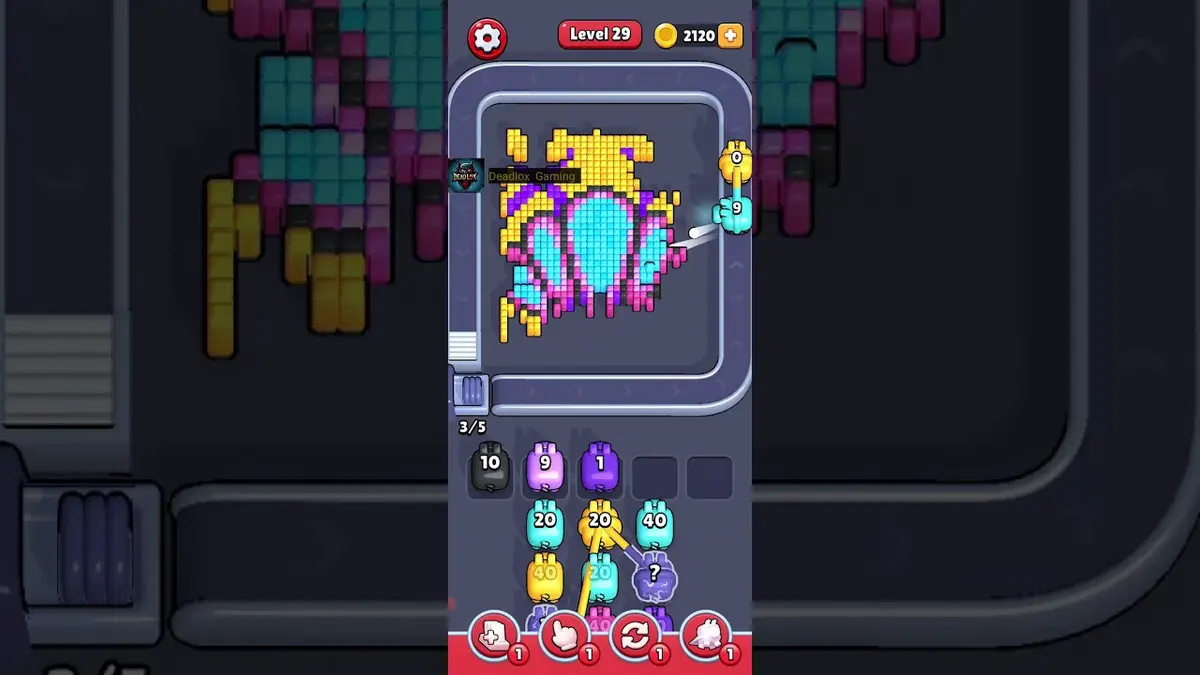
レベル 29
Early rhythm check
Let weak pigs pass when they cannot spend most of their ammo on the visible color.
ガイドを開く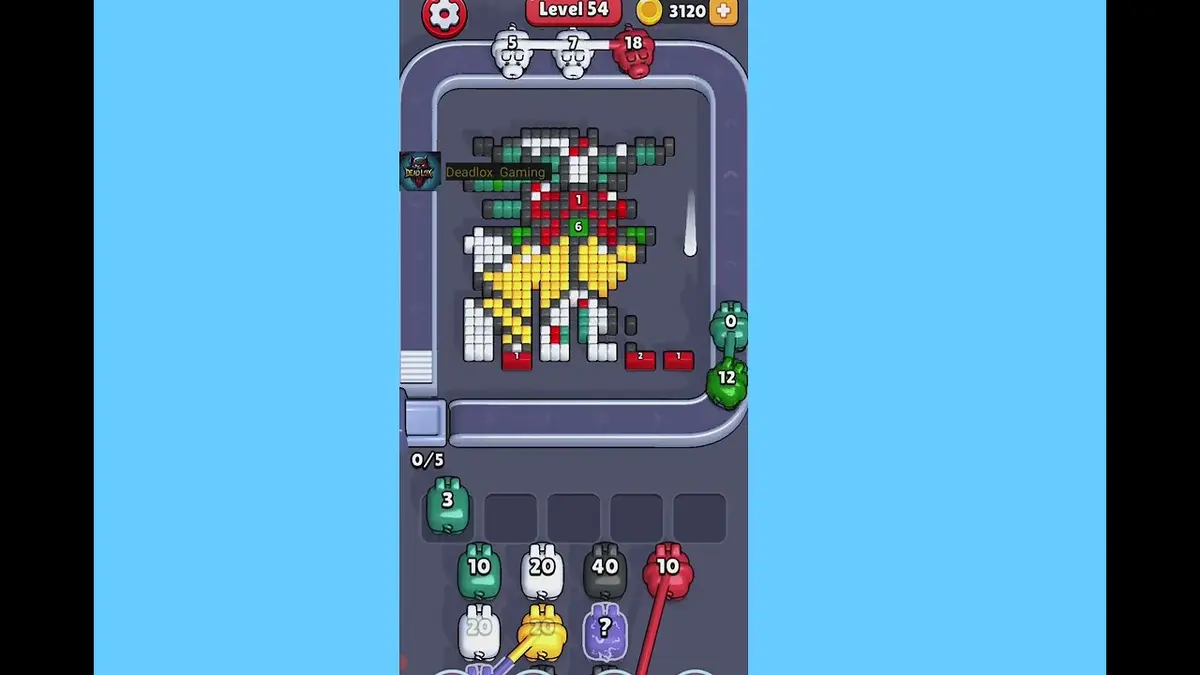
レベル 54
Crossing lane drill
Open the crossing with the color that has the cleanest visible chain, then use the second color after the lane breathes.
ガイドを開く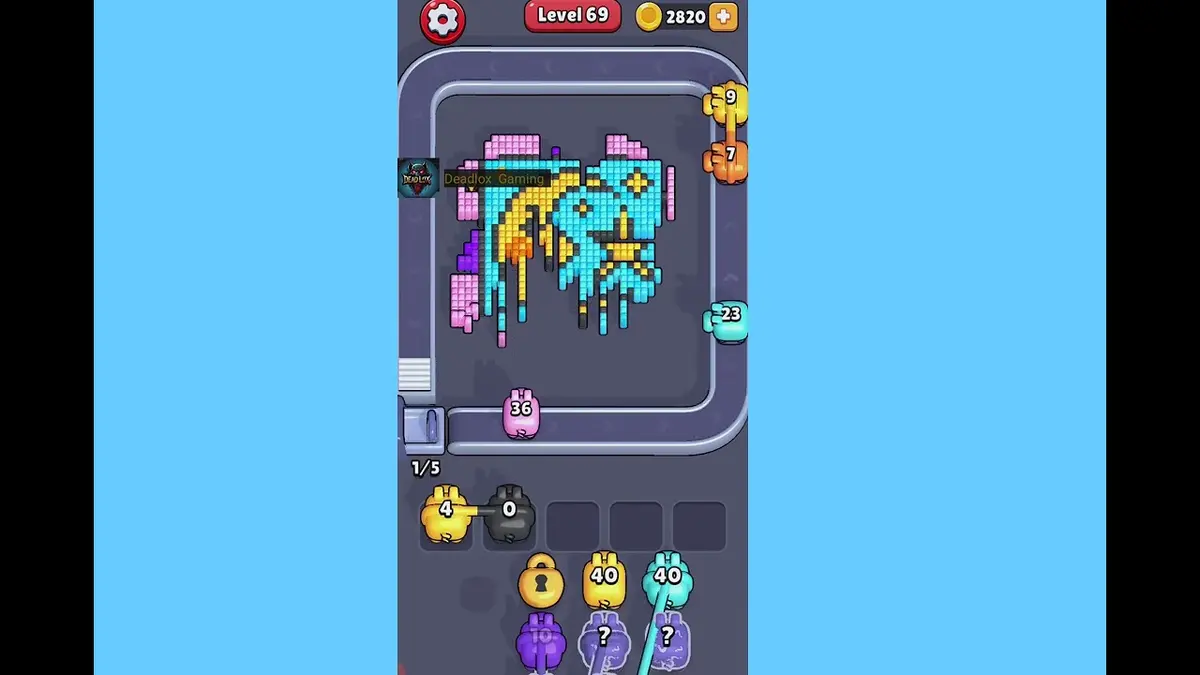
レベル 69
First hard wall
Break the exposed shell color first, then spend the narrow color after it has a direct line.
ガイドを開く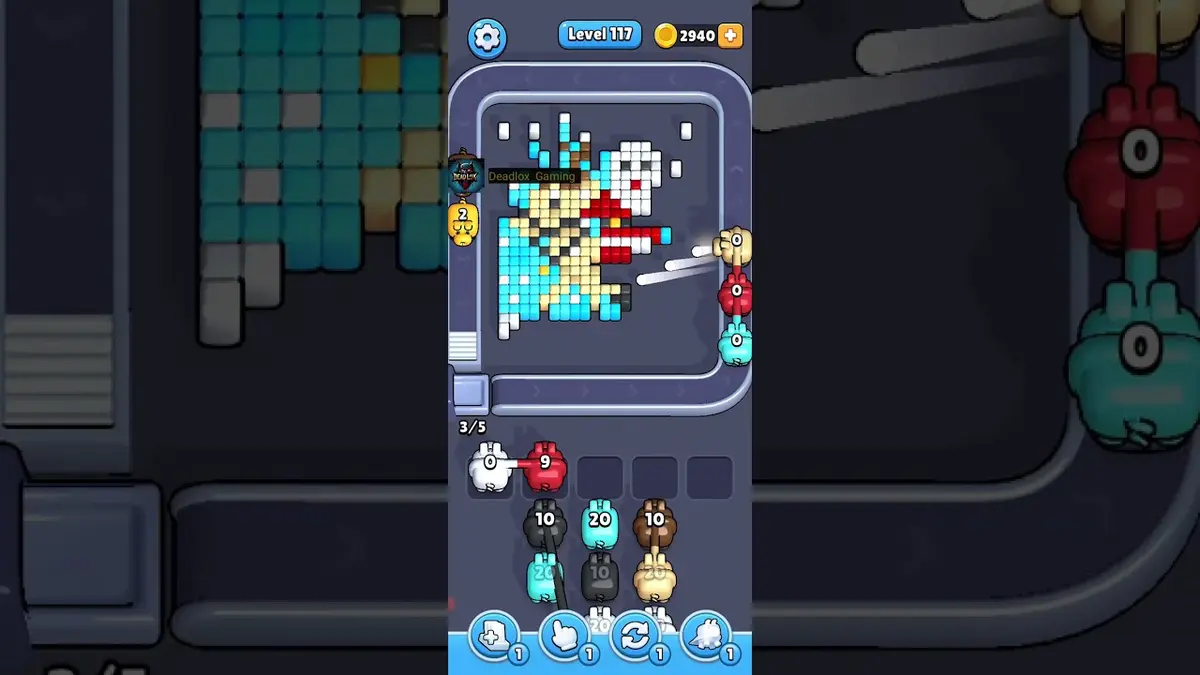
レベル 117
強化
Start with the first color window that can clear fully. A useful opener should remove a connected group or create a wider lane, not just spend a few easy pixels.
ガイドを開く
コメント
コメント (3)