
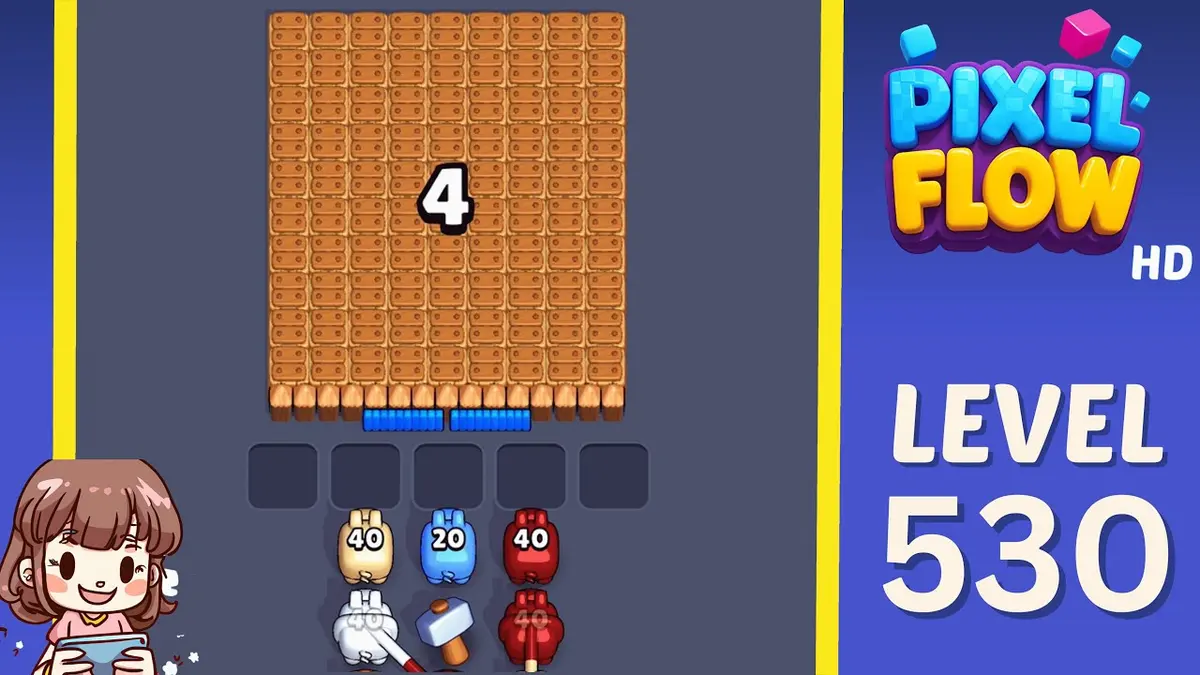
Confirma las pistas visuales y luego revisa la ruta, el punto de fallo, la decisión de potenciador y la ayuda en video.
Mejorado
Guía y solución Pixel Flow Nivel 530
Start with the color that opens a path into the pocket. A useful opener should remove a connected group or create a wider lane, not just spend a few easy pixels.
Read Level 530 as a pressure board: confirm the center pocket position, the board outline, and the color that opens a path into the pocket before you copy a route.
Pressure center-pocket board
- Match center pocket position and the color that opens a path into the pocket, then follow the opener before touching scattered pixels.
- The common failure is chasing visible pocket colors with no clear line yet. That fills the five waiting slots while the actual opener still has no room to work.
- Try one clean restart before spending. Use Shuffle only after the board opens and the belt order, not the layout, is the problem. Abrir guía
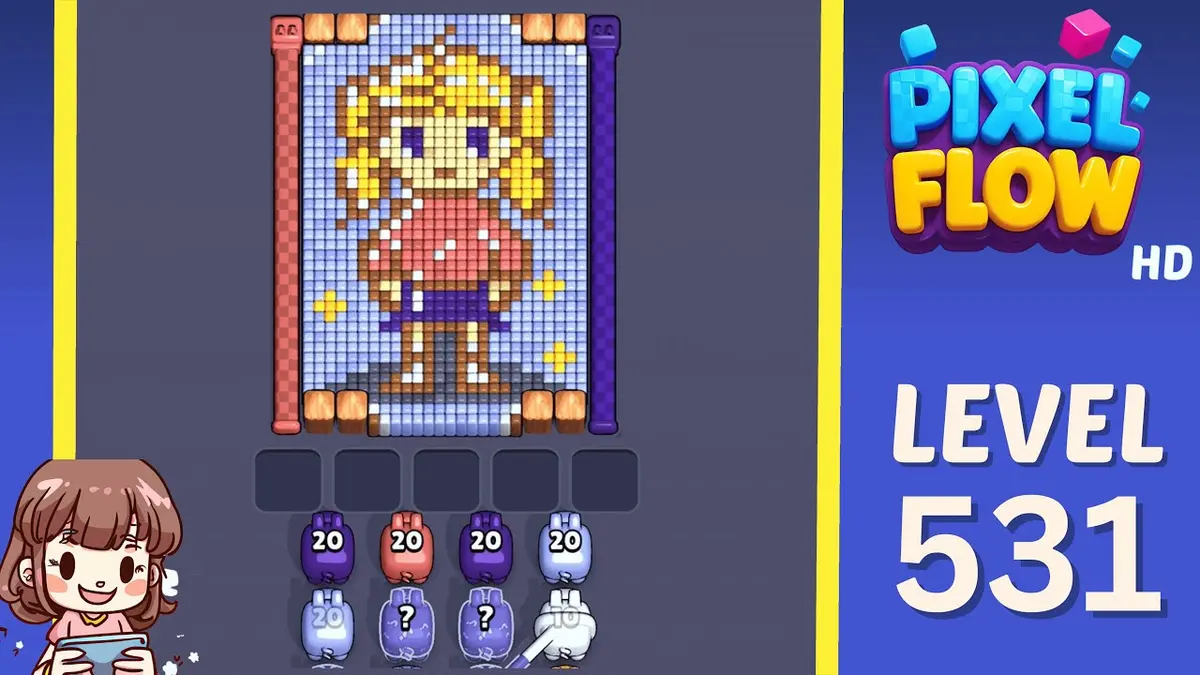
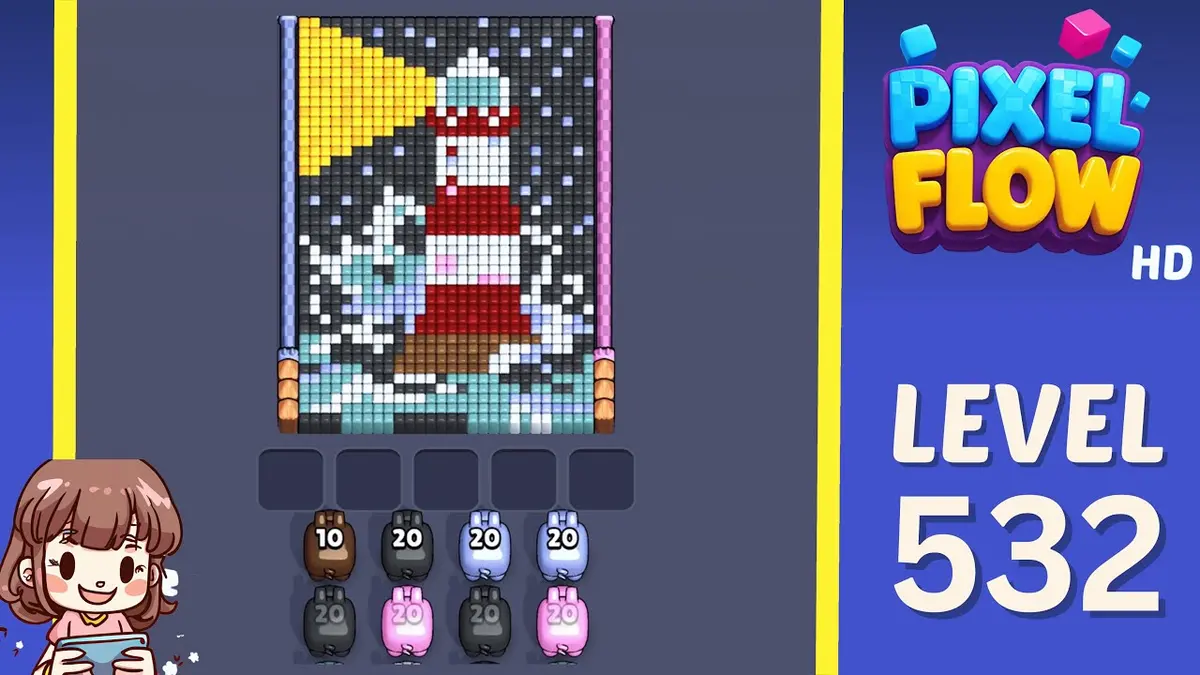
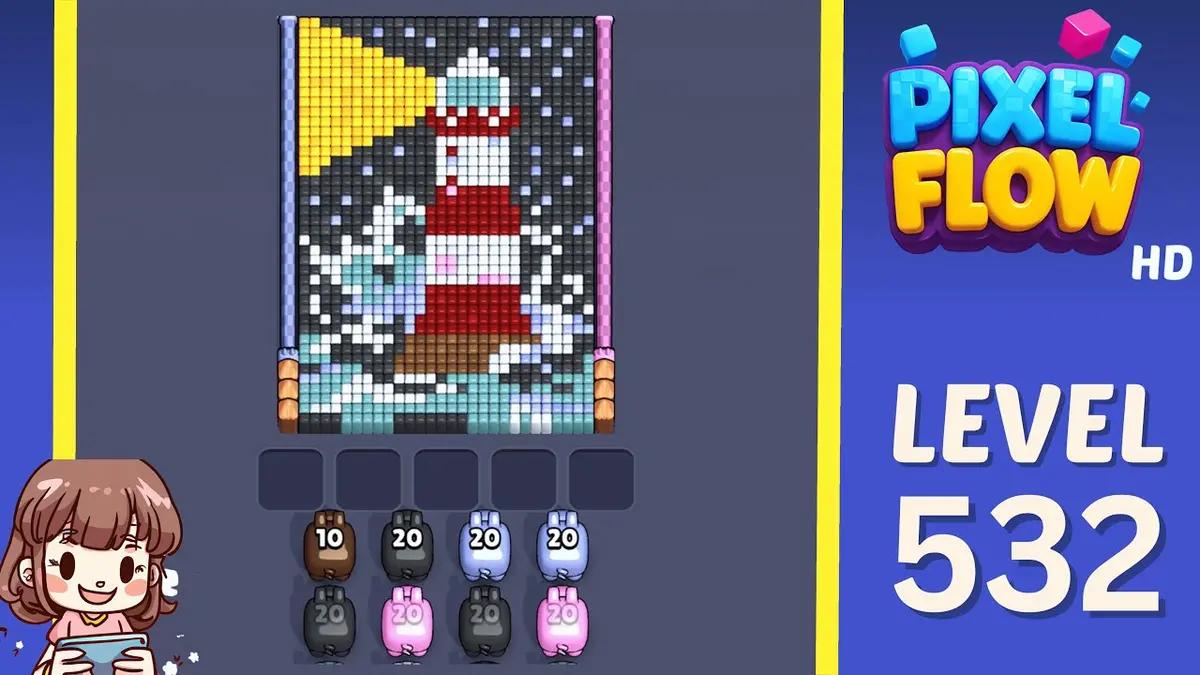
- If Level 530 does not match your screen, use screenshot matching before spending boosters. Levels 528, 529, 531, 532 are the closest picture checks.
Pasaporte del tablero
Úsalo como taller de un solo nivel.
Confirma las pistas visuales y luego revisa la ruta, el punto de fallo, la decisión de potenciador y la ayuda en video.
Match center pocket position and the color that opens a path into the pocket, then follow the opener before touching scattered pixels.
Usa la coincidencia por imagen cuando el mismo número de nivel pueda mostrar otro tablero.
Guarda el tablero, márcalo como completado después y compáralo con patrones difíciles cercanos.
Buscar
center pocket positionthe color that opens a path into the pocketlargest visible groupsame board outlineimage-only route check
Guías mejoradas
Verifica en este orden.
Enhanced pages add board-specific judgment. They still start with the picture because a close level number can hide a different layout.
Confirm the board family
Check the center pocket position, the largest exposed group, and the border shape before trusting the level number.
Commit to one opener
Use the color that opens a path into the pocket to make space first. Switching targets too early usually creates leftovers instead of progress.
Protect the tray
Keep one empty slot until the pocket color can spend. A pig that cannot spend most of its ammo right now is usually tray weight.
Fallback by picture
If Level 530 does not match your screen, use screenshot matching before spending boosters. Levels 528, 529, 531, 532 are the closest picture checks.
Guías mejoradas
Pressure center-pocket board: Revisa esto antes de jugar.
Use these notes when the board image matches your screen. If the shape differs, jump to screenshot matching before spending boosters.
Coincidencia visual
Read Level 530 as a pressure board: confirm the center pocket position, the board outline, and the color that opens a path into the pocket before you copy a route.
Coincidencia del inicio
Start with the color that opens a path into the pocket. A useful opener should remove a connected group or create a wider lane, not just spend a few easy pixels.
Coincidencia de potenciador
The common failure is chasing visible pocket colors with no clear line yet. That fills the five waiting slots while the actual opener still has no room to work.
Coincidencia de potenciador
Try one clean restart before spending. Use Shuffle only after the board opens and the belt order, not the layout, is the problem.
Buscar
center pocket positionthe color that opens a path into the pocketlargest visible groupsame board outlineimage-only route checkcompare 528, 529, 531, 532
Usa la coincidencia por imagen cuando el mismo número de nivel pueda mostrar otro tablero.
Start with the color that opens a path into the pocket. A useful opener should remove a connected group or create a wider lane, not just spend a few easy pixels.
Decide si un potenciador cambia la siguiente jugada o solo retrasa una mala partida.
Revisar potenciadores
Sigue este paso antes de usar un potenciador.
Enhanced pages are built around board reading: confirm the picture, find the opener, control the five slots, then decide whether a booster actually changes the next move.
Confirm the board family
Check the center pocket position, the largest exposed group, and the border shape before trusting the level number.
Commit to one opener
Use the color that opens a path into the pocket to make space first. Switching targets too early usually creates leftovers instead of progress.
Protect the tray
Keep one empty slot until the pocket color can spend. A pig that cannot spend most of its ammo right now is usually tray weight.
Fallback by picture
If Level 530 does not match your screen, use screenshot matching before spending boosters. Levels 528, 529, 531, 532 are the closest picture checks.
Páginas de tablero
Lo que los jugadores notaron en este tablero.
Short route clues, booster reminders, and wrong-layout warnings stay attached to this exact board image.
I wait until the center pocket position and the color that opens a path into the pocket both line up. If one clue is off, I assume it is a different board with the same level number.
The common failure is chasing visible pocket colors with no clear line yet. That fills the five waiting slots while the actual opener still has no room to work.
Aún no hay pistas de jugadores en este tablero.
Añade una pista después de probar el diseño para que la siguiente ruta sea más fácil de leer.
Abrir solucionador
¿El mismo número, pero otro tablero?
Match your screenshot against 2020 board visuals, then return to the closest level page once the picture lines up.
Tablero cercano
Muévete por este rango con la imagen.
Use nearby pages when your board has the same level band but the picture is slightly different.
Rango cercano
Explora el rango de niveles.
Open a few boards in the same small band when the level number is close but the image does not match.
Guías mejoradas
Abre la lógica de ruta cerca de este tablero.
These pages may not be the same layout, but they show useful opener, tray, and booster decisions for nearby hard boards.
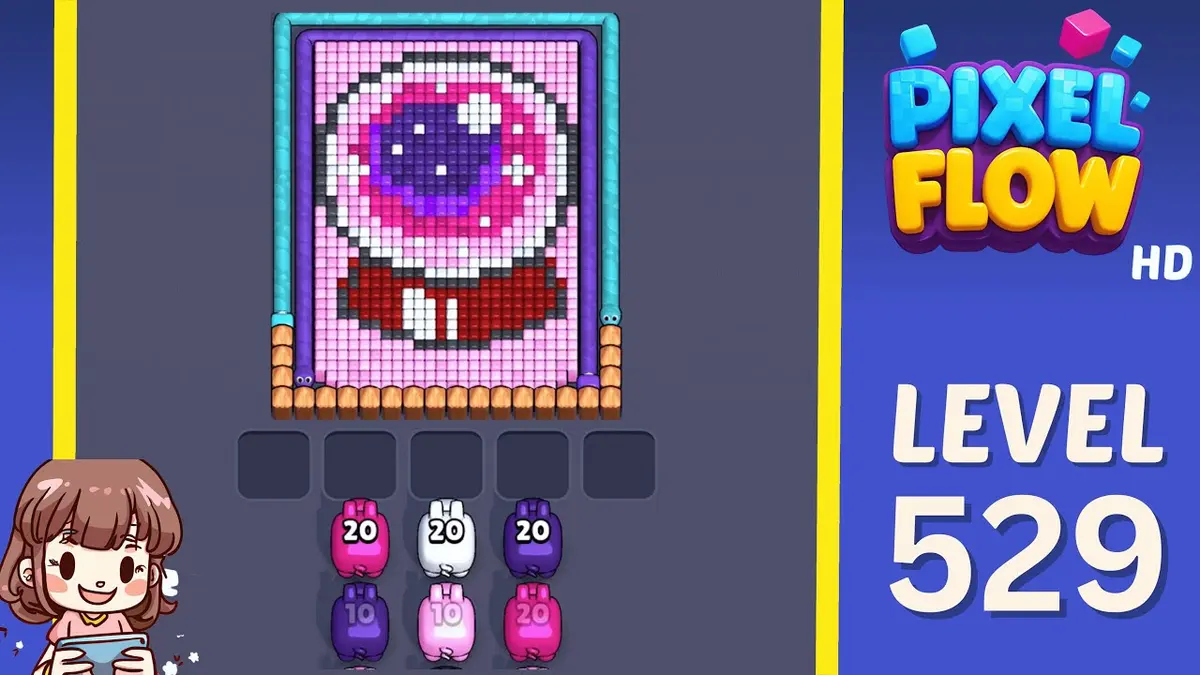
Nivel 529
Mejorado
Start with the wall color touching the widest edge. A useful opener should remove a connected group or create a wider lane, not just spend a few easy pixels.
Abrir guía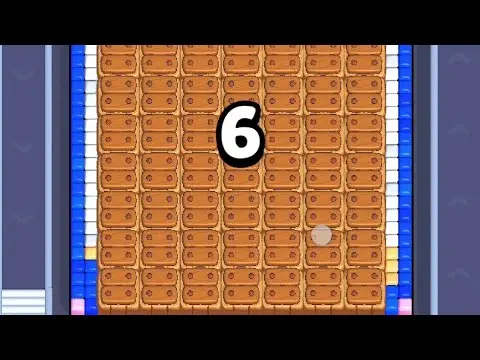
Nivel 534
Mejorado
Start with the largest connected color pocket. A useful opener should remove a connected group or create a wider lane, not just spend a few easy pixels.
Abrir guía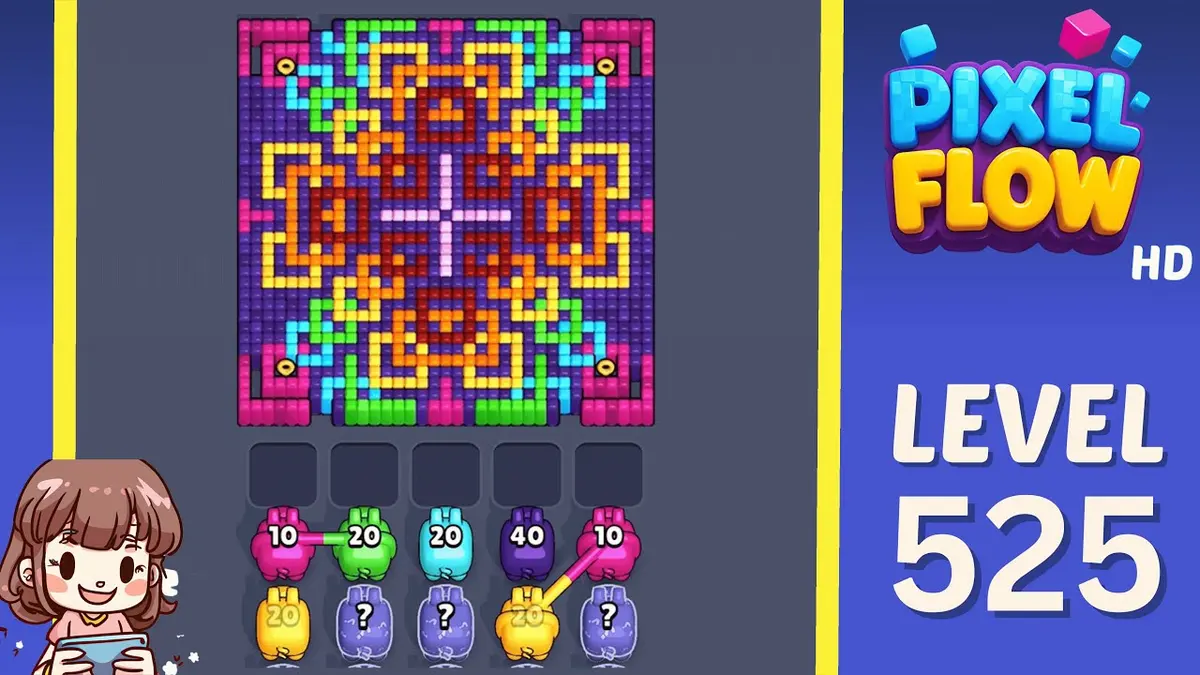
Nivel 525
Mejorado
Start with the first color window that can clear fully. A useful opener should remove a connected group or create a wider lane, not just spend a few easy pixels.
Abrir guía
Nivel 524
Mejorado
Start with the wall color touching the widest edge. A useful opener should remove a connected group or create a wider lane, not just spend a few easy pixels.
Abrir guía
Comentarios
Comentarios (2)