
Сначала подтвердите визуальные подсказки, затем смотрите маршрут, точку сбоя, выбор бонуса и видео-подсказку.
Расширено
Pixel Flow уровень 530: гайд и решение
Start with the color that opens a path into the pocket. A useful opener should remove a connected group or create a wider lane, not just spend a few easy pixels.
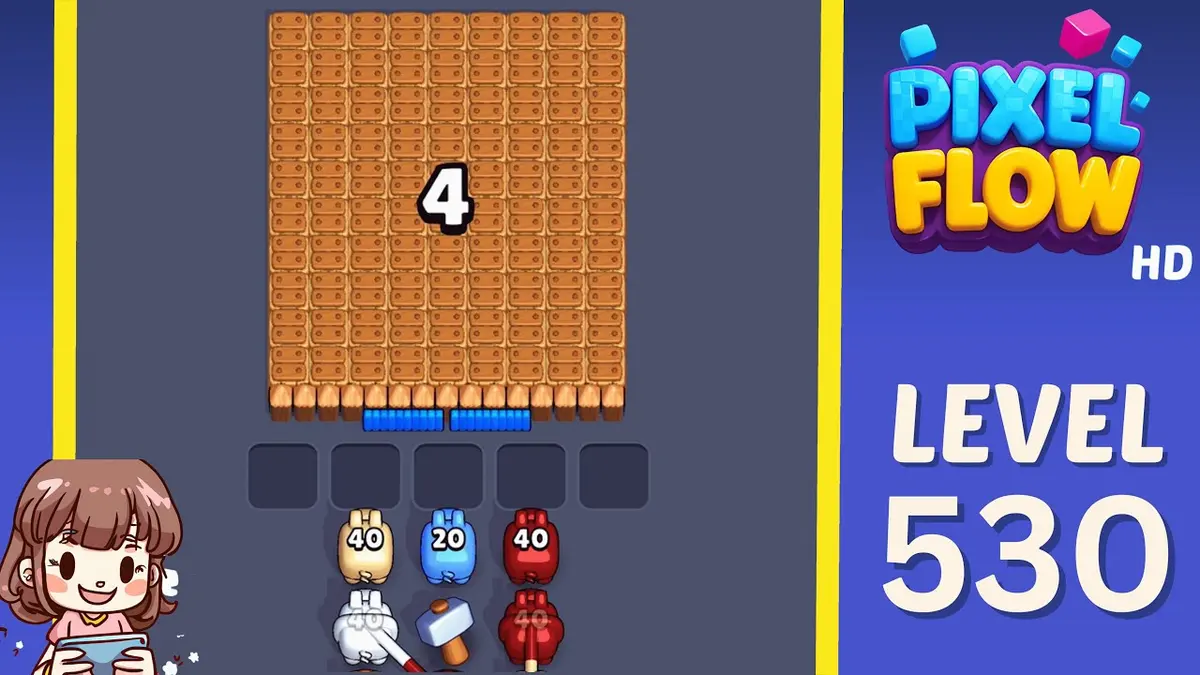
Read Level 530 as a pressure board: confirm the center pocket position, the board outline, and the color that opens a path into the pocket before you copy a route.
Pressure center-pocket board
- Match center pocket position and the color that opens a path into the pocket, then follow the opener before touching scattered pixels.
- The common failure is chasing visible pocket colors with no clear line yet. That fills the five waiting slots while the actual opener still has no room to work.
- Try one clean restart before spending. Use Shuffle only after the board opens and the belt order, not the layout, is the problem. Открыть гайд
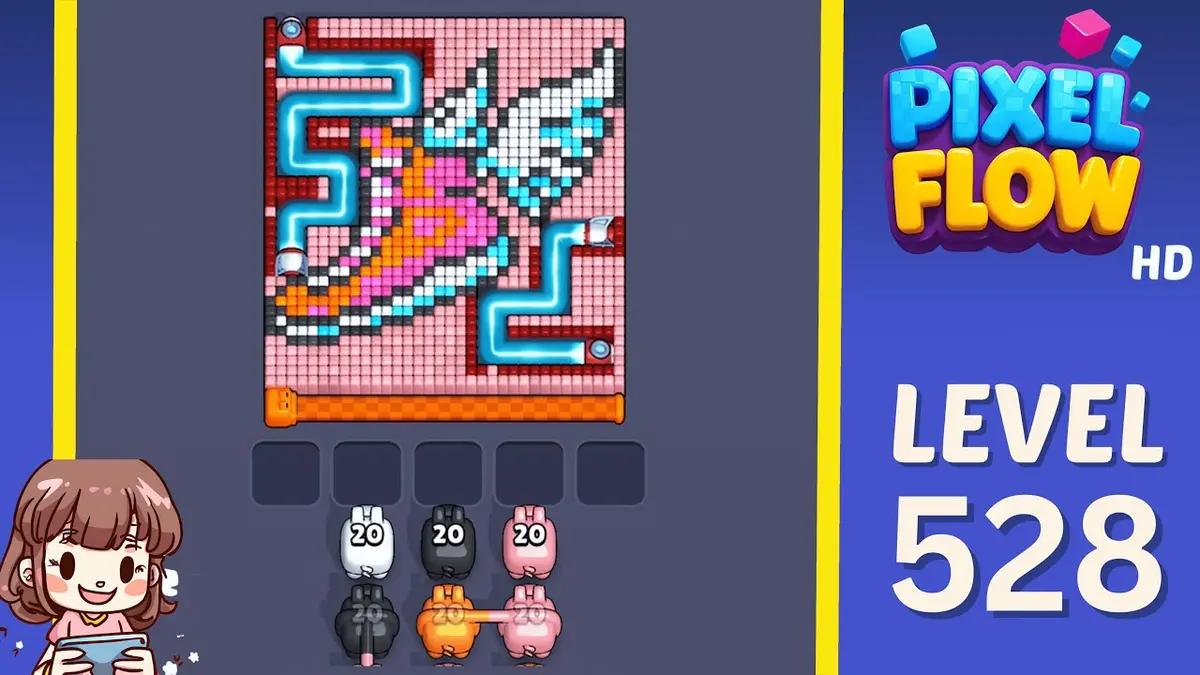
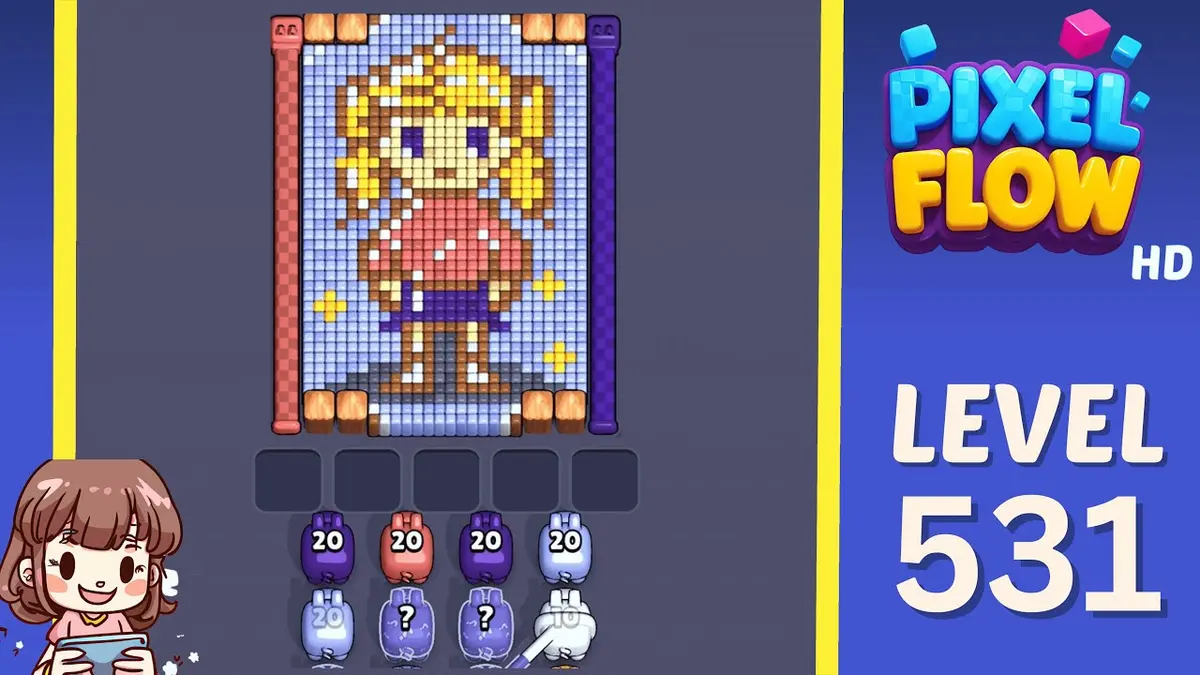
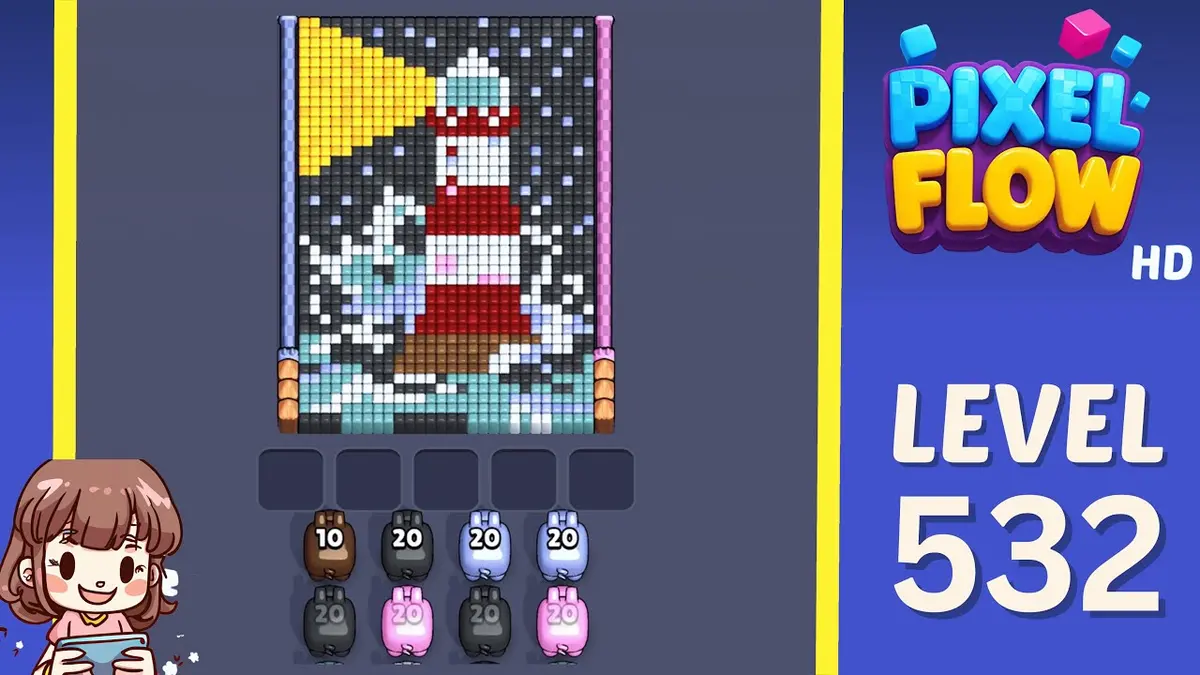
- If Level 530 does not match your screen, use screenshot matching before spending boosters. Levels 528, 529, 531, 532 are the closest picture checks.
Паспорт доски
Используйте как рабочее место для одного уровня.
Сначала подтвердите визуальные подсказки, затем смотрите маршрут, точку сбоя, выбор бонуса и видео-подсказку.
Match center pocket position and the color that opens a path into the pocket, then follow the opener before touching scattered pixels.
Используйте сопоставление по картинке, когда один и тот же номер уровня может показывать другую доску.
Сохраните доску, позже отметьте её как завершённую и сравните с соседними сложными шаблонами.
Смотреть на
center pocket positionthe color that opens a path into the pocketlargest visible groupsame board outlineimage-only route check
Расширенные гайды
Проверьте в этом порядке.
Enhanced pages add board-specific judgment. They still start with the picture because a close level number can hide a different layout.
Confirm the board family
Check the center pocket position, the largest exposed group, and the border shape before trusting the level number.
Commit to one opener
Use the color that opens a path into the pocket to make space first. Switching targets too early usually creates leftovers instead of progress.
Protect the tray
Keep one empty slot until the pocket color can spend. A pig that cannot spend most of its ammo right now is usually tray weight.
Fallback by picture
If Level 530 does not match your screen, use screenshot matching before spending boosters. Levels 528, 529, 531, 532 are the closest picture checks.
Расширенные гайды
Pressure center-pocket board: Проверьте это перед игрой.
Use these notes when the board image matches your screen. If the shape differs, jump to screenshot matching before spending boosters.
Сопоставление картинки
Read Level 530 as a pressure board: confirm the center pocket position, the board outline, and the color that opens a path into the pocket before you copy a route.
Сопоставление старта
Start with the color that opens a path into the pocket. A useful opener should remove a connected group or create a wider lane, not just spend a few easy pixels.
Сопоставление бонуса
The common failure is chasing visible pocket colors with no clear line yet. That fills the five waiting slots while the actual opener still has no room to work.
Сопоставление бонуса
Try one clean restart before spending. Use Shuffle only after the board opens and the belt order, not the layout, is the problem.
Смотреть на
center pocket positionthe color that opens a path into the pocketlargest visible groupsame board outlineimage-only route checkcompare 528, 529, 531, 532
Используйте сопоставление по картинке, когда один и тот же номер уровня может показывать другую доску.
Start with the color that opens a path into the pocket. A useful opener should remove a connected group or create a wider lane, not just spend a few easy pixels.
Решите, меняет ли бонус следующий ход или лишь затягивает неудачную попытку.
Проверить бонусы
Перед бонусом пройдите этот шаг.
Enhanced pages are built around board reading: confirm the picture, find the opener, control the five slots, then decide whether a booster actually changes the next move.
Confirm the board family
Check the center pocket position, the largest exposed group, and the border shape before trusting the level number.
Commit to one opener
Use the color that opens a path into the pocket to make space first. Switching targets too early usually creates leftovers instead of progress.
Protect the tray
Keep one empty slot until the pocket color can spend. A pig that cannot spend most of its ammo right now is usually tray weight.
Fallback by picture
If Level 530 does not match your screen, use screenshot matching before spending boosters. Levels 528, 529, 531, 532 are the closest picture checks.
Страницы полей
Что игроки заметили на этой доске.
Short route clues, booster reminders, and wrong-layout warnings stay attached to this exact board image.
I wait until the center pocket position and the color that opens a path into the pocket both line up. If one clue is off, I assume it is a different board with the same level number.
The common failure is chasing visible pocket colors with no clear line yet. That fills the five waiting slots while the actual opener still has no room to work.
На этой доске пока нет подсказок игроков.
Добавьте подсказку после проверки раскладки, чтобы следующий маршрут было легче читать.
Открыть решатель
Тот же номер, но другая доска?
Match your screenshot against 2020 board visuals, then return to the closest level page once the picture lines up.
Близкое поле
Двигайтесь по этому диапазону по картинке.
Use nearby pages when your board has the same level band but the picture is slightly different.
Близкий диапазон
Просмотрите диапазон уровней.
Open a few boards in the same small band when the level number is close but the image does not match.
Расширенные гайды
Открыть логику маршрута рядом с этой доской.
These pages may not be the same layout, but they show useful opener, tray, and booster decisions for nearby hard boards.
Уровень 529
Расширено
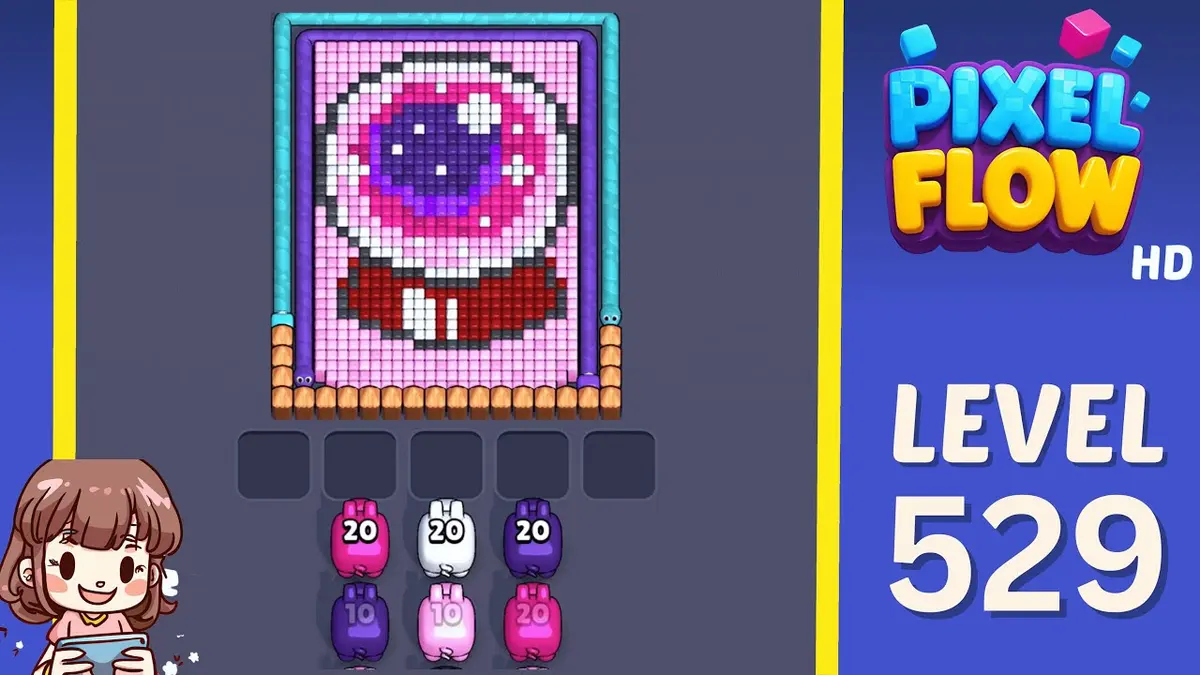
Start with the wall color touching the widest edge. A useful opener should remove a connected group or create a wider lane, not just spend a few easy pixels.
Открыть гайд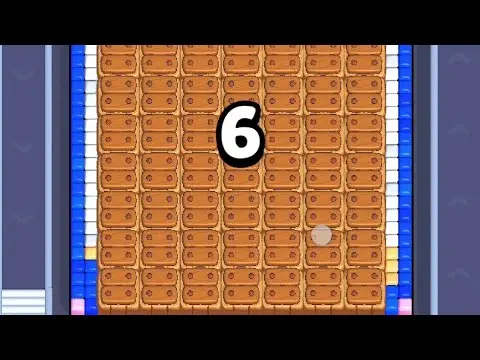
Уровень 534
Расширено
Start with the largest connected color pocket. A useful opener should remove a connected group or create a wider lane, not just spend a few easy pixels.
Открыть гайд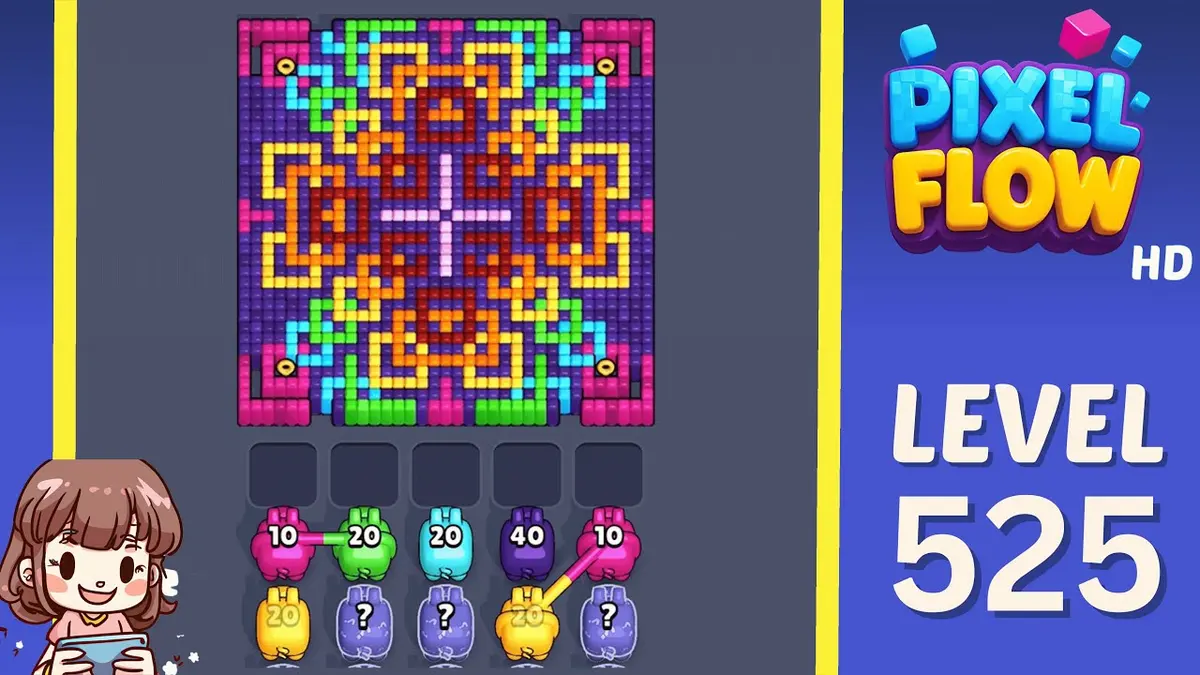
Уровень 525
Расширено
Start with the first color window that can clear fully. A useful opener should remove a connected group or create a wider lane, not just spend a few easy pixels.
Открыть гайд
Уровень 524
Расширено
Start with the wall color touching the widest edge. A useful opener should remove a connected group or create a wider lane, not just spend a few easy pixels.
Открыть гайд
Комментарии
Комментарии (2)