

Confirme a imagem primeiro, compare com tabuleiros próximos e mude para correspondência por captura se o layout mudar.
Comparação de tabuleiro
Solução Pixel Flow Fase 575 | Imagem e guia
Use the Level 575 image as the first check: the board outline and exposed colors should look like your screen.
Fase 575 Comparação de tabuleiro
- Compare anchor group and border shape and the biggest anchor group near an edge with your screen before spending boosters on Level 575.
- The tray fills with almost-useful colors before the first lane opens, leaving no room for the right pig.
- Add Tray is useful only when two incoming pigs can both hit the opener or main blocker. Abrir guia
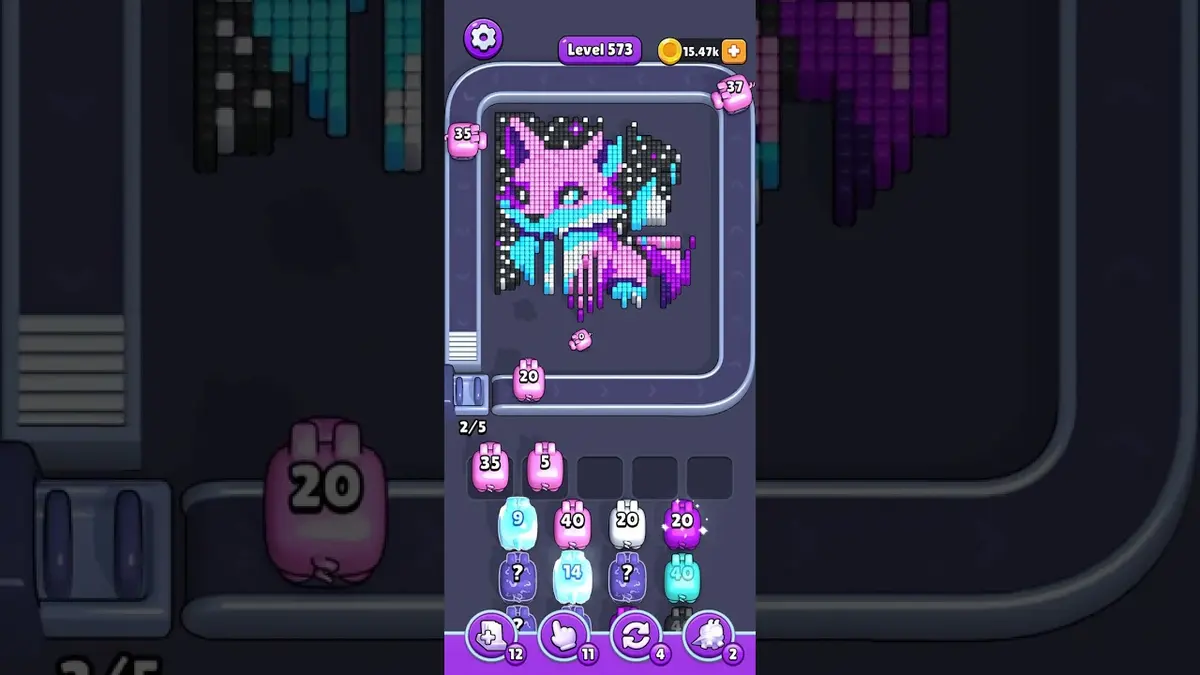
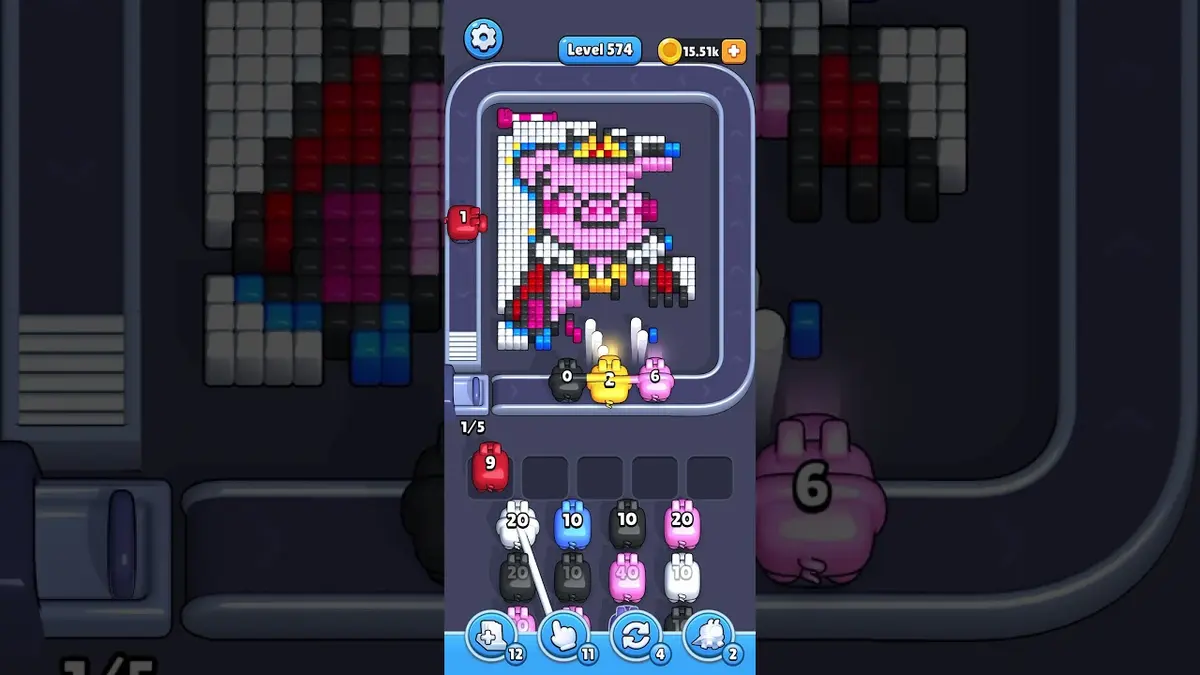
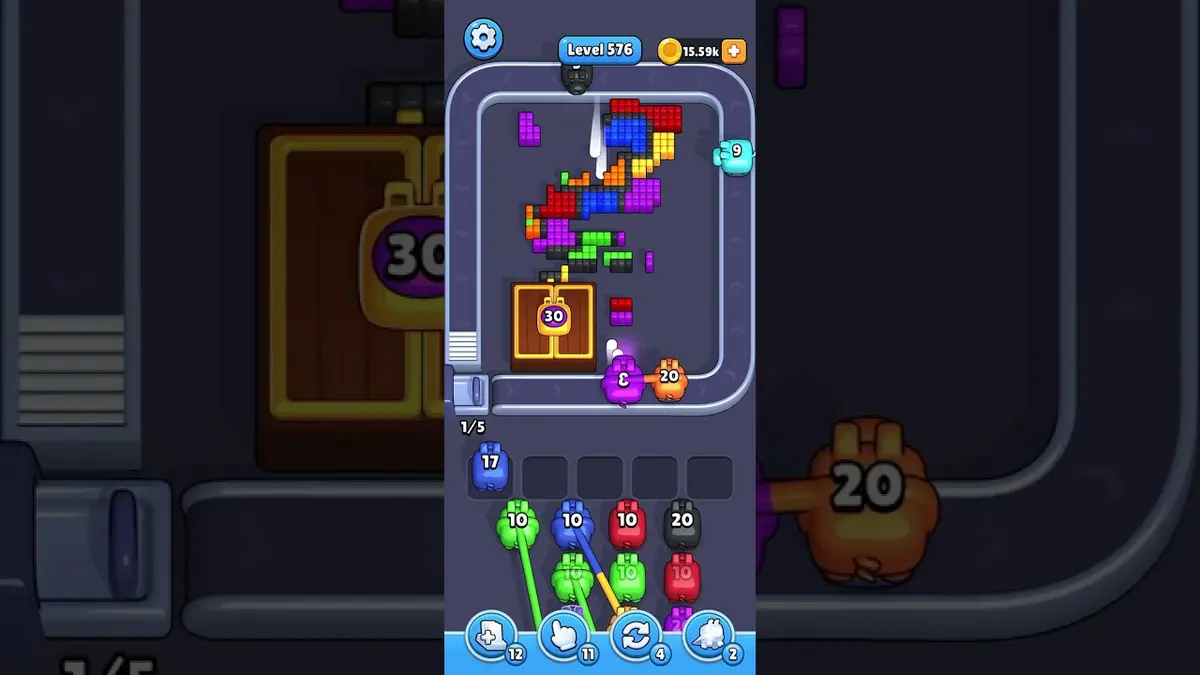
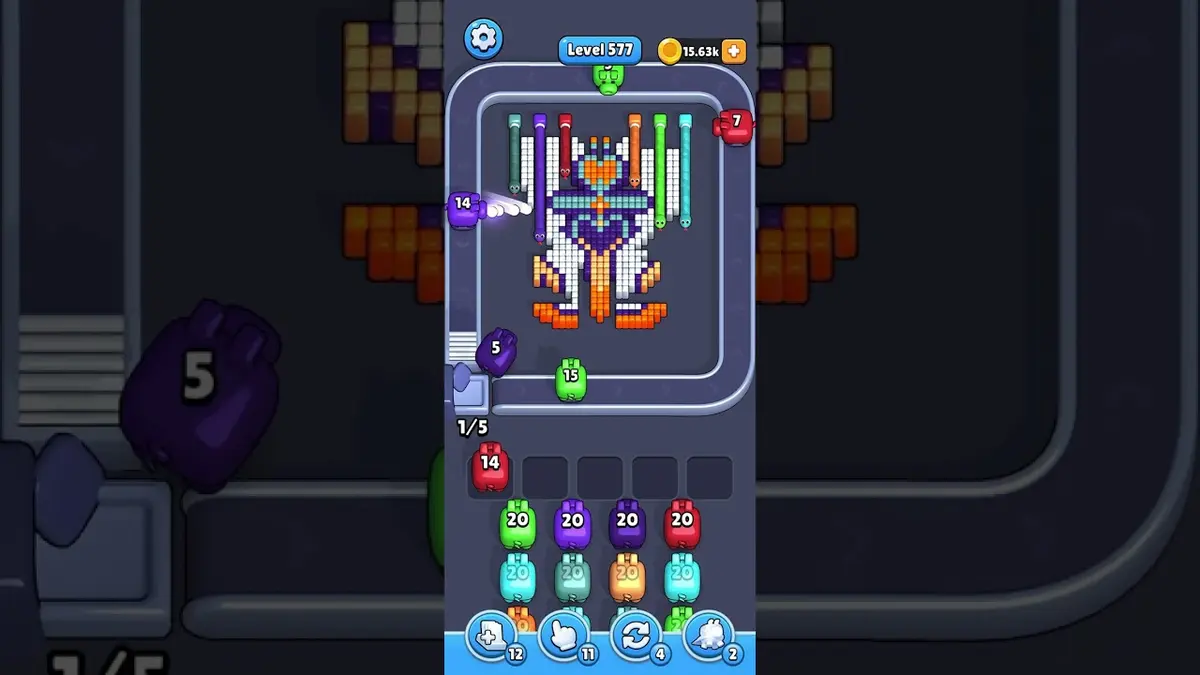
- If the layout does not match, upload a screenshot and use the closest visual result before spending boosters. Compare nearby Levels 573, 574, 576, 577 if the shape is close.
Passaporte do tabuleiro
Use como página de correspondência do tabuleiro.
Confirme a imagem primeiro, compare com tabuleiros próximos e mude para correspondência por captura se o layout mudar.
Compare anchor group and border shape and the biggest anchor group near an edge with your screen before spending boosters on Level 575.
Use a correspondência por imagem quando o mesmo número de fase puder mostrar outro tabuleiro.
Quando o número está certo, mas a imagem não, veja primeiro os tabuleiros próximos.
Procurar
anchor group and border shapethe biggest anchor group near an edge
Comparação de tabuleiro
Verifique primeiro, não chute.
Ordinary board pages are useful as visual anchors: confirm the image, open nearby boards, or use the screenshot matcher when the screen differs.
Check the board before the route
Use the Level 575 image as the first check: the board outline and exposed colors should look like your screen.
Use the first move to create space
Protect one empty slot while you wait for the color that breaks the main wall or pocket.
Keep tray pressure under control
The tray fills with almost-useful colors before the first lane opens, leaving no room for the right pig.
Use boosters only when they change the next move
Add Tray is useful only when two incoming pigs can both hit the opener or main blocker.
Páginas de tabuleiro
Adicione sua própria dica de rota a este tabuleiro.
Add route clues tied to the exact level image you are checking.
Ainda não há dicas de jogadores neste tabuleiro.
Adicione uma dica depois de testar o layout para a próxima rota ficar mais fácil de ler.
Abrir solucionador
Mesmo número, tabuleiro diferente?
Match your screenshot against 2020 board visuals, then return to the closest level page once the picture lines up.
Tabuleiro próximo
Navegue por este intervalo pela imagem.
Use nearby pages when your board has the same level band but the picture is slightly different.



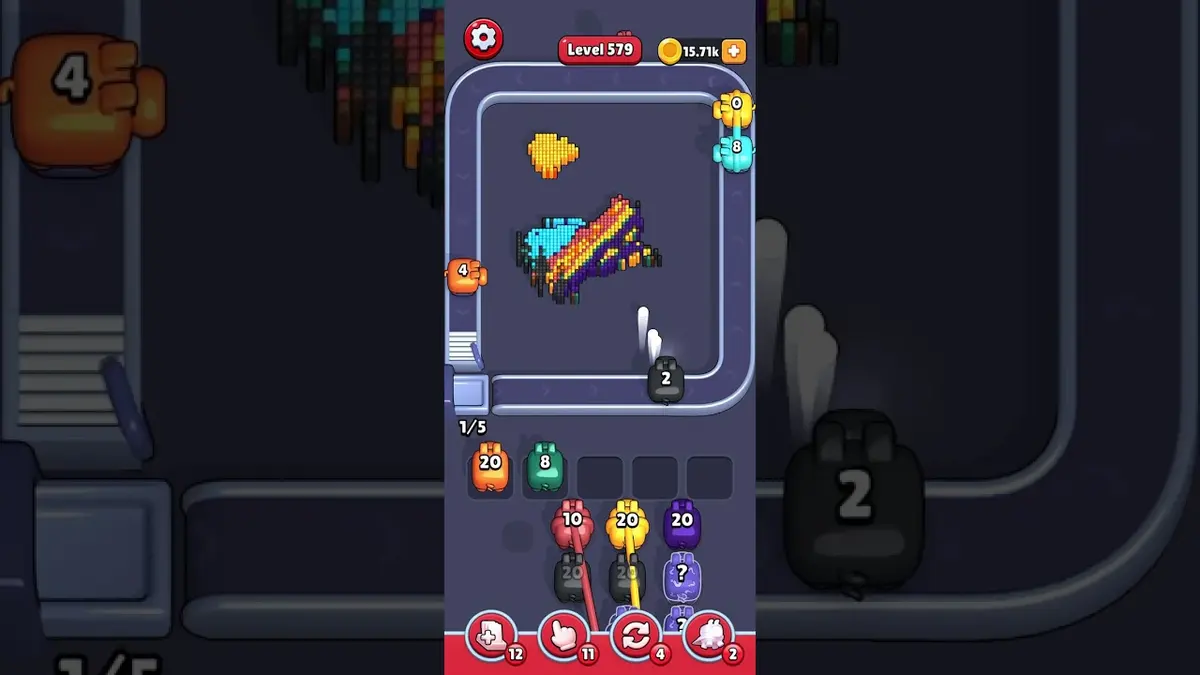
Faixa próxima
Veja o intervalo de fases.
Open a few boards in the same small band when the level number is close but the image does not match.
Guias melhorados
Abra a lógica de rota perto deste tabuleiro.
These pages may not be the same layout, but they show useful opener, tray, and booster decisions for nearby hard boards.

Fase 554
Melhorado
Start with the color that opens a path into the pocket. A useful opener should remove a connected group or create a wider lane, not just spend a few easy pixels.
Abrir guia
Fase 613
Melhorado
Start with the first color window that can clear fully. A useful opener should remove a connected group or create a wider lane, not just spend a few easy pixels.
Abrir guia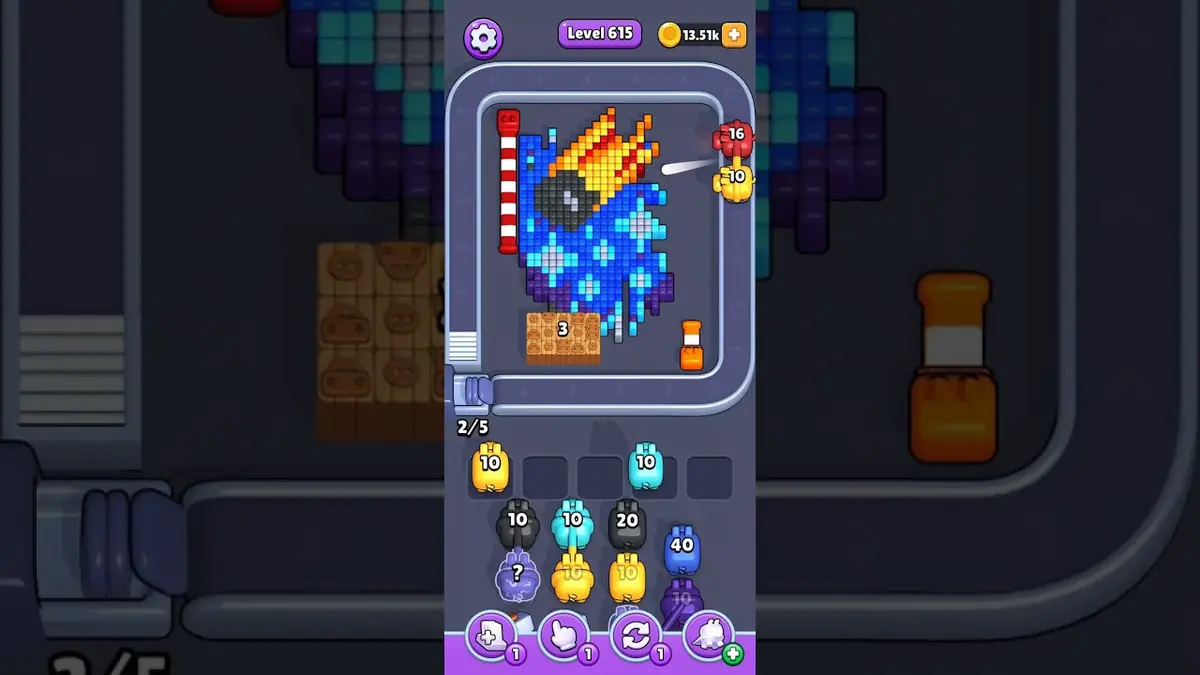
Fase 615
Melhorado
Start with the first color window that can clear fully. A useful opener should remove a connected group or create a wider lane, not just spend a few easy pixels.
Abrir guia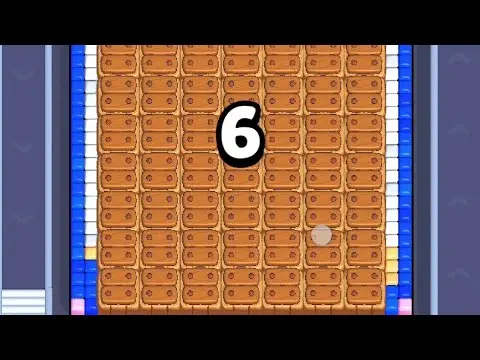
Fase 534
Melhorado
Start with the largest connected color pocket. A useful opener should remove a connected group or create a wider lane, not just spend a few easy pixels.
Abrir guia
Comentários
Comentários (0)