
시각 단서를 확인한 다음, 경로 힌트, 실패 지점, 부스터 판단, 영상 보조를 봅니다.
강화
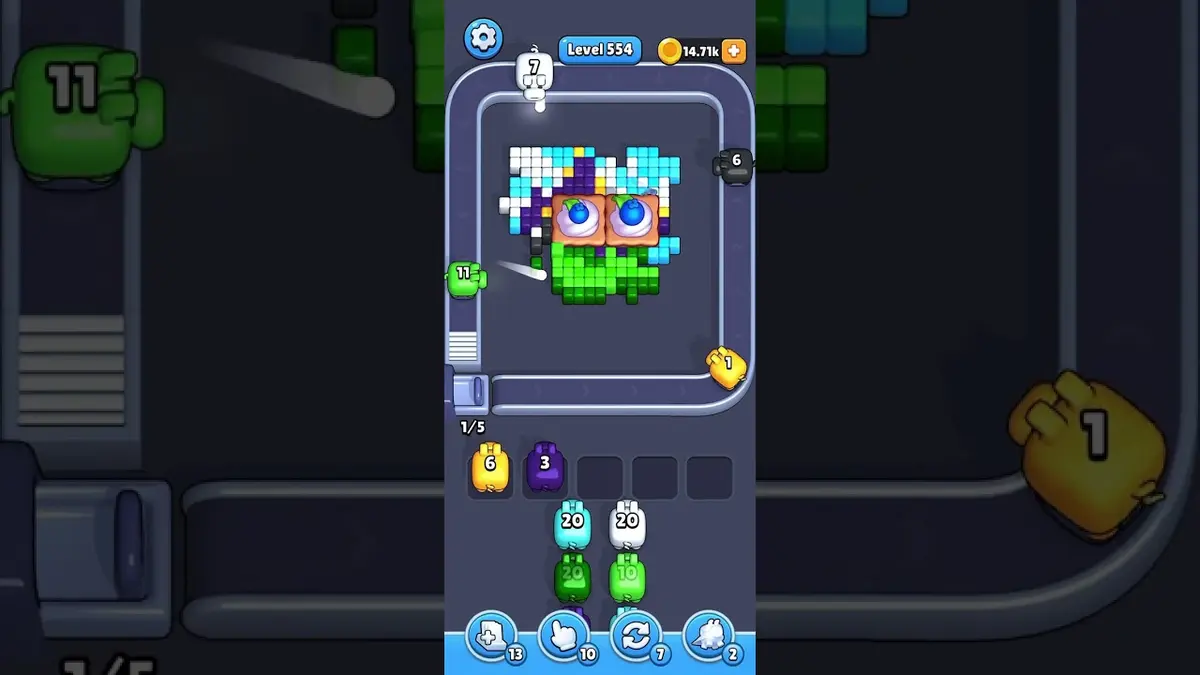
픽셀플로우 레벨 554 공략·워크스루
Start with the color that opens a path into the pocket. A useful opener should remove a connected group or create a wider lane, not just spend a few easy pixels.
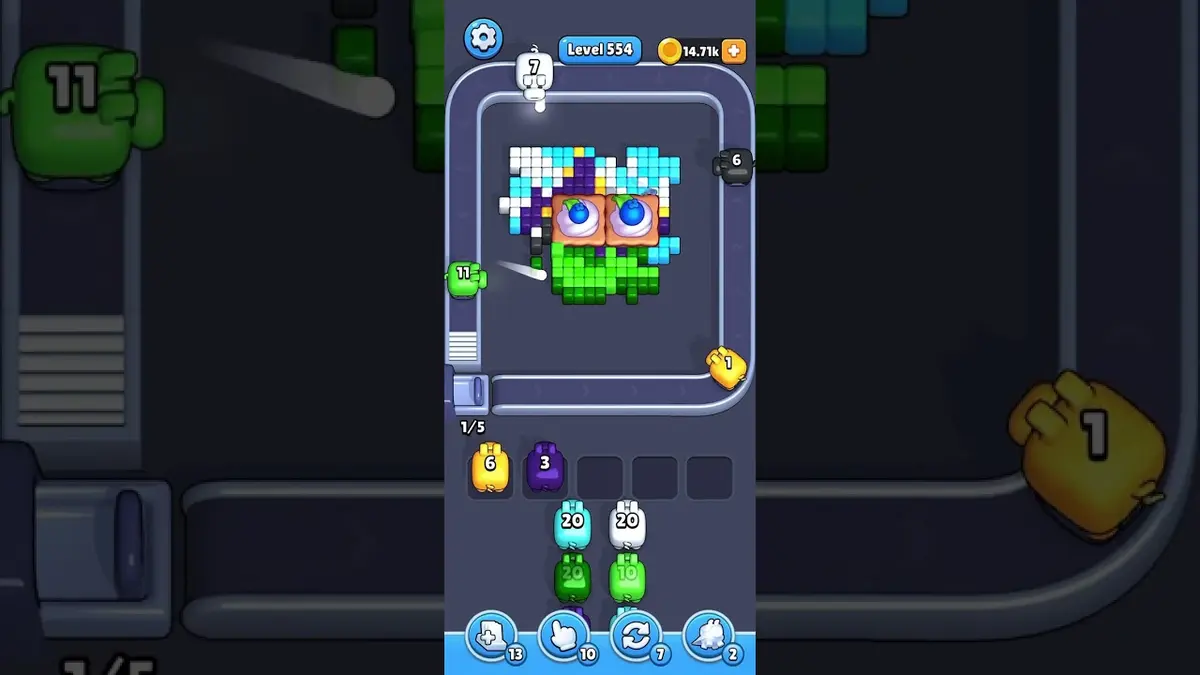
Read Level 554 as a pressure board: confirm the center pocket position, the board outline, and the color that opens a path into the pocket before you copy a route.
Pressure center-pocket board
- Match center pocket position and the color that opens a path into the pocket, then follow the opener before touching scattered pixels.
- The common failure is chasing visible pocket colors with no clear line yet. That fills the five waiting slots while the actual opener still has no room to work.
- Try one clean restart before spending. Use Shuffle only after the board opens and the belt order, not the layout, is the problem. 가이드 열기
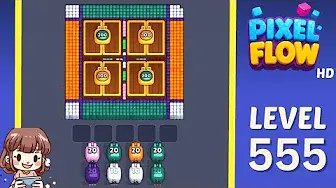
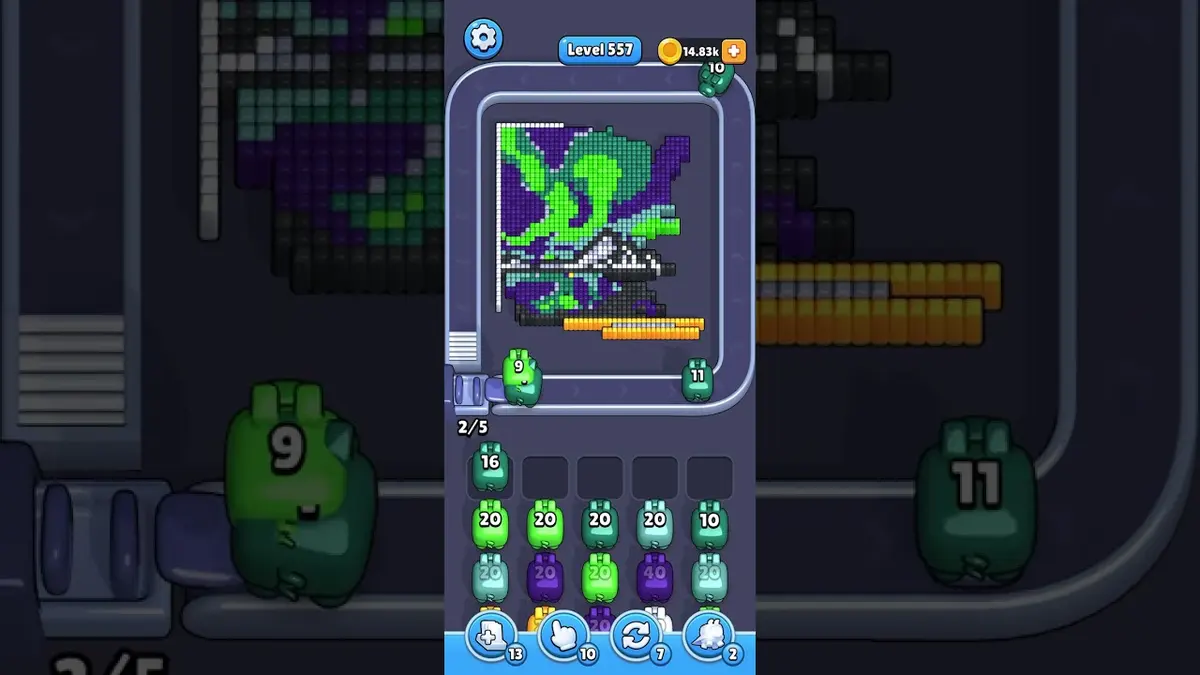
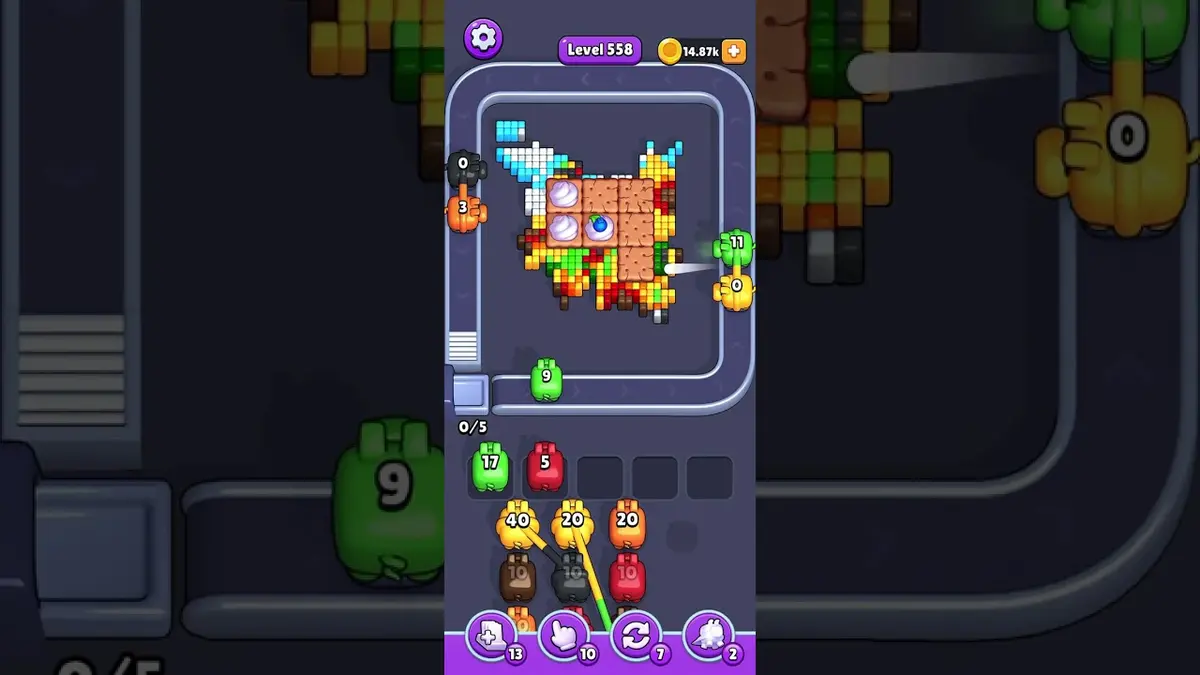
- If Level 554 does not match your screen, use screenshot matching before spending boosters. Levels 552, 553, 555, 556 are the closest picture checks.
보드 패스포트
단일 레벨 작업대로 사용하세요.
시각 단서를 확인한 다음, 경로 힌트, 실패 지점, 부스터 판단, 영상 보조를 봅니다.
Match center pocket position and the color that opens a path into the pocket, then follow the opener before touching scattered pixels.
같은 레벨 번호가 다른 보드를 가리킬 수 있으니 이미지로 맞추세요.
보드를 즐겨찾기에 넣고 나중에 완료 표시한 뒤, 가까운 어려운 패턴과 비교하세요.
확인할 것
center pocket positionthe color that opens a path into the pocketlargest visible groupsame board outlineimage-only route check
강화 가이드
이 순서로 확인하세요.
Enhanced pages add board-specific judgment. They still start with the picture because a close level number can hide a different layout.
Confirm the board family
Check the center pocket position, the largest exposed group, and the border shape before trusting the level number.
Commit to one opener
Use the color that opens a path into the pocket to make space first. Switching targets too early usually creates leftovers instead of progress.
Protect the tray
Keep one empty slot until the pocket color can spend. A pig that cannot spend most of its ammo right now is usually tray weight.
Fallback by picture
If Level 554 does not match your screen, use screenshot matching before spending boosters. Levels 552, 553, 555, 556 are the closest picture checks.
강화 가이드
Pressure center-pocket board: 플레이 전에 여기부터 확인하세요.
Use these notes when the board image matches your screen. If the shape differs, jump to screenshot matching before spending boosters.
이미지 일치
Read Level 554 as a pressure board: confirm the center pocket position, the board outline, and the color that opens a path into the pocket before you copy a route.
첫 수 일치
Start with the color that opens a path into the pocket. A useful opener should remove a connected group or create a wider lane, not just spend a few easy pixels.
부스터 일치
The common failure is chasing visible pocket colors with no clear line yet. That fills the five waiting slots while the actual opener still has no room to work.
부스터 일치
Try one clean restart before spending. Use Shuffle only after the board opens and the belt order, not the layout, is the problem.
확인할 것
center pocket positionthe color that opens a path into the pocketlargest visible groupsame board outlineimage-only route checkcompare 552, 553, 555, 556
같은 레벨 번호가 다른 보드를 가리킬 수 있으니 이미지로 맞추세요.
Start with the color that opens a path into the pocket. A useful opener should remove a connected group or create a wider lane, not just spend a few easy pixels.
부스터가 다음 수를 바꾸는지, 실패만 늦추는지 판단하세요.
부스터 확인
부스터를 쓰기 전에 이 순서를 거치세요.
Enhanced pages are built around board reading: confirm the picture, find the opener, control the five slots, then decide whether a booster actually changes the next move.
Confirm the board family
Check the center pocket position, the largest exposed group, and the border shape before trusting the level number.
Commit to one opener
Use the color that opens a path into the pocket to make space first. Switching targets too early usually creates leftovers instead of progress.
Protect the tray
Keep one empty slot until the pocket color can spend. A pig that cannot spend most of its ammo right now is usually tray weight.
Fallback by picture
If Level 554 does not match your screen, use screenshot matching before spending boosters. Levels 552, 553, 555, 556 are the closest picture checks.
보드 페이지
이 보드에서 플레이어가 알아낸 것.
Short route clues, booster reminders, and wrong-layout warnings stay attached to this exact board image.
I wait until the center pocket position and the color that opens a path into the pocket both line up. If one clue is off, I assume it is a different board with the same level number.
The common failure is chasing visible pocket colors with no clear line yet. That fills the five waiting slots while the actual opener still has no room to work.
이 보드에는 아직 플레이어 힌트가 없습니다.
레이아웃을 확인한 뒤 힌트를 추가하면 다음 경로를 더 쉽게 읽을 수 있습니다.
솔버 열기
같은 번호인데 다른 보드인가요?
Match your screenshot against 2020 board visuals, then return to the closest level page once the picture lines up.
근처 보드
이미지로 이 범위를 이동하세요.
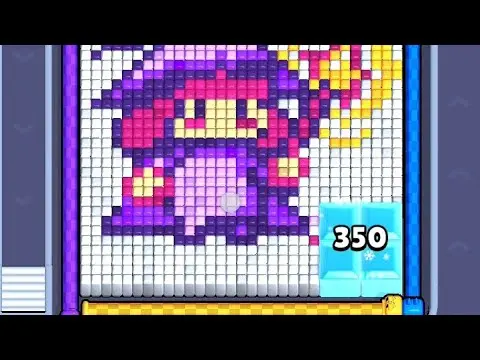
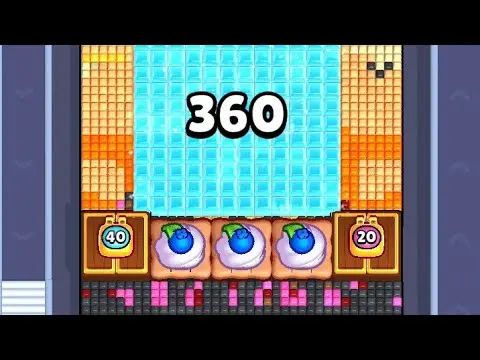
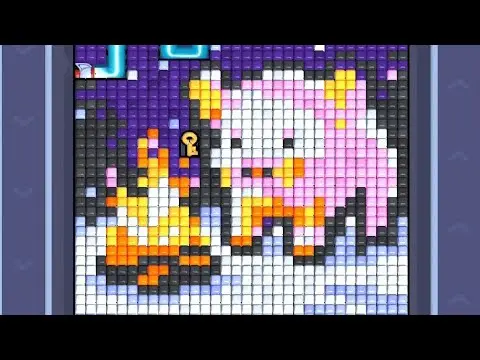
Use nearby pages when your board has the same level band but the picture is slightly different.

근처 범위
레벨 범위를 둘러보세요.
Open a few boards in the same small band when the level number is close but the image does not match.
강화 가이드
이 보드 근처의 경로 로직을 엽니다.
These pages may not be the same layout, but they show useful opener, tray, and booster decisions for nearby hard boards.
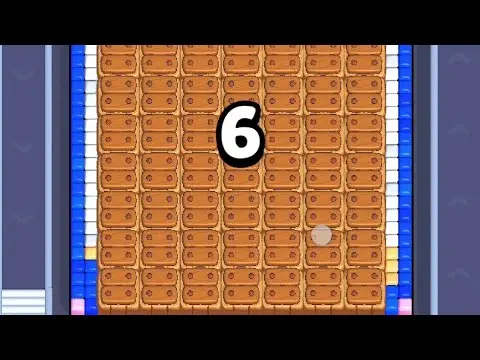
레벨 534
강화
Start with the largest connected color pocket. A useful opener should remove a connected group or create a wider lane, not just spend a few easy pixels.
가이드 열기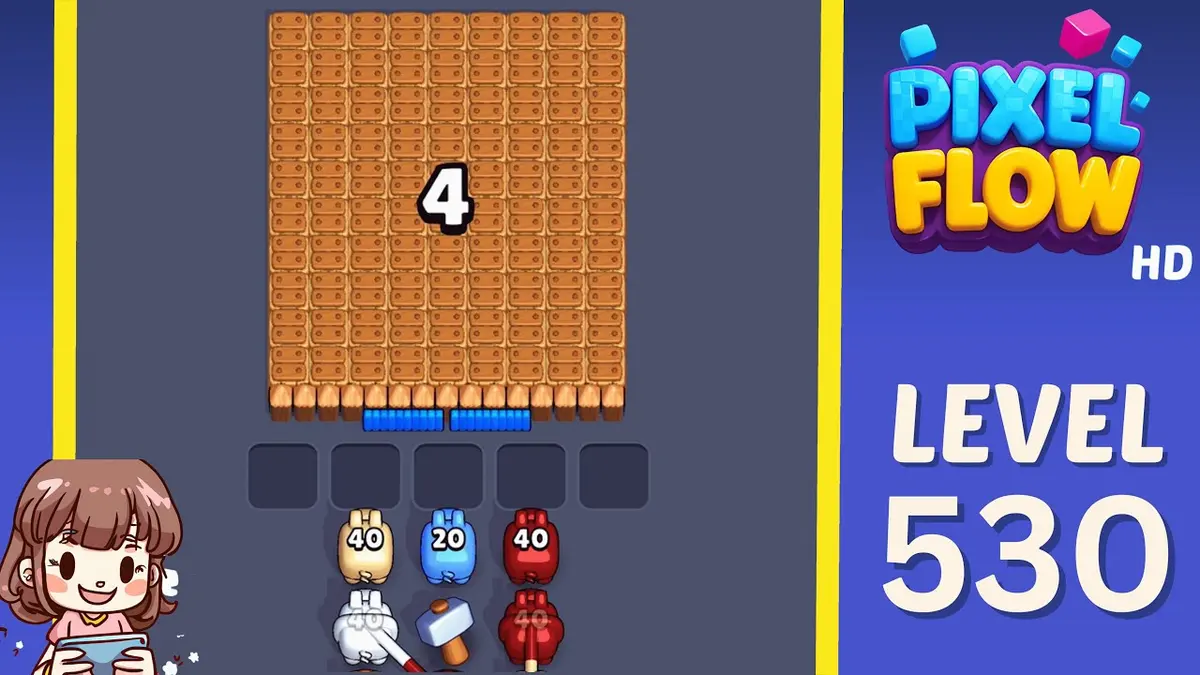
레벨 530
강화
Start with the color that opens a path into the pocket. A useful opener should remove a connected group or create a wider lane, not just spend a few easy pixels.
가이드 열기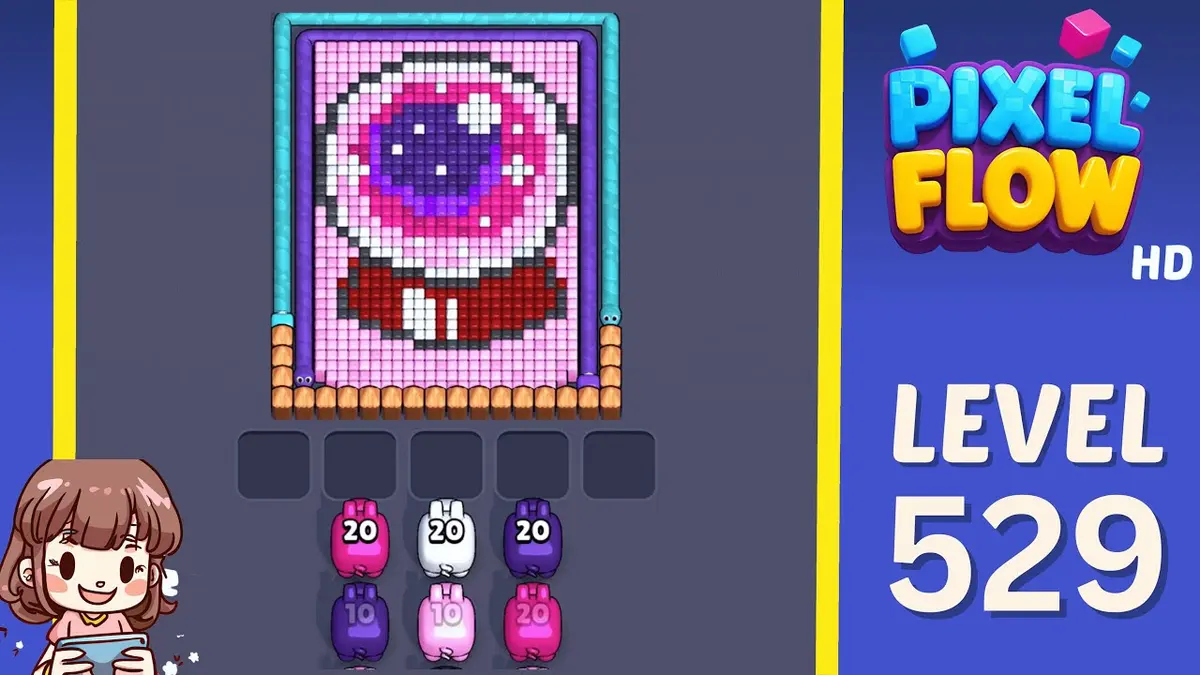
레벨 529
강화
Start with the wall color touching the widest edge. A useful opener should remove a connected group or create a wider lane, not just spend a few easy pixels.
가이드 열기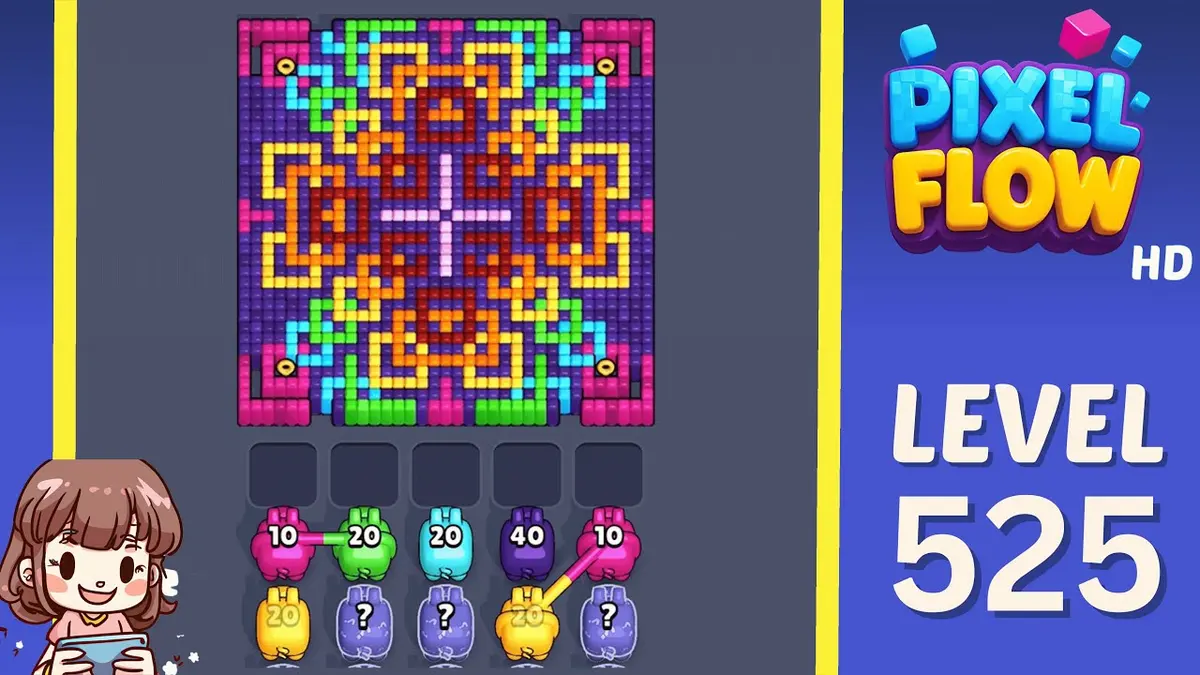
레벨 525
강화
Start with the first color window that can clear fully. A useful opener should remove a connected group or create a wider lane, not just spend a few easy pixels.
가이드 열기
댓글
댓글 (2)