
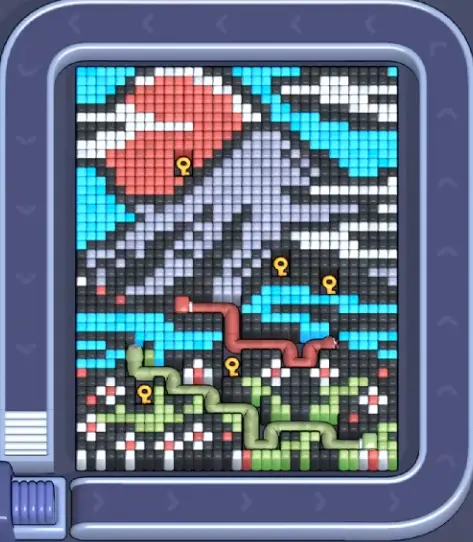
이미지를 확인하고, 가까운 레벨과 비교한 뒤, 화면이 다르면 스크린샷 일치로 전환합니다.
보드 매칭
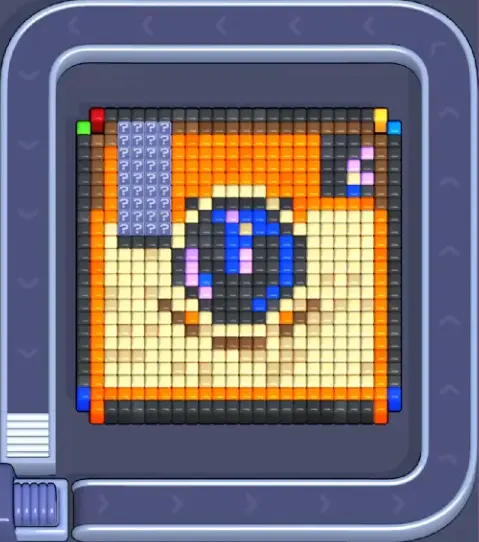
픽셀플로우 레벨 1322 공략·보드 이미지
Use the Level 1322 image as the first check: the board outline and exposed colors should look like your screen.
레벨 1322 보드 매칭
- Compare first exposed window and the first color window that can clear fully with your screen before spending boosters on Level 1322.
- The board number may be right while the layout is different, so a route can fail even when the level name matches.
- Save boosters until the picture, opener, and tray problem are clear. If any one of those is uncertain, match the screenshot first. 가이드 열기
- If the layout does not match, upload a screenshot and use the closest visual result before spending boosters. Compare nearby Levels 1320, 1321, 1323, 1324 if the shape is close.
보드 패스포트
보드 일치 페이지로 사용하세요.
이미지를 확인하고, 가까운 레벨과 비교한 뒤, 화면이 다르면 스크린샷 일치로 전환합니다.
Compare first exposed window and the first color window that can clear fully with your screen before spending boosters on Level 1322.
같은 레벨 번호가 다른 보드를 가리킬 수 있으니 이미지로 맞추세요.
부스터가 다음 수를 바꾸는지, 실패만 늦추는지 판단하세요.
확인할 것
first exposed windowthe first color window that can clear fullyfive-slot pressure
보드 매칭
먼저 확인하고, 추측하지 마세요.
Ordinary board pages are useful as visual anchors: confirm the image, open nearby boards, or use the screenshot matcher when the screen differs.
Check the board before the route
Use the Level 1322 image as the first check: the board outline and exposed colors should look like your screen.
Use the first move to create space
Compare nearby board pages and use the screenshot matcher before spending boosters on a late board.
Keep tray pressure under control
The board number may be right while the layout is different, so a route can fail even when the level name matches.
Use boosters only when they change the next move
Save boosters until the picture, opener, and tray problem are clear. If any one of those is uncertain, match the screenshot first.
보드 페이지
이 보드에 나만의 경로 힌트를 추가하세요.
Add route clues tied to the exact level image you are checking.
이 보드에는 아직 플레이어 힌트가 없습니다.
레이아웃을 확인한 뒤 힌트를 추가하면 다음 경로를 더 쉽게 읽을 수 있습니다.
솔버 열기
같은 번호인데 다른 보드인가요?
Match your screenshot against 2020 board visuals, then return to the closest level page once the picture lines up.
근처 보드
이미지로 이 범위를 이동하세요.
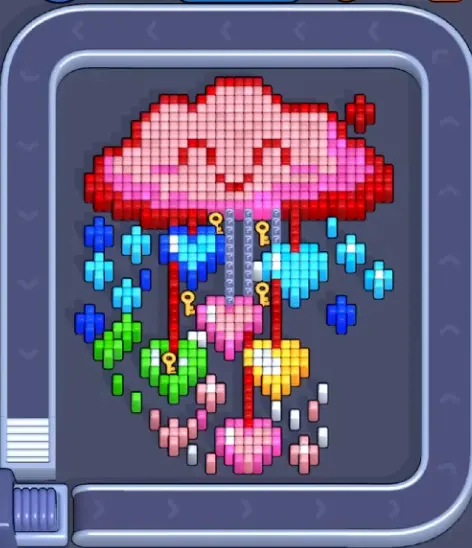
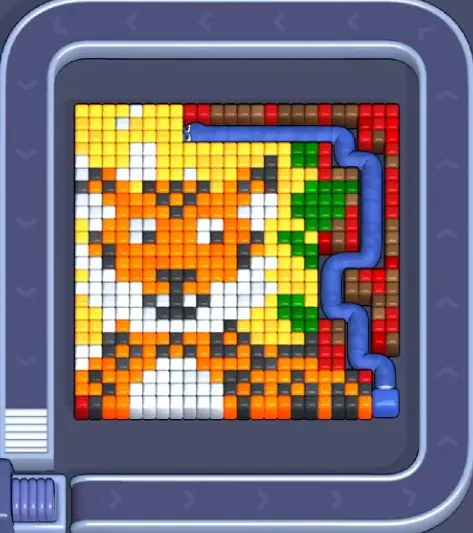
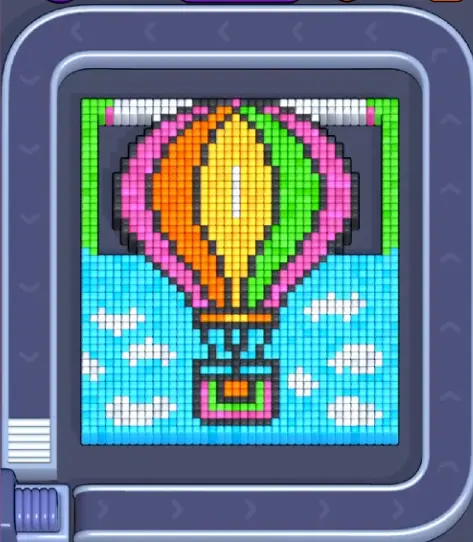
Use nearby pages when your board has the same level band but the picture is slightly different.
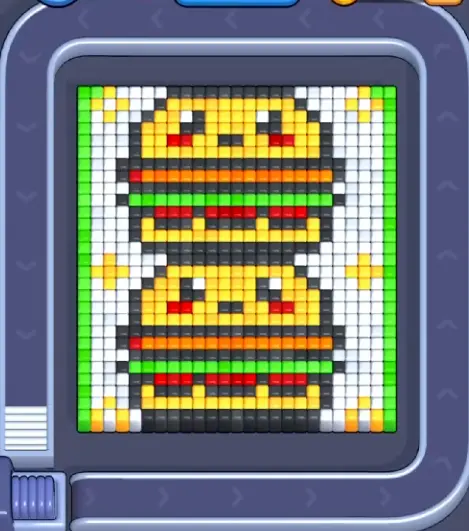
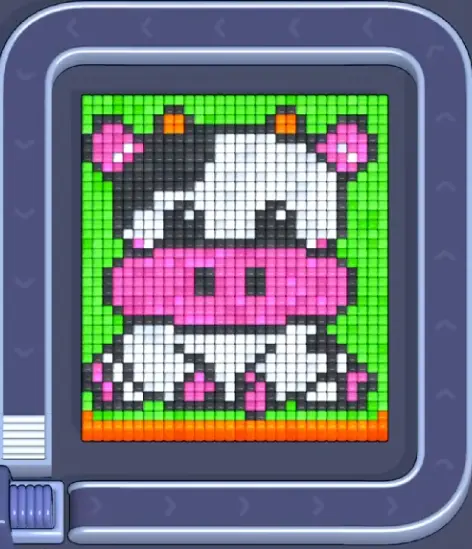
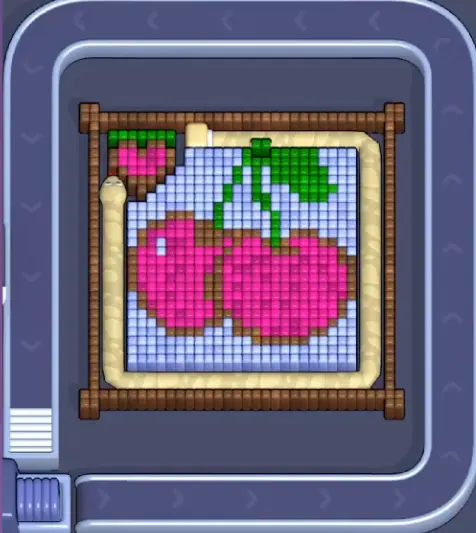
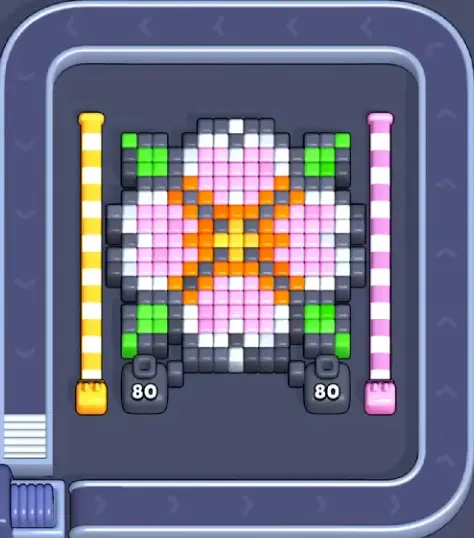
근처 범위
레벨 범위를 둘러보세요.
Open a few boards in the same small band when the level number is close but the image does not match.
강화 가이드
이 보드 근처의 경로 로직을 엽니다.
These pages may not be the same layout, but they show useful opener, tray, and booster decisions for nearby hard boards.
레벨 1250
강화
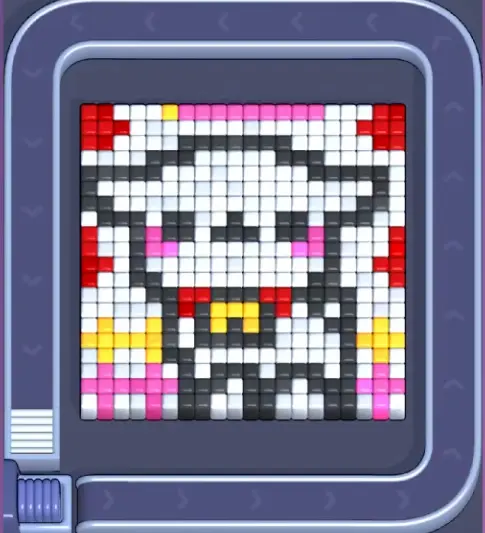
Start with the first color window that can clear fully. A useful opener should remove a connected group or create a wider lane, not just spend a few easy pixels.
가이드 열기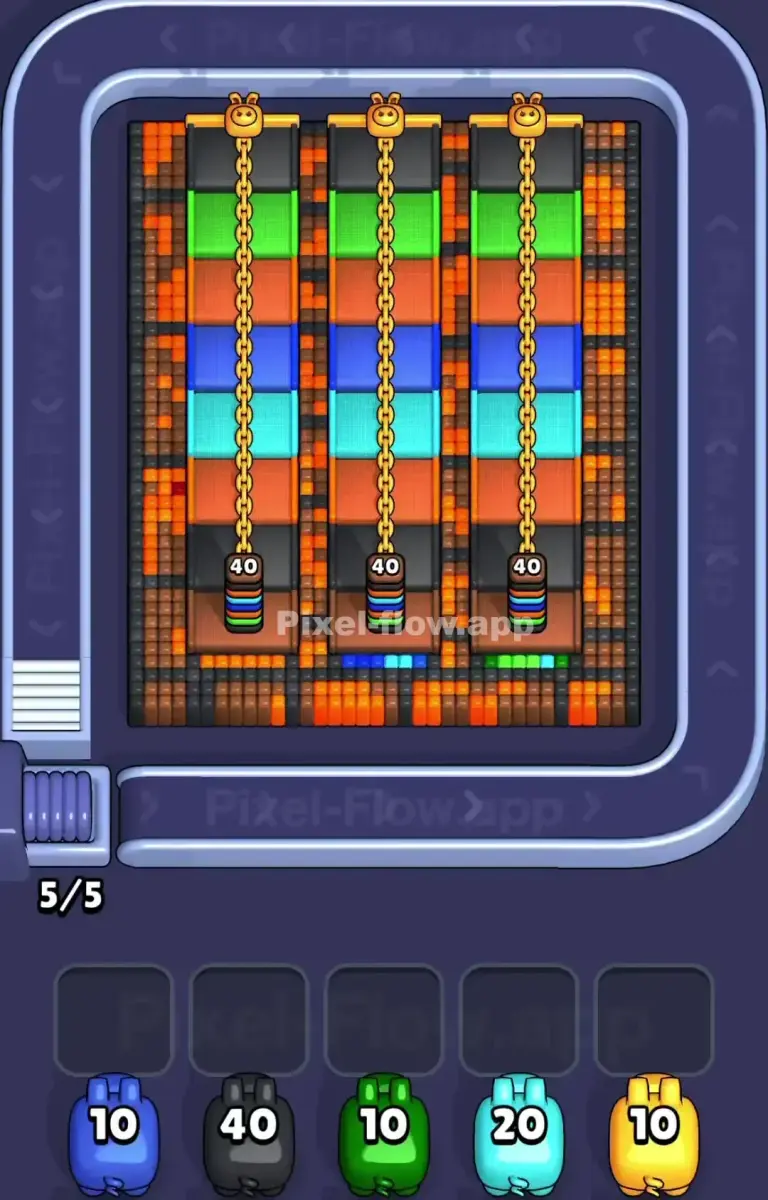
레벨 1400
Late board match check
Clear the safest outer pillar first, then use the gap to reach the dark divider and inner layer. Horizontal cleanup comes later.
가이드 열기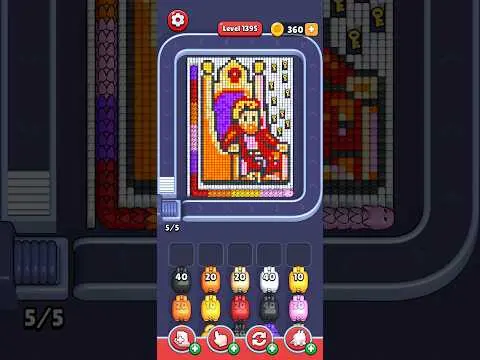
레벨 1150
Throne-style board
Open the right-side white wall first because it is a large continuous color mass. Then use the new room to handle yellow, red, purple, and orange details.
가이드 열기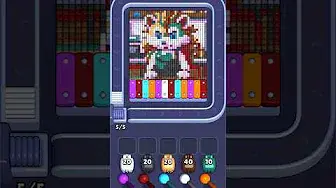
레벨 1500
강화
Start with the first color window that can clear fully. A useful opener should remove a connected group or create a wider lane, not just spend a few easy pixels.
가이드 열기
댓글
댓글 (0)