
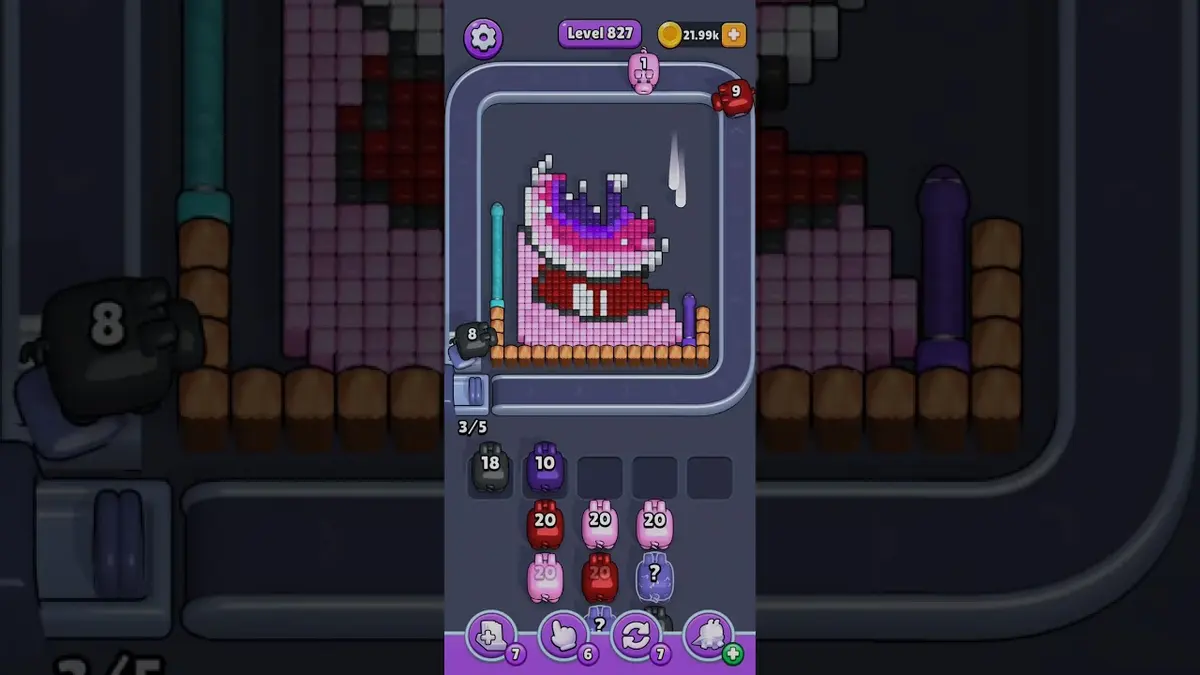
画像を確認し、近いレベルと比べ、見た目が違うときはスクリーンショット照合に切り替えます。
盤面照合
ピクセルフロー レベル 827 攻略・盤面画像
Use the Level 827 image as the first check: the board outline and exposed colors should look like your screen.
レベル 827 盤面照合
- Compare first exposed window and the first color window that can clear fully with your screen before spending boosters on Level 827.
- The tray fills with almost-useful colors before the first lane opens, leaving no room for the right pig.
- Add Tray is useful only when two incoming pigs can both hit the opener or main blocker. ガイドを開く
- If the layout does not match, upload a screenshot and use the closest visual result before spending boosters. Compare nearby Levels 825, 826, 828, 829 if the shape is close.
ボードパスポート
ボード照合ページとして使ってください。
画像を確認し、近いレベルと比べ、見た目が違うときはスクリーンショット照合に切り替えます。
Compare first exposed window and the first color window that can clear fully with your screen before spending boosters on Level 827.
同じレベル番号でも別のボードになることがあるので、画像で照合します。
ブースターが次の一手を変えるのか、失敗を遅らせるだけかを見極めます。
注目点
first exposed windowthe first color window that can clear fullyfive-slot pressure
盤面照合
先に確認して、当てずっぽうにしない。
Ordinary board pages are useful as visual anchors: confirm the image, open nearby boards, or use the screenshot matcher when the screen differs.
Check the board before the route
Use the Level 827 image as the first check: the board outline and exposed colors should look like your screen.
Use the first move to create space
Protect one empty slot while you wait for the color that breaks the main wall or pocket.
Keep tray pressure under control
The tray fills with almost-useful colors before the first lane opens, leaving no room for the right pig.
Use boosters only when they change the next move
Add Tray is useful only when two incoming pigs can both hit the opener or main blocker.
盤面ページ
このボードに自分の手がかりを追加。
Add route clues tied to the exact level image you are checking.
このボードにはまだプレイヤーの手がかりがありません。
レイアウトを試したあとに手がかりを追加すると、次のルートが読みやすくなります。
ソルバーを開く
同じ番号でも別のボード?
Match your screenshot against 2020 board visuals, then return to the closest level page once the picture lines up.
近い盤面
画像でこの範囲を移動。
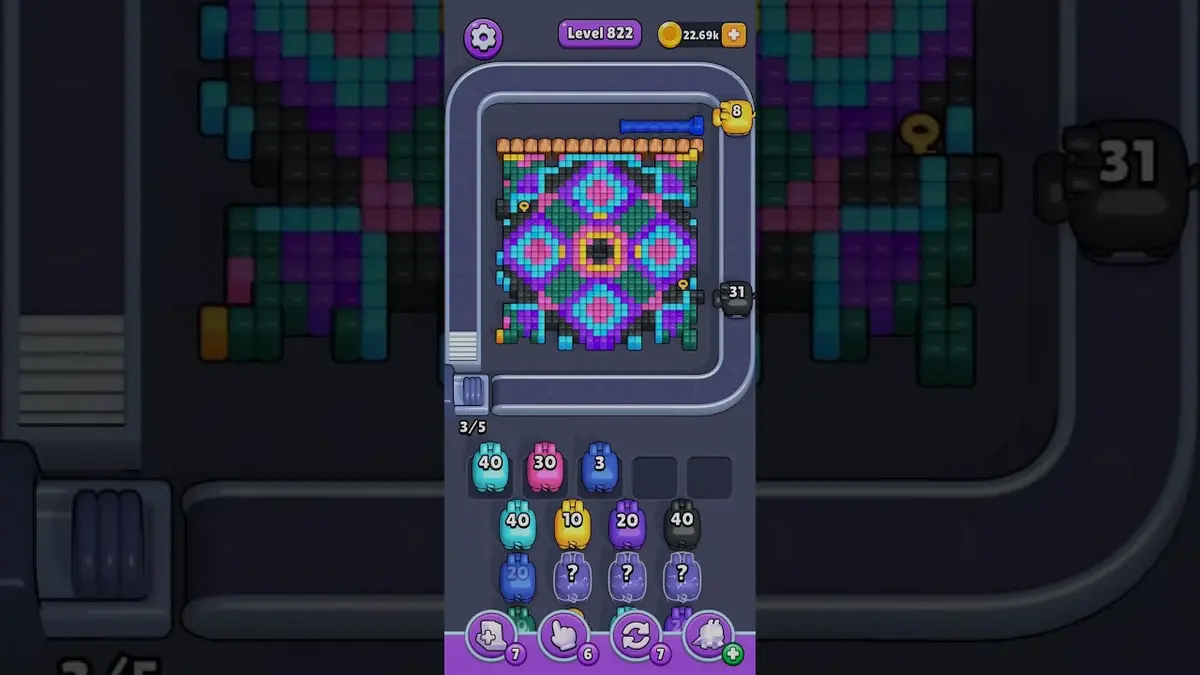
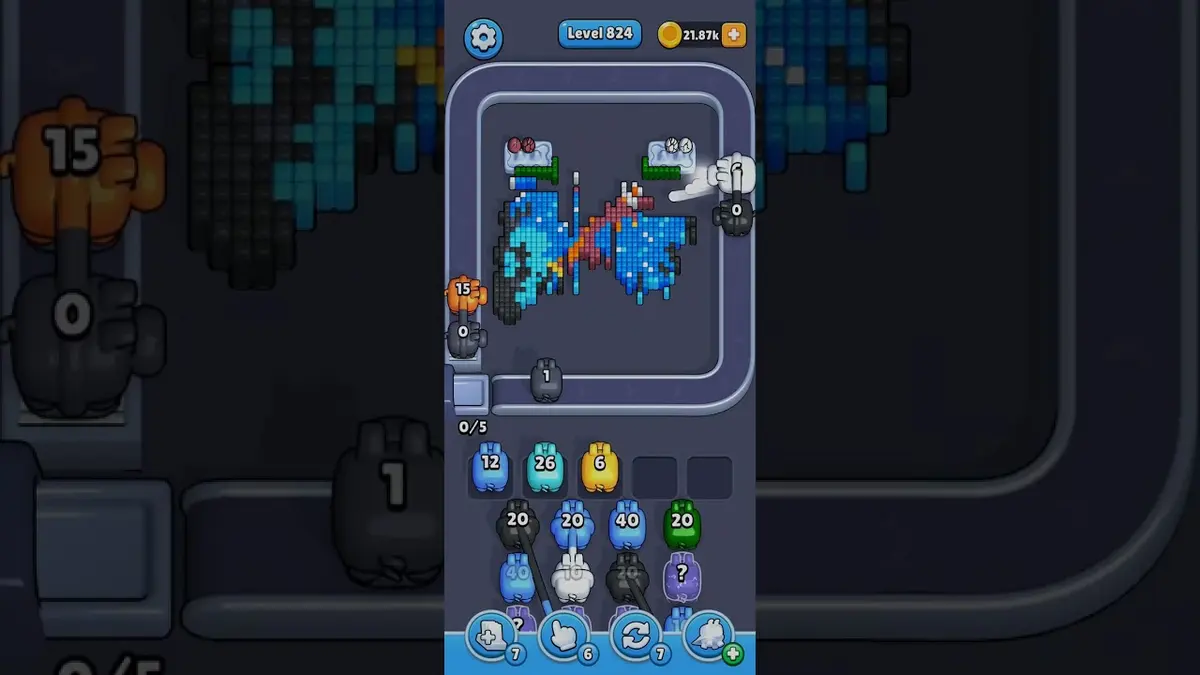
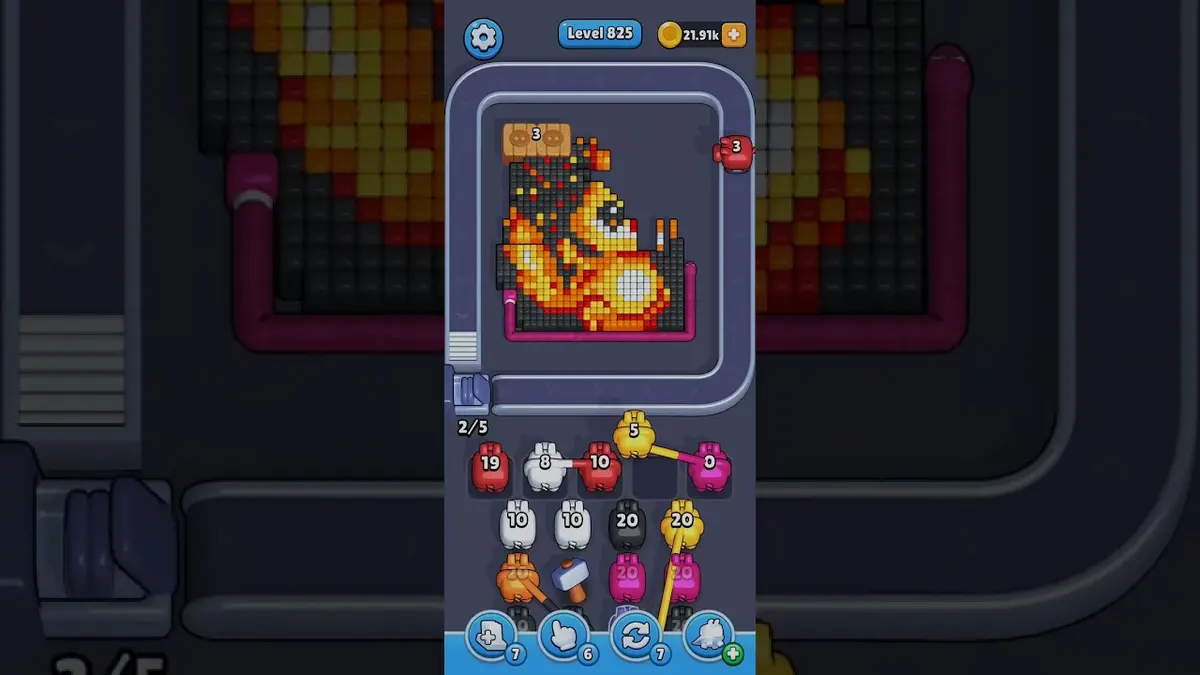
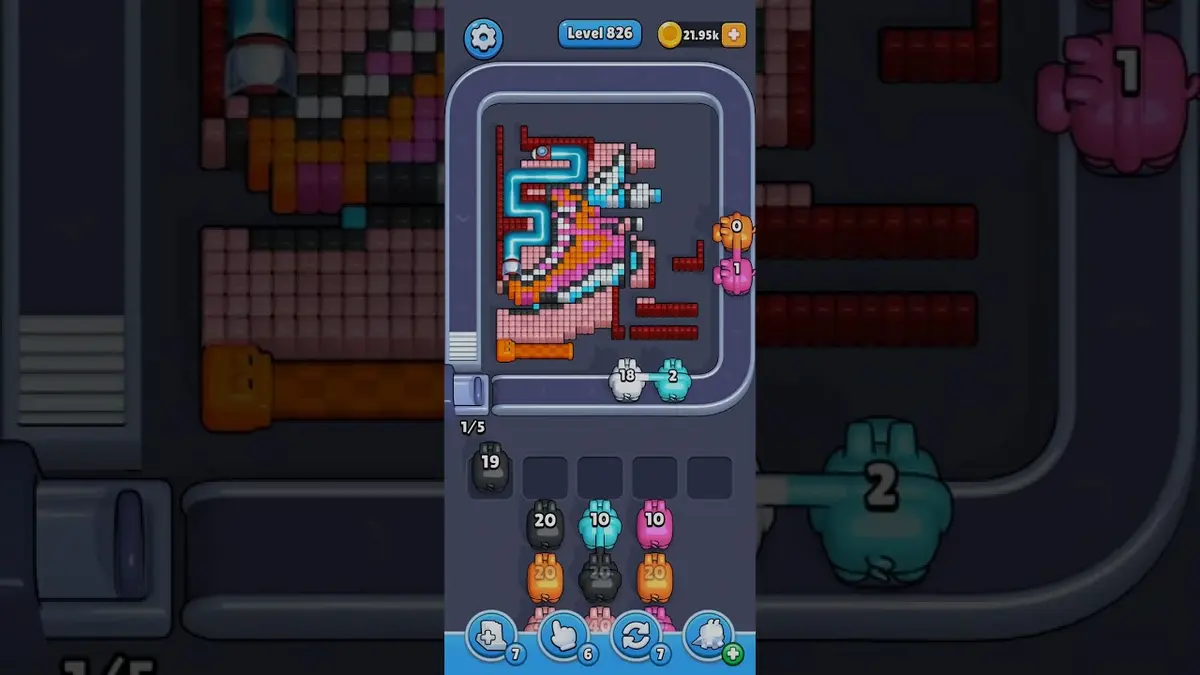
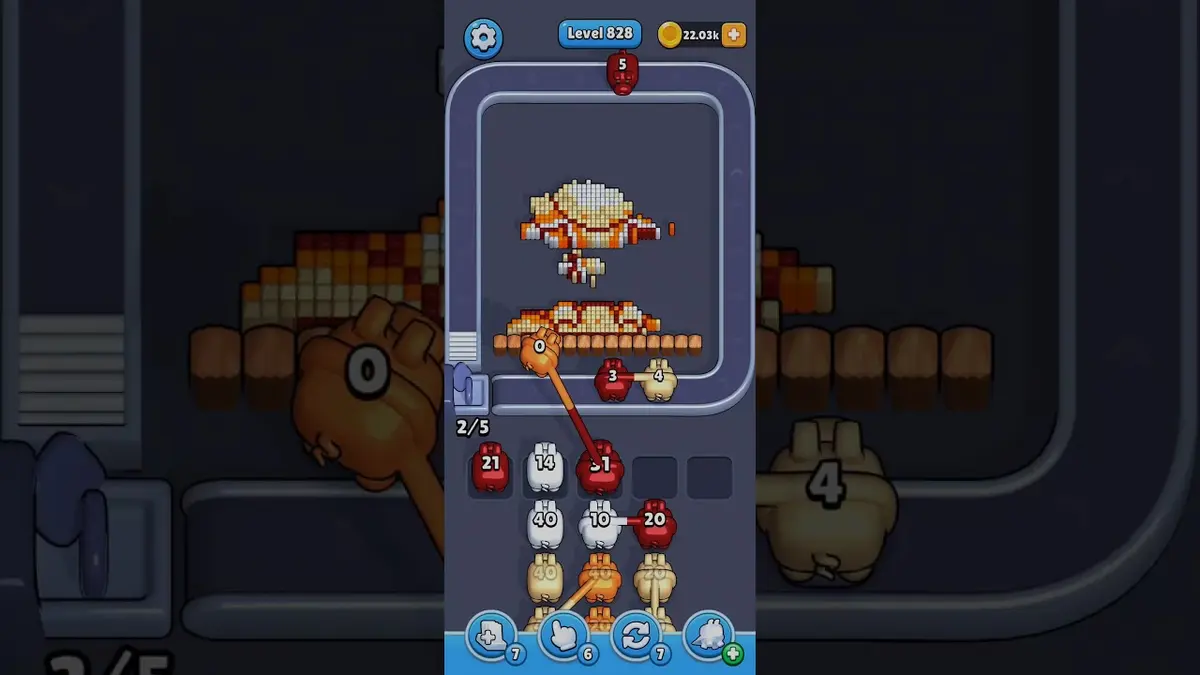
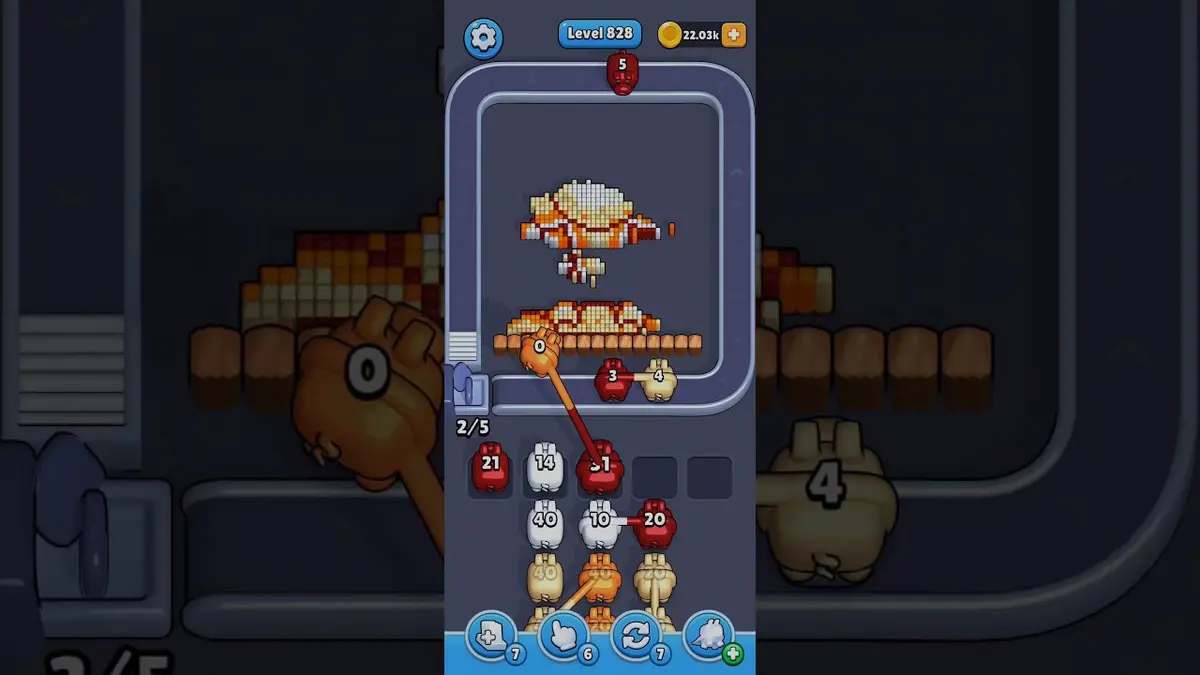
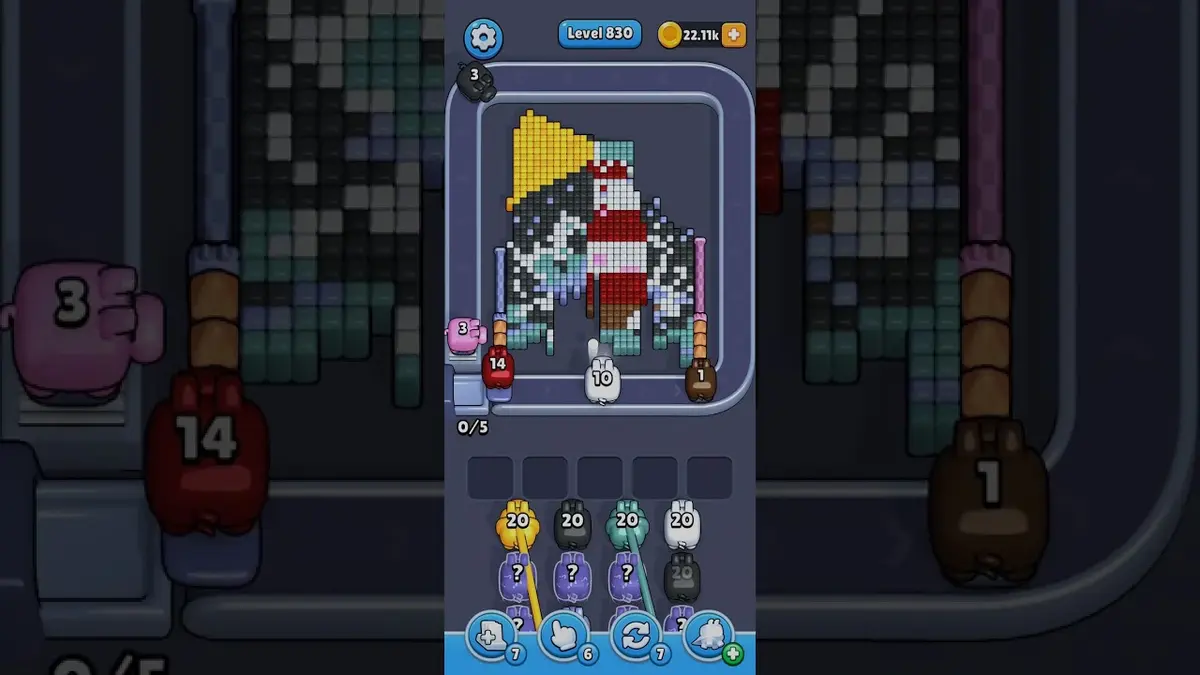
Use nearby pages when your board has the same level band but the picture is slightly different.
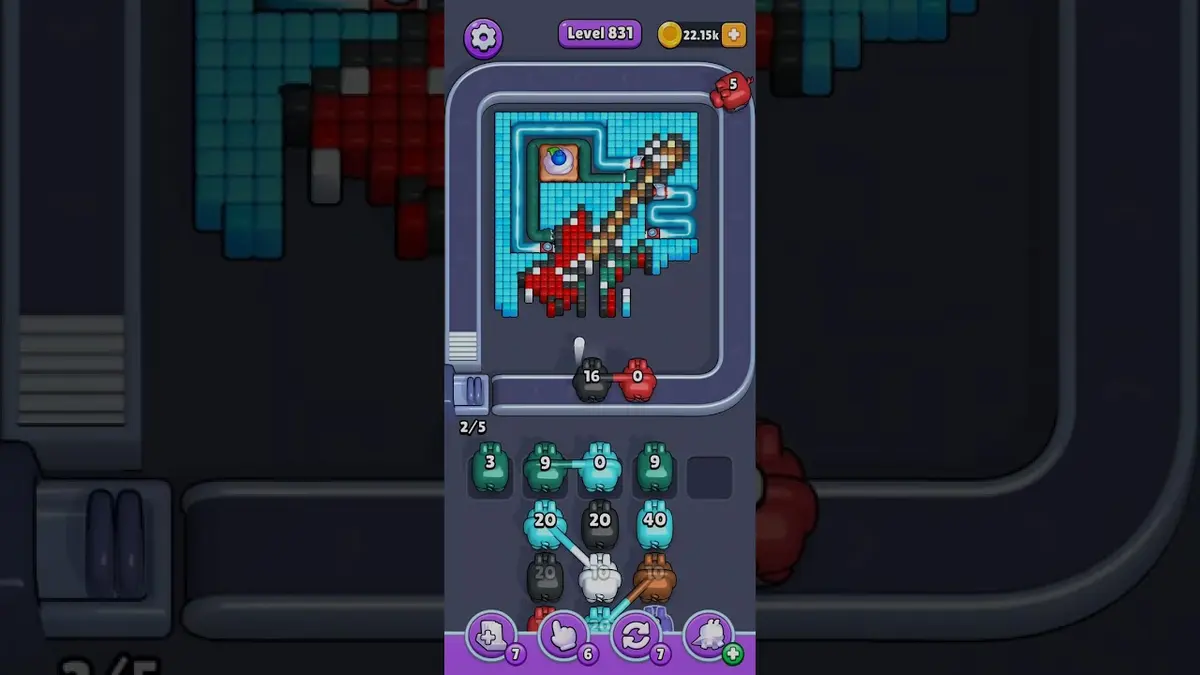
近い範囲
レベル範囲を見る。
Open a few boards in the same small band when the level number is close but the image does not match.
強化ガイド
このボード近くのルートロジックを開く。
These pages may not be the same layout, but they show useful opener, tray, and booster decisions for nearby hard boards.
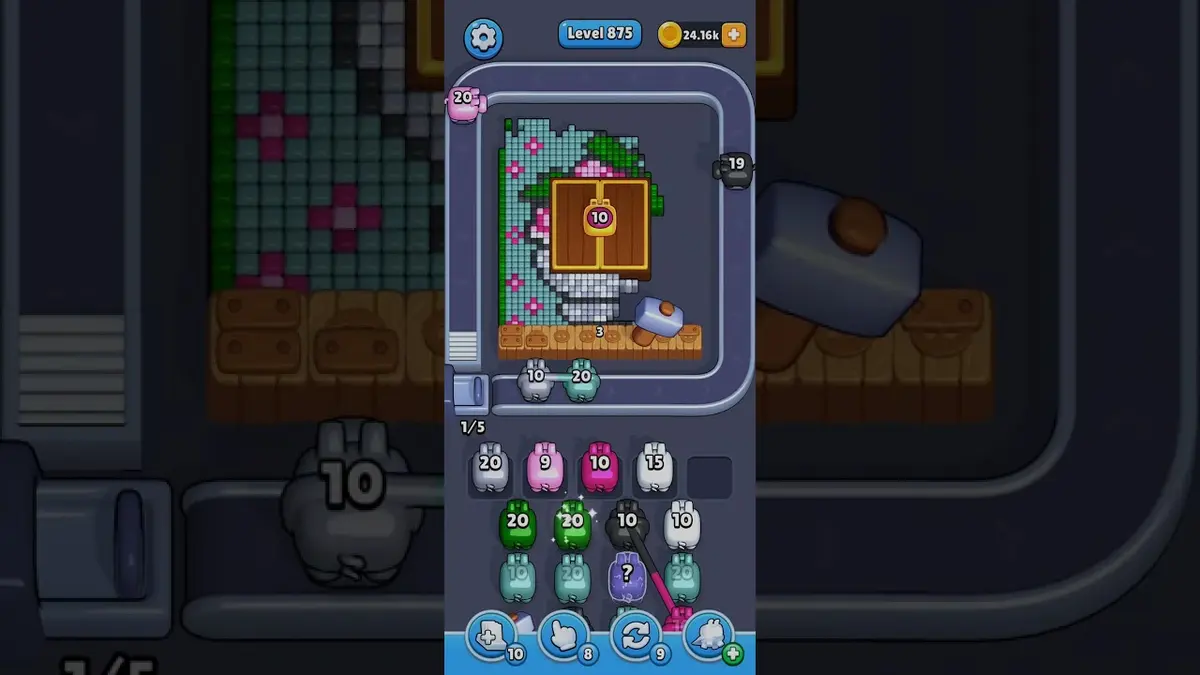
レベル 875
強化
Start with the first color window that can clear fully. A useful opener should remove a connected group or create a wider lane, not just spend a few easy pixels.
ガイドを開く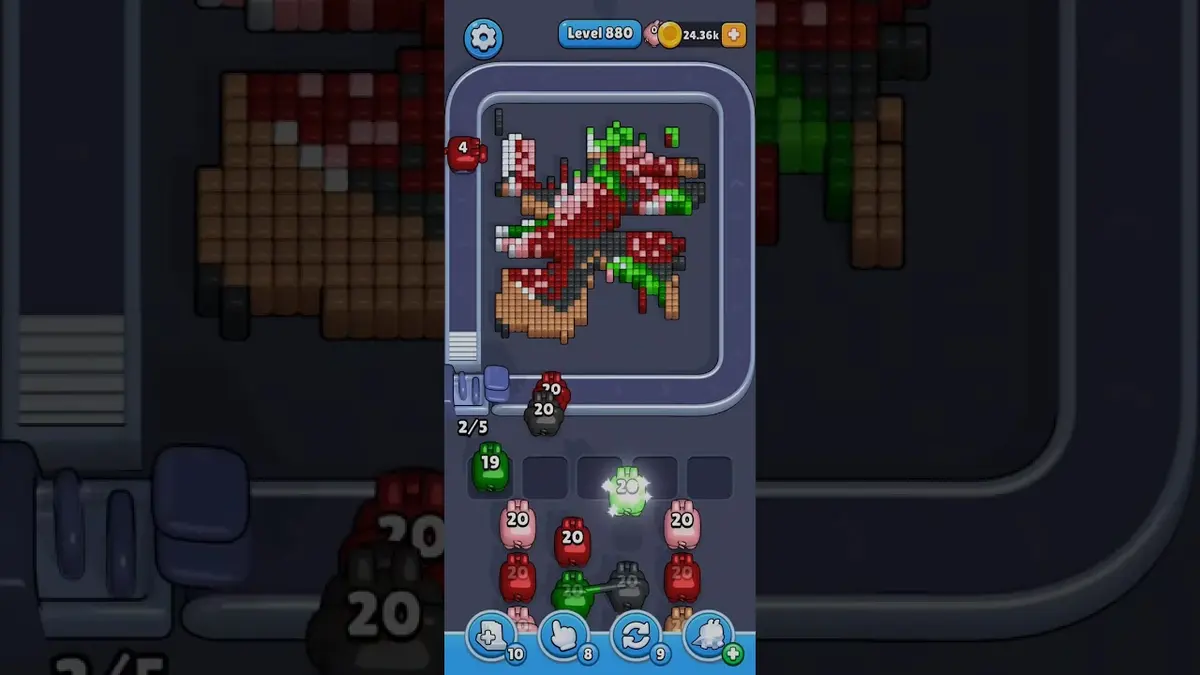
レベル 880
強化
Start with the first color window that can clear fully. A useful opener should remove a connected group or create a wider lane, not just spend a few easy pixels.
ガイドを開く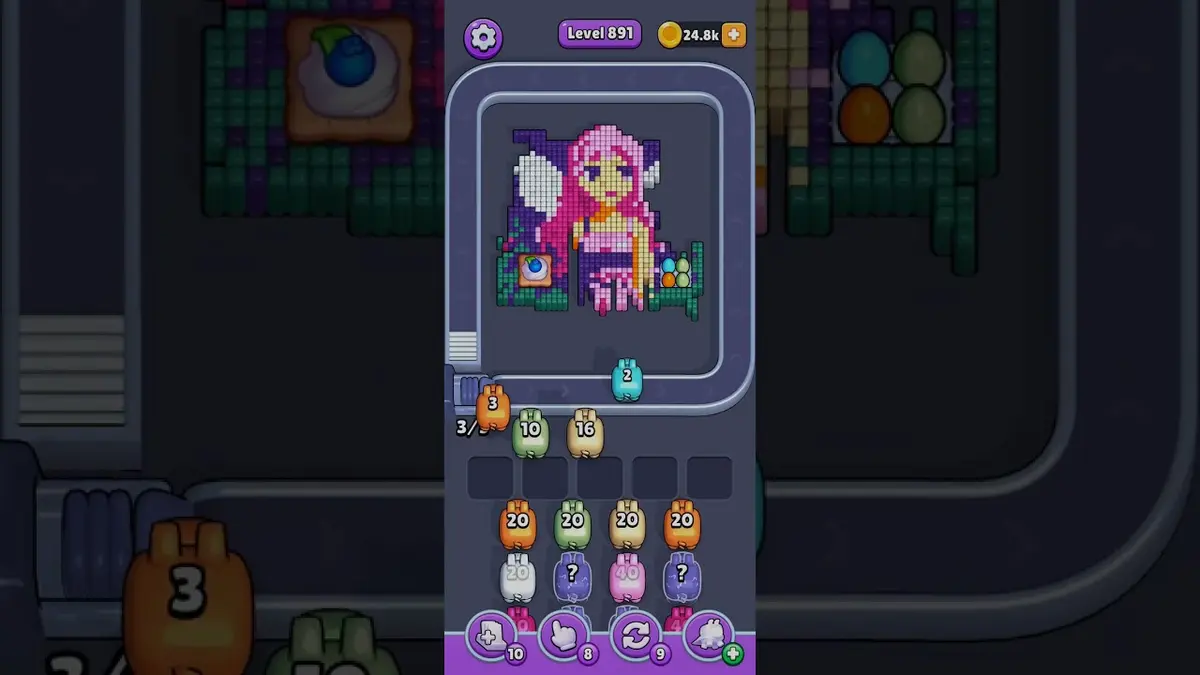
レベル 891
Anchor group board
Use the visible large groups as anchors, then clean mixed pixels after the anchor opens.
ガイドを開く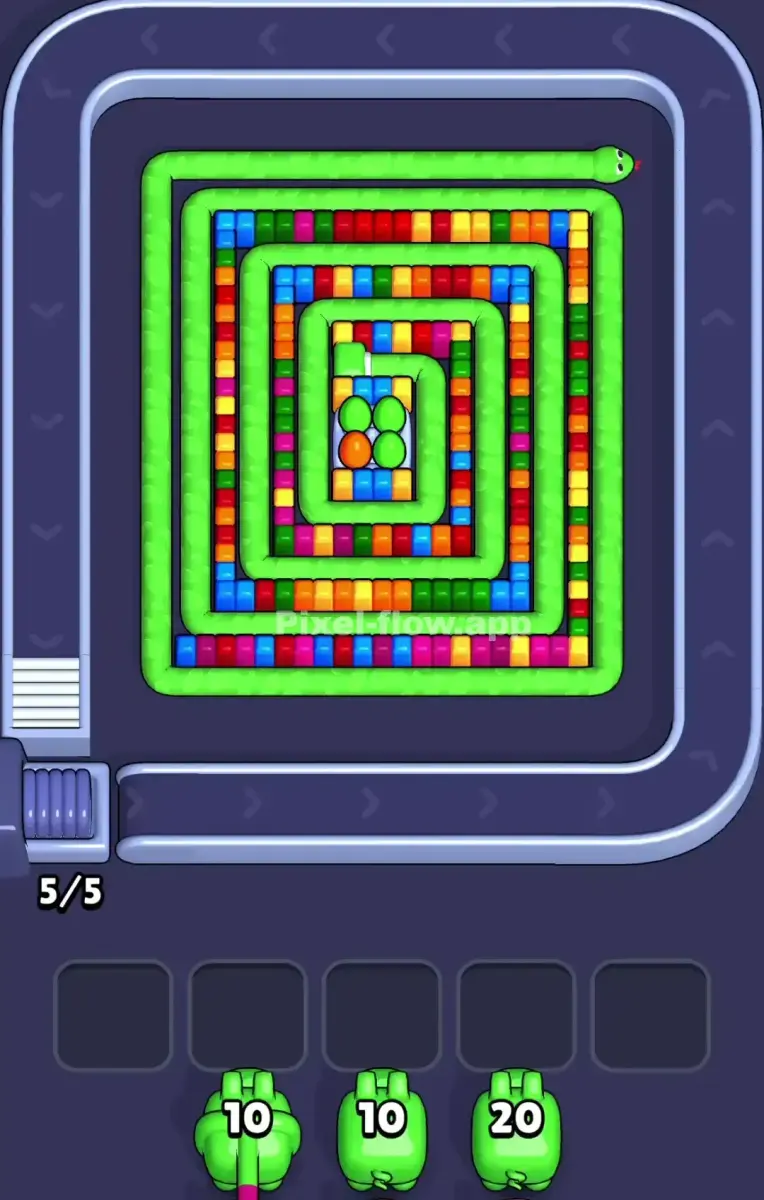
レベル 895
Snake-style board
Peel the outside green coil first. The inner pockets are not reliable targets until at least one loop of the snake is broken.
ガイドを開く
コメント
コメント (0)