
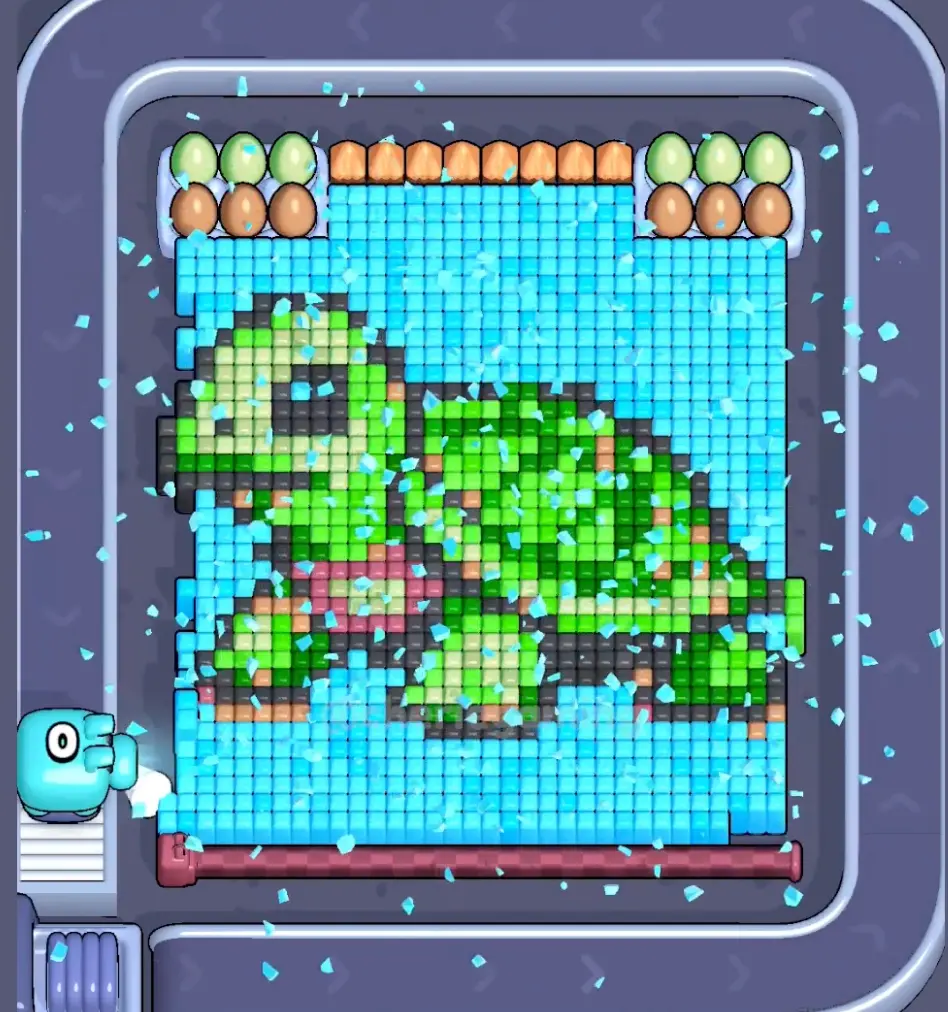
Primero confirma la imagen, compárala con tableros cercanos y, si el diseño cambia, pasa a la coincidencia por captura.
Comparación de tablero
Solución Pixel Flow Nivel 440 | Imagen y guía
Use the Level 440 image as the first check: the board outline and exposed colors should look like your screen.
Nivel 440 Comparación de tablero
- Compare outer edge shape and the outside shell color with your screen before spending boosters on Level 440.
- Most failed starts come from cleaning scattered pixels while the actual opener stays blocked.
- Use Hand only when one stored pig blocks the opener. Save Shuffle until the board is open but the belt order stalls. Abrir guía
- If the layout does not match, upload a screenshot and use the closest visual result before spending boosters. Compare nearby Levels 438, 439, 441, 442 if the shape is close.
Pasaporte del tablero
Úsalo como página de coincidencia del tablero.
Primero confirma la imagen, compárala con tableros cercanos y, si el diseño cambia, pasa a la coincidencia por captura.
Compare outer edge shape and the outside shell color with your screen before spending boosters on Level 440.
Usa la coincidencia por imagen cuando el mismo número de nivel pueda mostrar otro tablero.
Cuando el número está bien pero la imagen no, mira primero los tableros cercanos.
Buscar
outer edge shapethe outside shell color
Comparación de tablero
Primero verifica, no adivines.
Ordinary board pages are useful as visual anchors: confirm the image, open nearby boards, or use the screenshot matcher when the screen differs.
Check the board before the route
Use the Level 440 image as the first check: the board outline and exposed colors should look like your screen.
Use the first move to create space
Find the color that opens a real lane, then delay scattered singles until the board has more space.
Keep tray pressure under control
Most failed starts come from cleaning scattered pixels while the actual opener stays blocked.
Use boosters only when they change the next move
Use Hand only when one stored pig blocks the opener. Save Shuffle until the board is open but the belt order stalls.
Páginas de tablero
Añade tu propia pista de ruta a este tablero.
Add route clues tied to the exact level image you are checking.
Aún no hay pistas de jugadores en este tablero.
Añade una pista después de probar el diseño para que la siguiente ruta sea más fácil de leer.
Abrir solucionador
¿El mismo número, pero otro tablero?
Match your screenshot against 2020 board visuals, then return to the closest level page once the picture lines up.
Tablero cercano
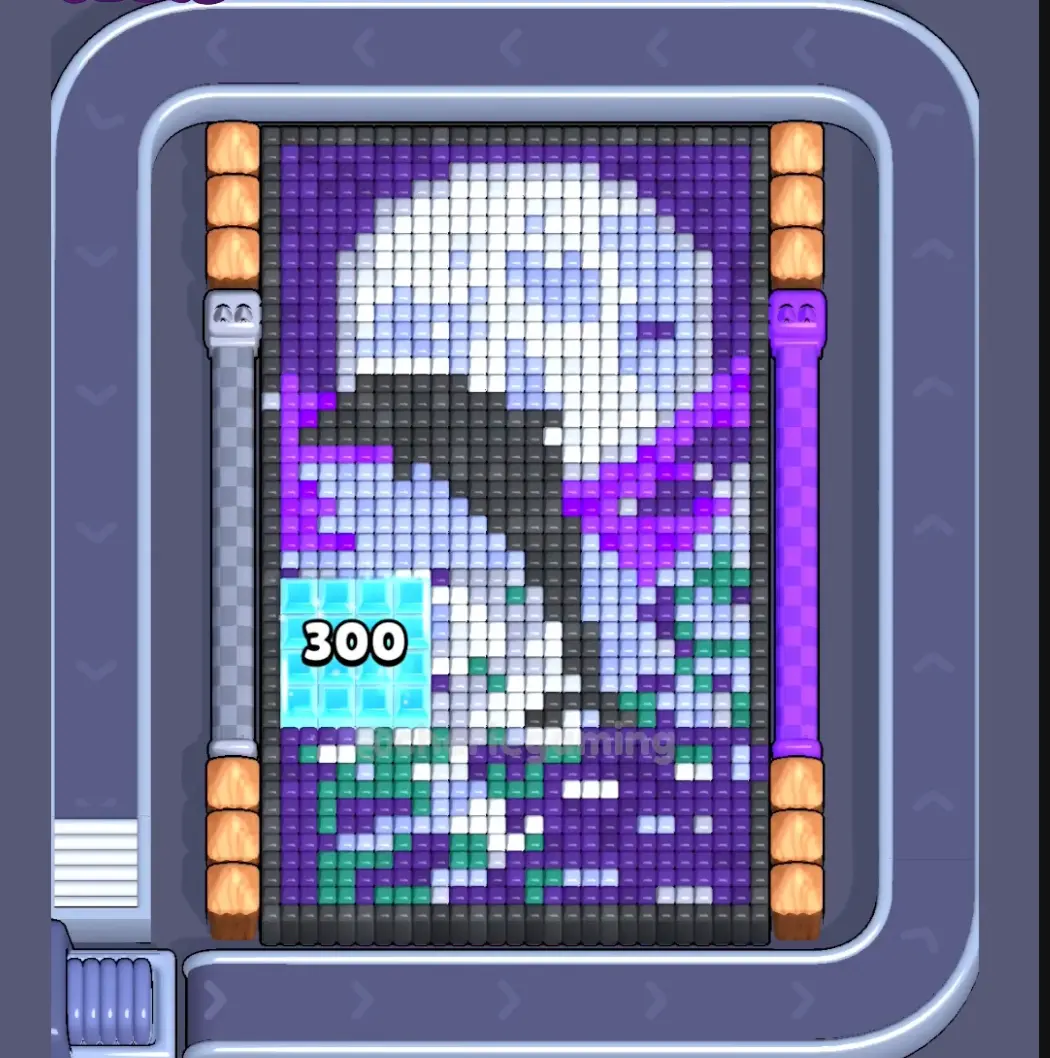
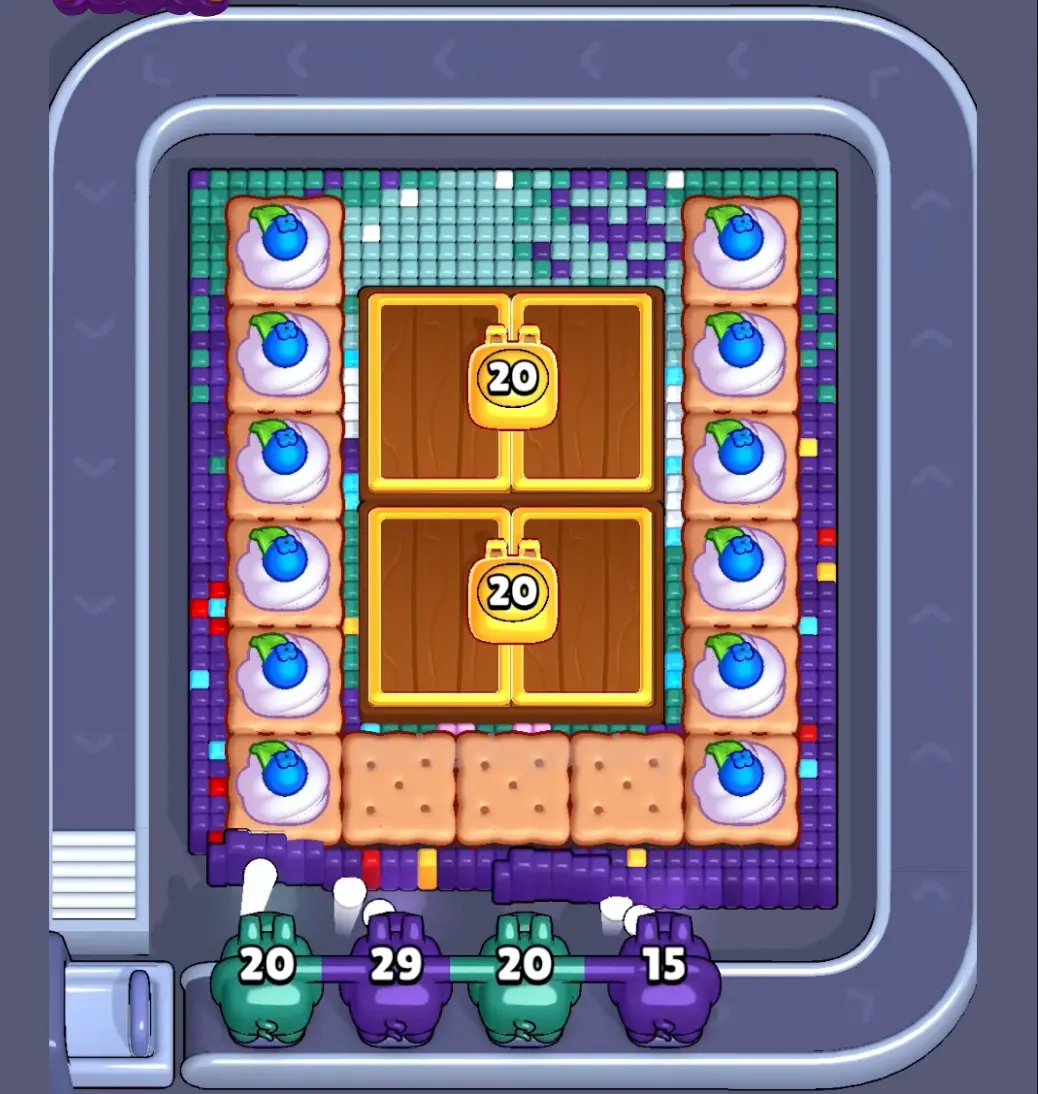
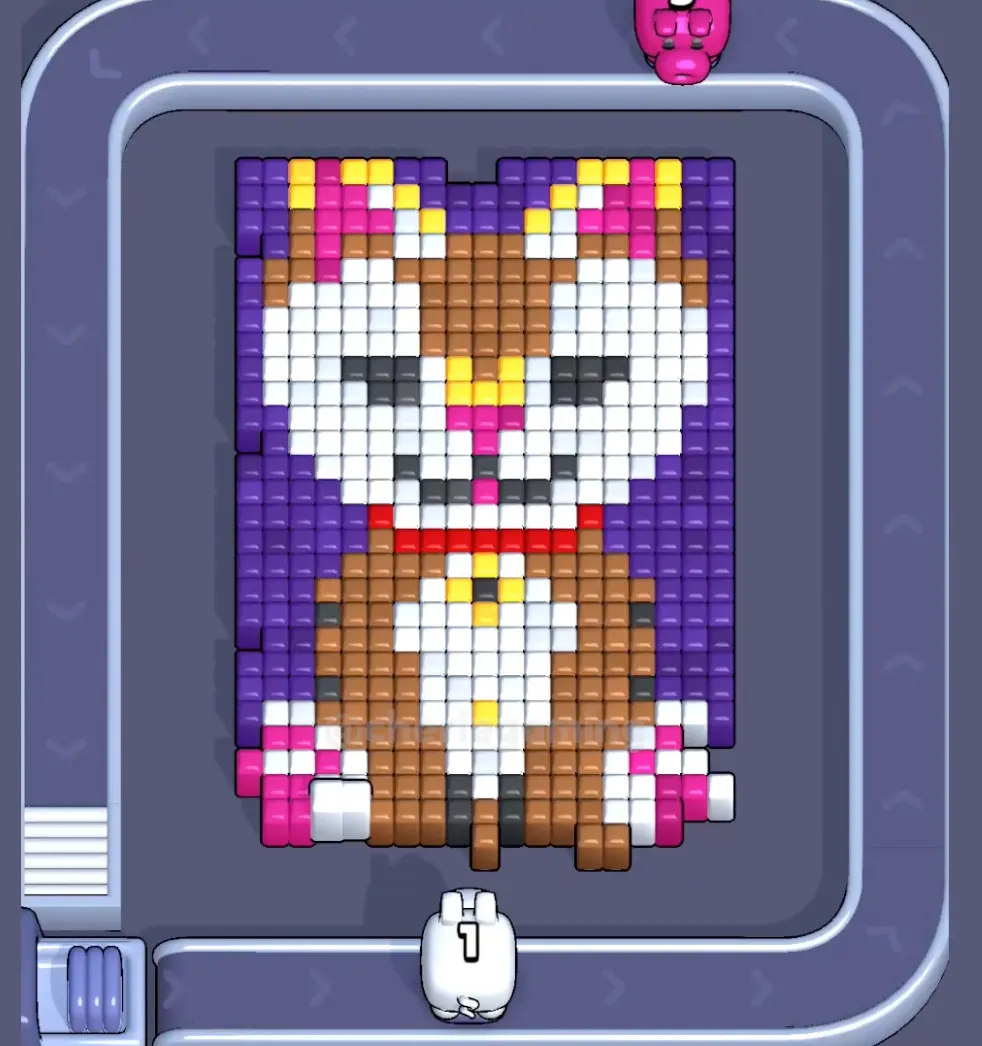
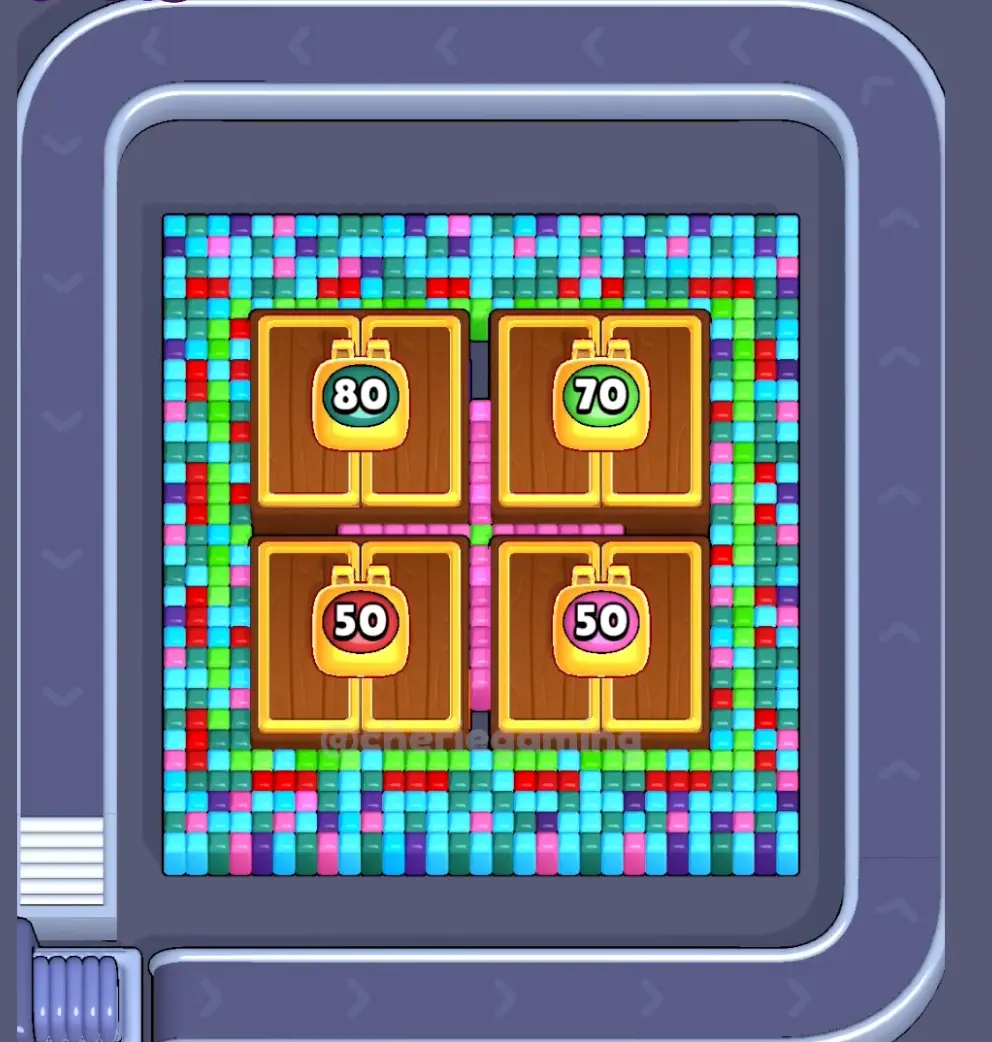
Muévete por este rango con la imagen.
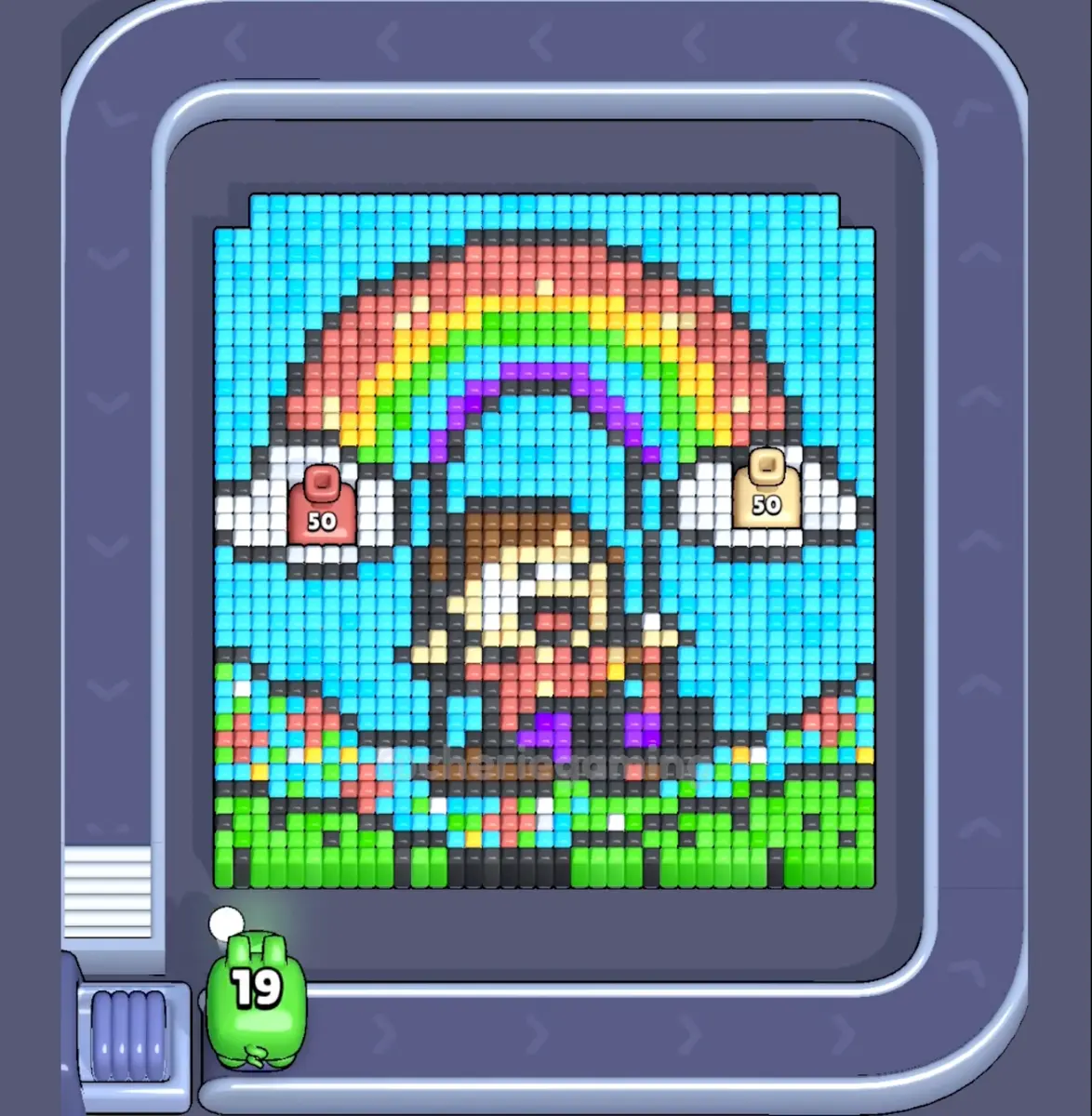
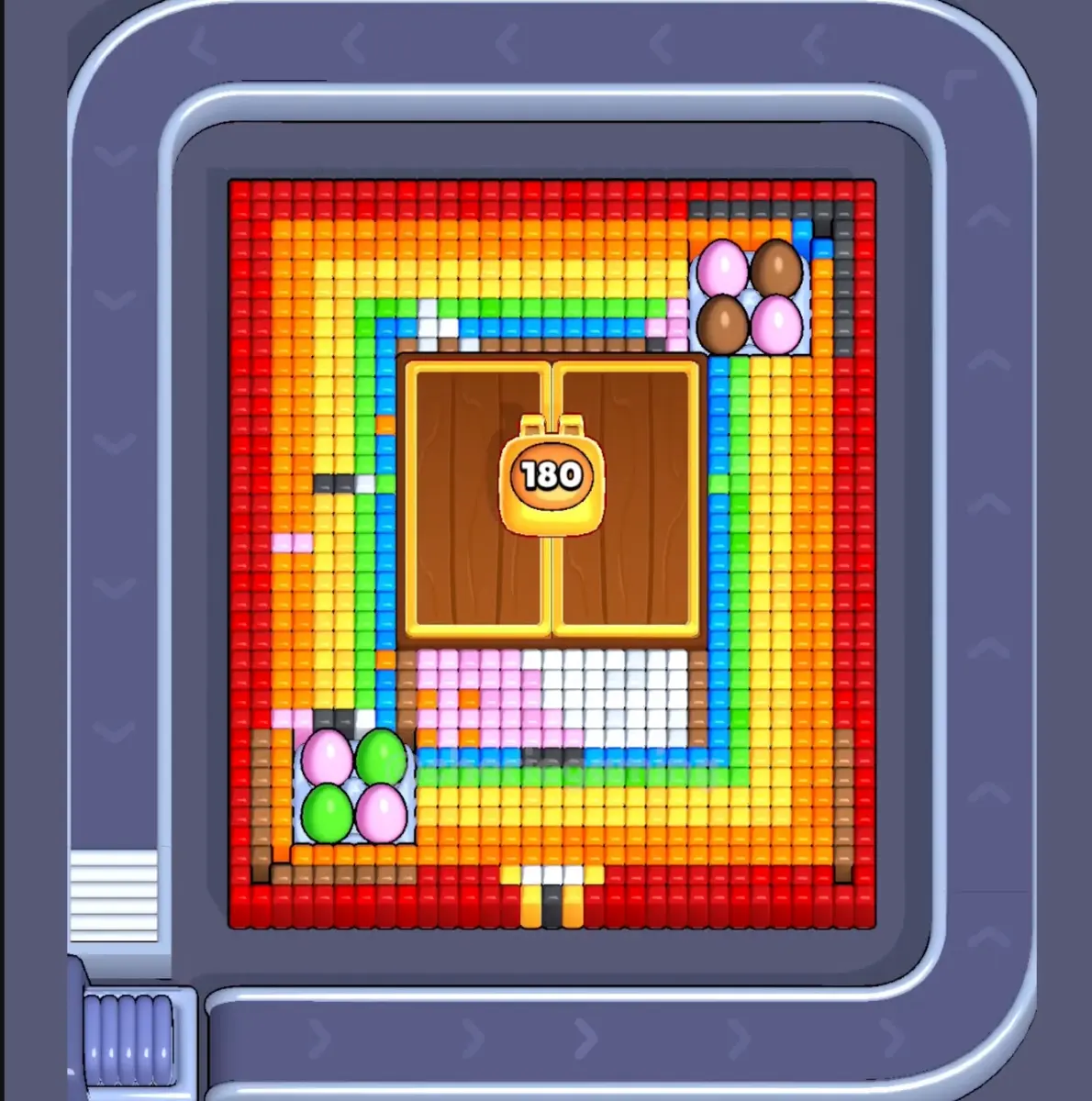
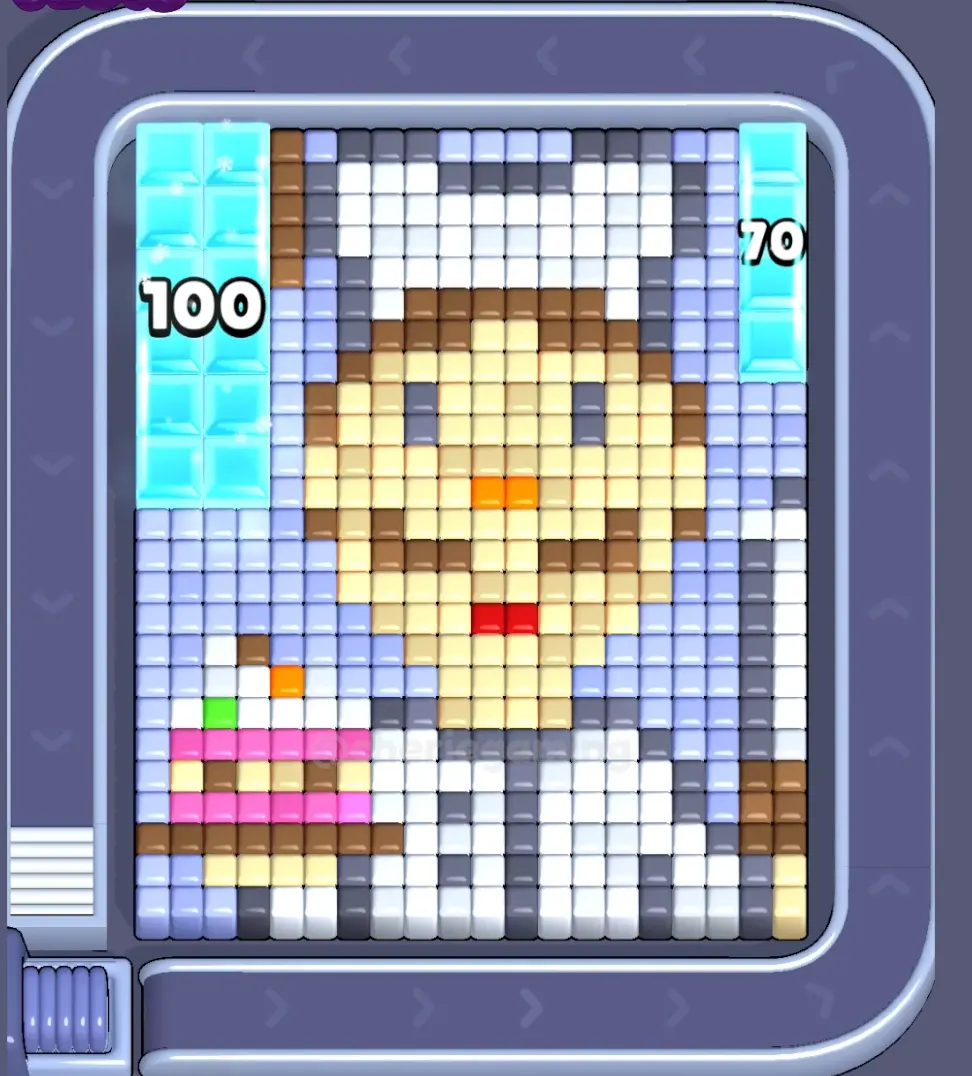
Use nearby pages when your board has the same level band but the picture is slightly different.
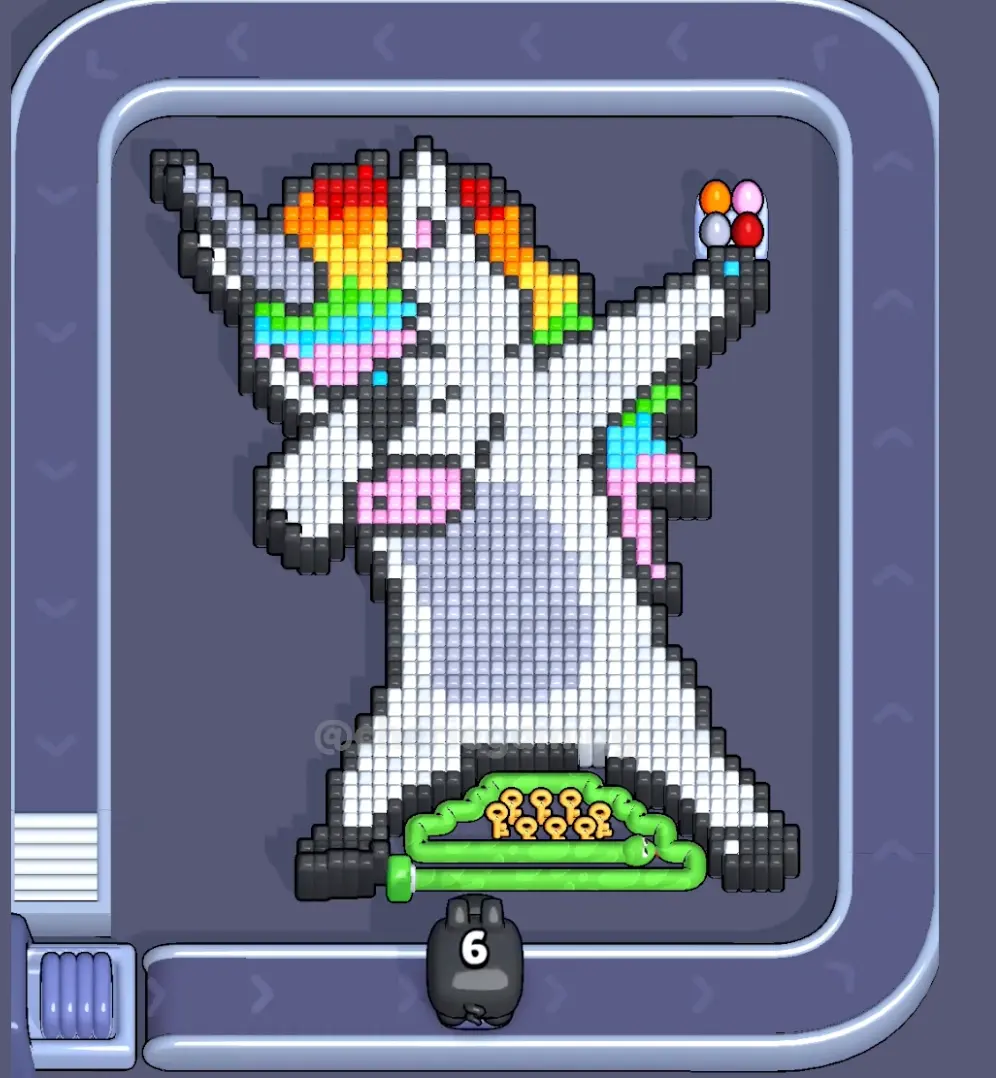
Rango cercano
Explora el rango de niveles.
Open a few boards in the same small band when the level number is close but the image does not match.
Guías mejoradas
Abre la lógica de ruta cerca de este tablero.
These pages may not be the same layout, but they show useful opener, tray, and booster decisions for nearby hard boards.
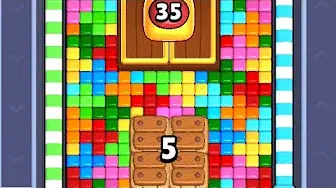
Nivel 434
Mejorado
Start with the color that opens a path into the pocket. A useful opener should remove a connected group or create a wider lane, not just spend a few easy pixels.
Abrir guía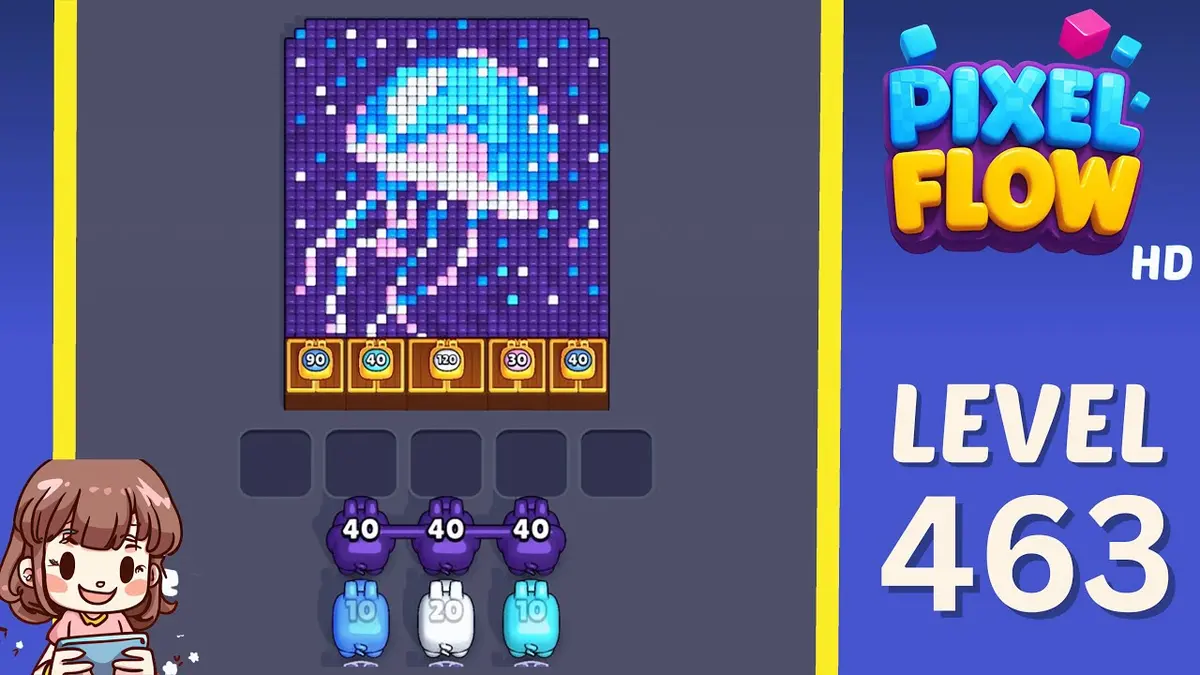
Nivel 463
Mejorado
Start with the biggest anchor group near an edge. A useful opener should remove a connected group or create a wider lane, not just spend a few easy pixels.
Abrir guía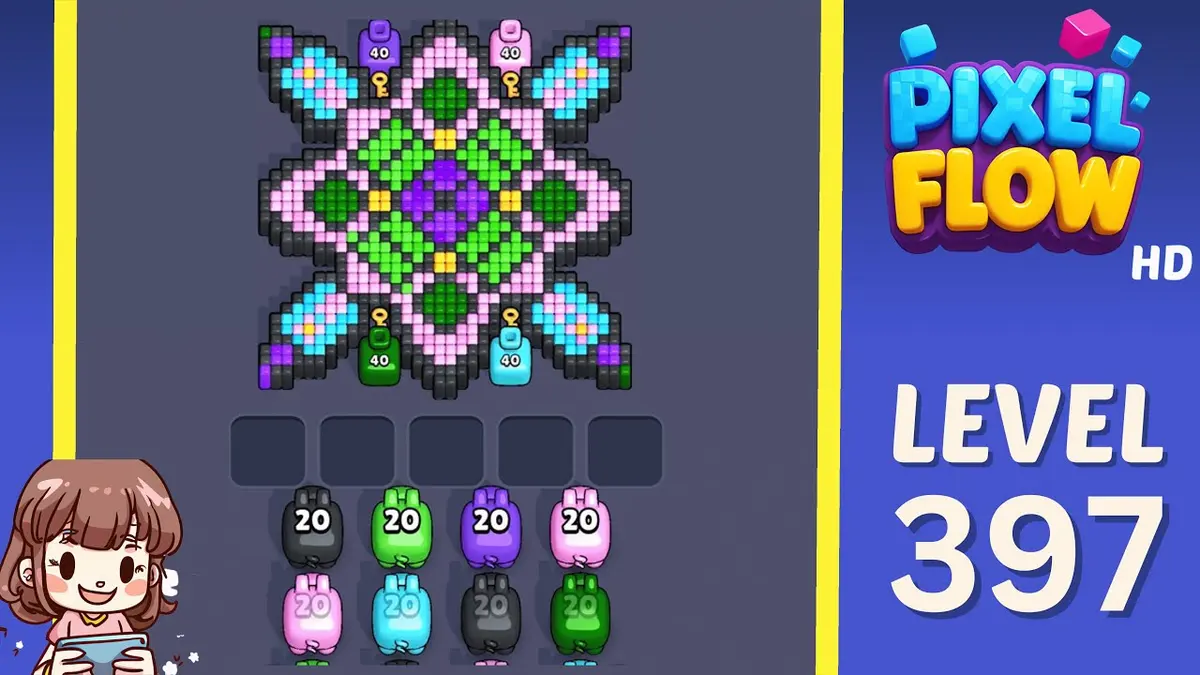
Nivel 397
Mejorado
Start with the first color window that can clear fully. A useful opener should remove a connected group or create a wider lane, not just spend a few easy pixels.
Abrir guía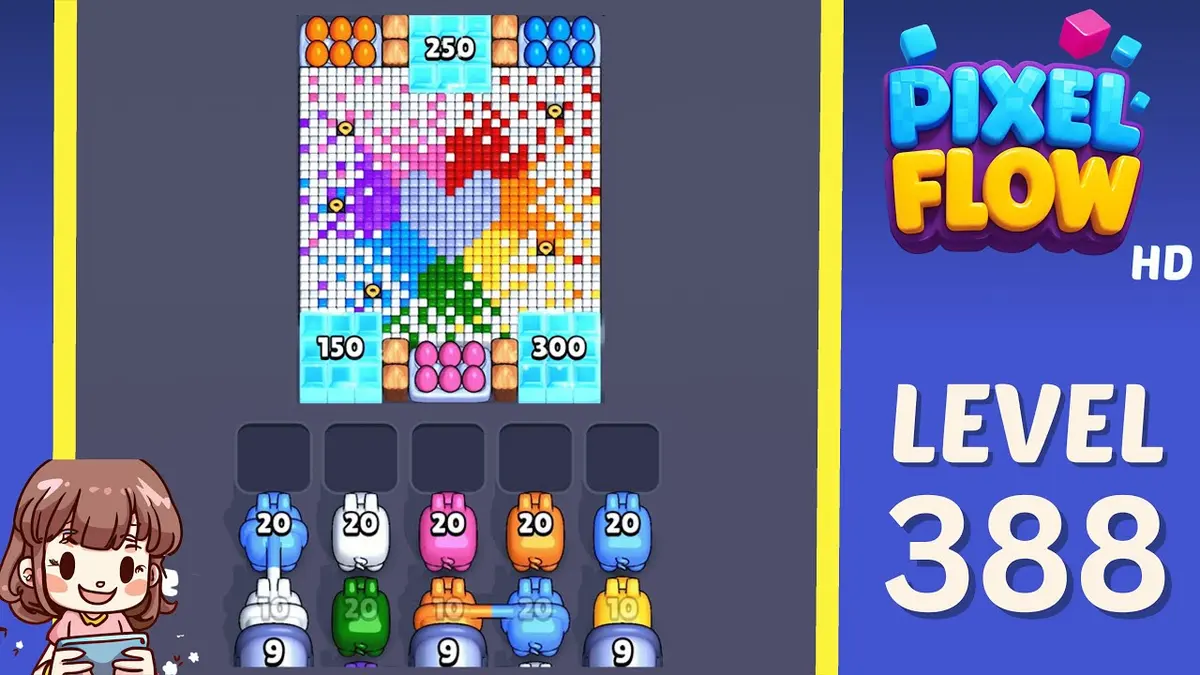
Nivel 388
Mejorado
Start with the blocker group that releases the most new space. A useful opener should remove a connected group or create a wider lane, not just spend a few easy pixels.
Abrir guía
Comentarios
Comentarios (0)