
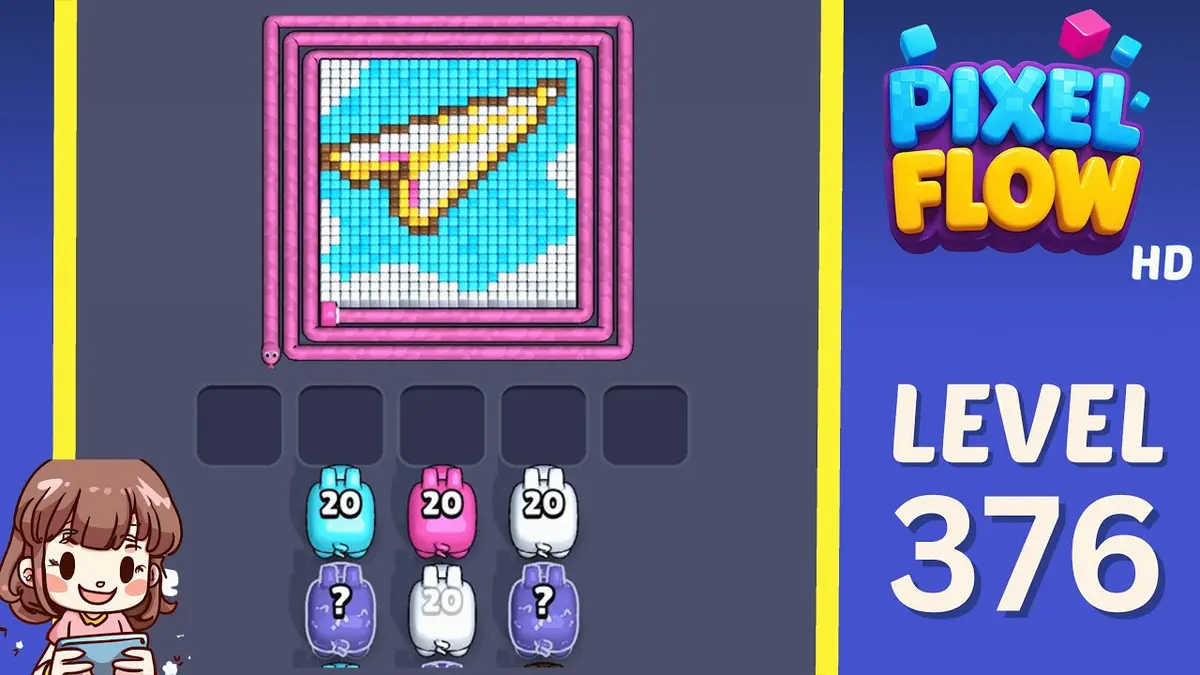
Xác nhận manh mối hình ảnh rồi xem lộ trình, điểm lỗi, quyết định booster và hỗ trợ video.
Nâng cao
Hướng dẫn và lời giải Pixel Flow màn 376
Start with the outside shell color. A useful opener should remove a connected group or create a wider lane, not just spend a few easy pixels.
Read Level 376 as a mid-game board: confirm the outer edge shape, the board outline, and the outside shell color before you copy a route.
Mid-game outer-shell board
- Match outer edge shape and the outside shell color, then follow the opener before touching scattered pixels.
- The common failure is chasing small center pixels before the shell opens. That fills the five waiting slots while the actual opener still has no room to work.
- Try one clean restart before spending. Use Shuffle only after the board opens and the belt order, not the layout, is the problem. Mở hướng dẫn
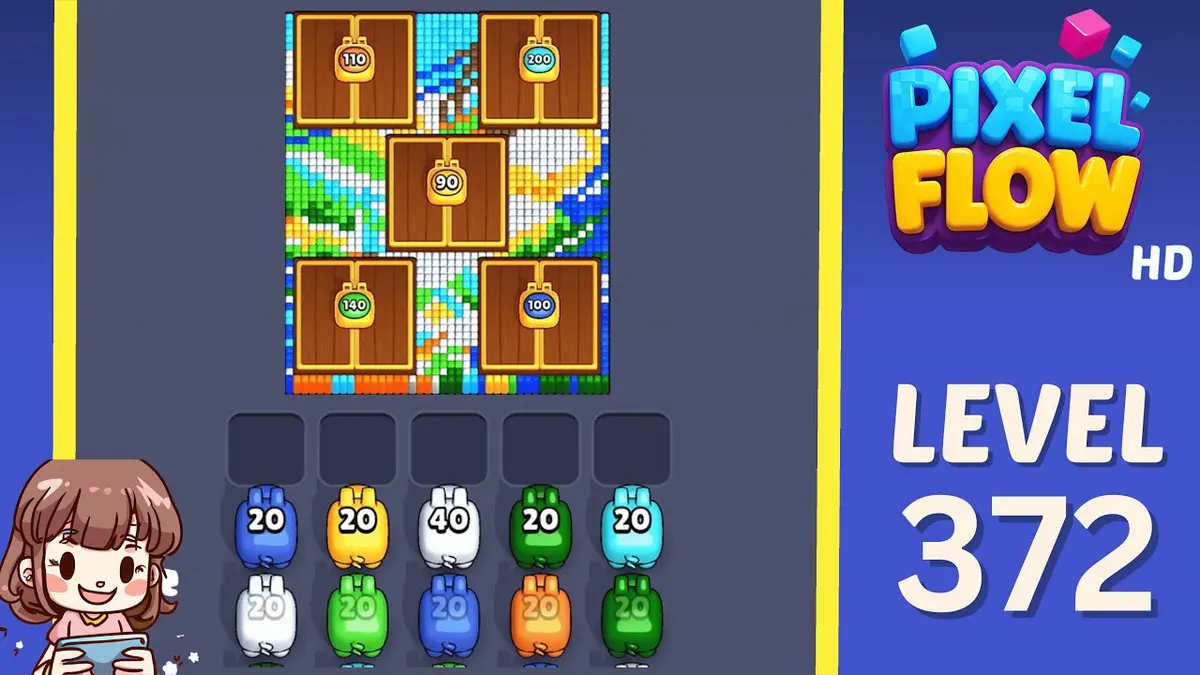
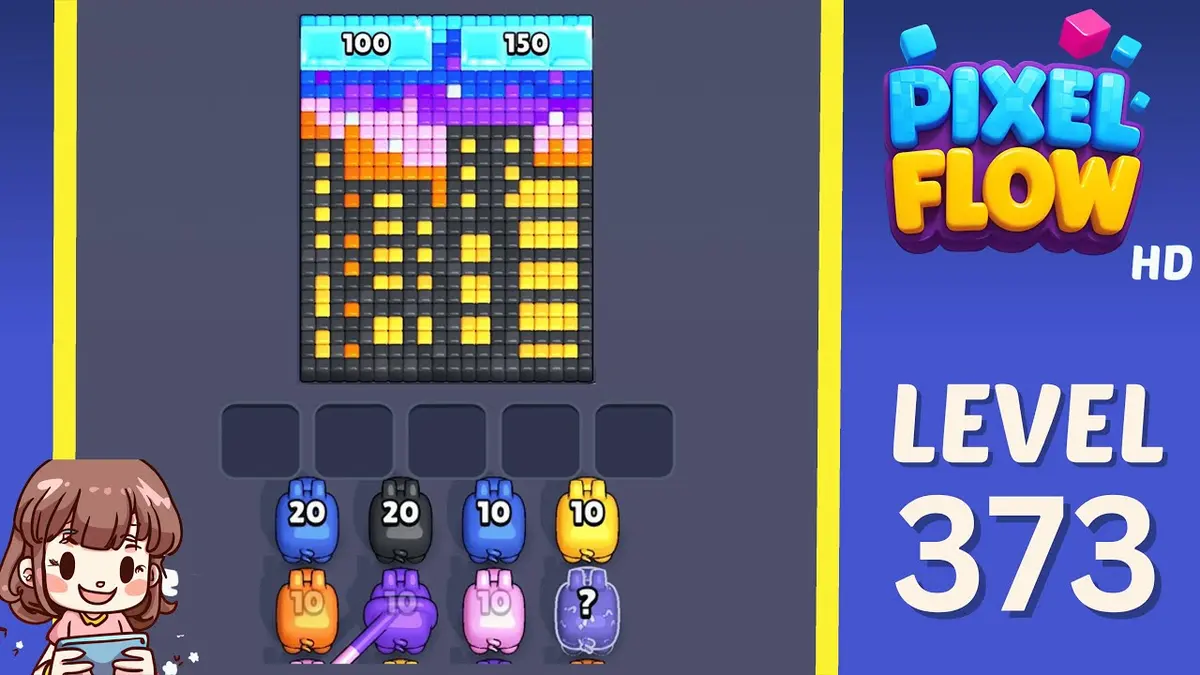
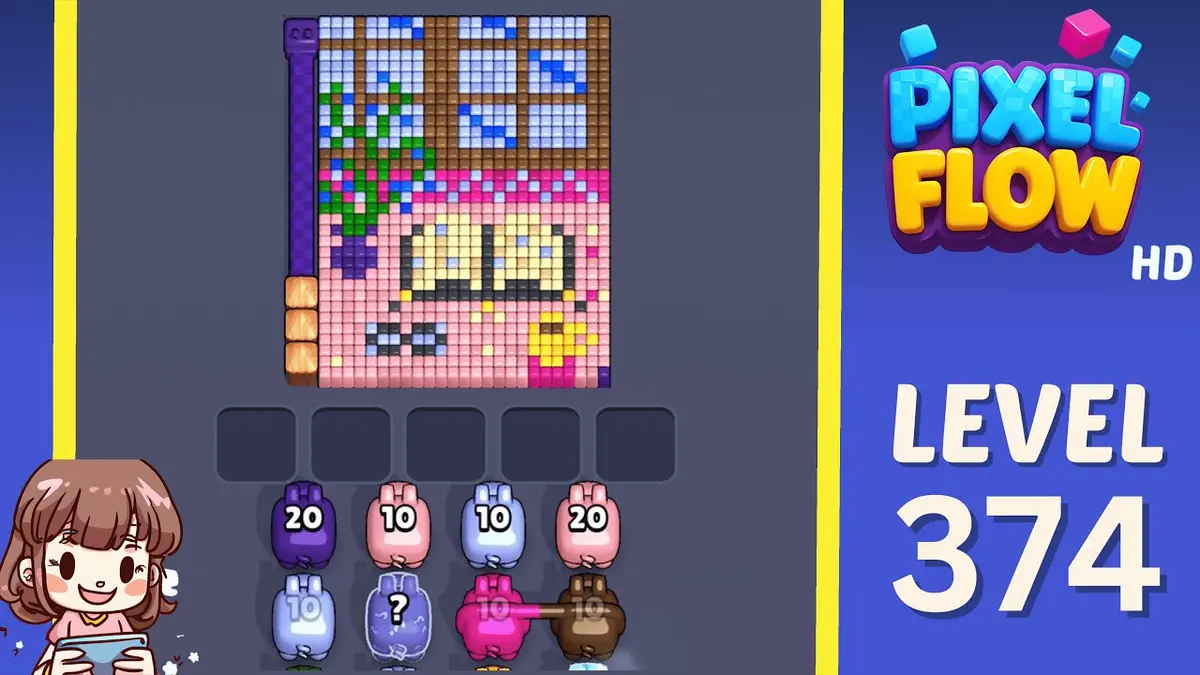
- If Level 376 does not match your screen, use screenshot matching before spending boosters. Levels 374, 375, 377, 378 are the closest picture checks.
Hộ chiếu bàn
Dùng như bàn làm việc cho một màn.
Xác nhận manh mối hình ảnh rồi xem lộ trình, điểm lỗi, quyết định booster và hỗ trợ video.
Match outer edge shape and the outside shell color, then follow the opener before touching scattered pixels.
Dùng khớp ảnh khi cùng một số màn có thể hiện ra bàn khác.
Lưu bàn, đánh dấu hoàn thành sau rồi so với các mẫu khó gần đó.
Cần xem
outer edge shapethe outside shell colorlargest visible groupsame board outlineimage-only route check
Hướng dẫn nâng cao
Kiểm tra theo thứ tự này.
Enhanced pages add board-specific judgment. They still start with the picture because a close level number can hide a different layout.
Confirm the board family
Check the outer edge shape, the largest exposed group, and the border shape before trusting the level number.
Commit to one opener
Use the outside shell color to make space first. Switching targets too early usually creates leftovers instead of progress.
Protect the tray
Keep one tray slot for the shell-breaking color. A pig that cannot spend most of its ammo right now is usually tray weight.
Fallback by picture
If Level 376 does not match your screen, use screenshot matching before spending boosters. Levels 374, 375, 377, 378 are the closest picture checks.
Hướng dẫn nâng cao
Mid-game outer-shell board: Xem phần này trước khi chơi.
Use these notes when the board image matches your screen. If the shape differs, jump to screenshot matching before spending boosters.
Khớp hình
Read Level 376 as a mid-game board: confirm the outer edge shape, the board outline, and the outside shell color before you copy a route.
Khớp mở đầu
Start with the outside shell color. A useful opener should remove a connected group or create a wider lane, not just spend a few easy pixels.
Khớp booster
The common failure is chasing small center pixels before the shell opens. That fills the five waiting slots while the actual opener still has no room to work.
Khớp booster
Try one clean restart before spending. Use Shuffle only after the board opens and the belt order, not the layout, is the problem.
Cần xem
outer edge shapethe outside shell colorlargest visible groupsame board outlineimage-only route checkcompare 374, 375, 377, 378
Dùng khớp ảnh khi cùng một số màn có thể hiện ra bàn khác.
Start with the outside shell color. A useful opener should remove a connected group or create a wider lane, not just spend a few easy pixels.
Quyết định xem booster có đổi nước đi tiếp theo hay chỉ làm chậm thất bại.
Kiểm tra power-up
Làm bước này trước khi dùng booster.
Enhanced pages are built around board reading: confirm the picture, find the opener, control the five slots, then decide whether a booster actually changes the next move.
Confirm the board family
Check the outer edge shape, the largest exposed group, and the border shape before trusting the level number.
Commit to one opener
Use the outside shell color to make space first. Switching targets too early usually creates leftovers instead of progress.
Protect the tray
Keep one tray slot for the shell-breaking color. A pig that cannot spend most of its ammo right now is usually tray weight.
Fallback by picture
If Level 376 does not match your screen, use screenshot matching before spending boosters. Levels 374, 375, 377, 378 are the closest picture checks.
Trang bàn
Người chơi đã nhận ra gì ở bàn này.
Short route clues, booster reminders, and wrong-layout warnings stay attached to this exact board image.
I wait until the outer edge shape and the outside shell color both line up. If one clue is off, I assume it is a different board with the same level number.
The common failure is chasing small center pixels before the shell opens. That fills the five waiting slots while the actual opener still has no room to work.
Chưa có gợi ý nào từ người chơi trên bàn này.
Thêm gợi ý sau khi thử bố cục để đường đi tiếp theo dễ đọc hơn.
Mở trình giải
Cùng số, nhưng bàn khác?
Match your screenshot against 2020 board visuals, then return to the closest level page once the picture lines up.
Bàn gần
Di chuyển trong phạm vi này bằng hình ảnh.
Use nearby pages when your board has the same level band but the picture is slightly different.
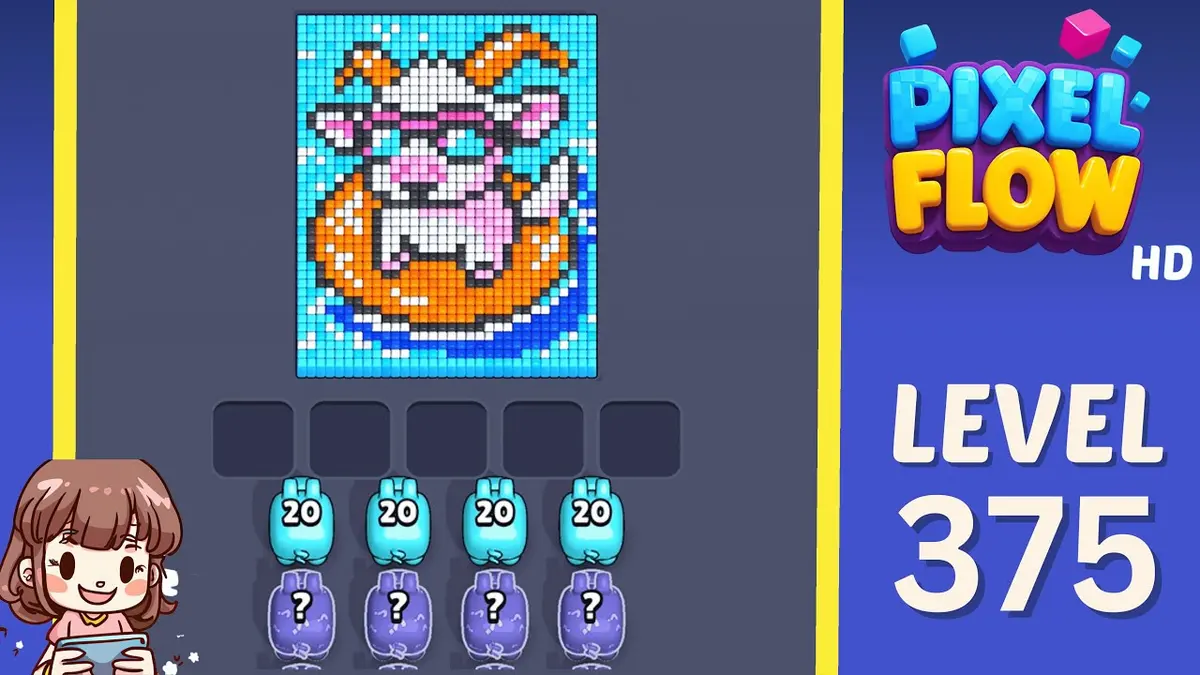
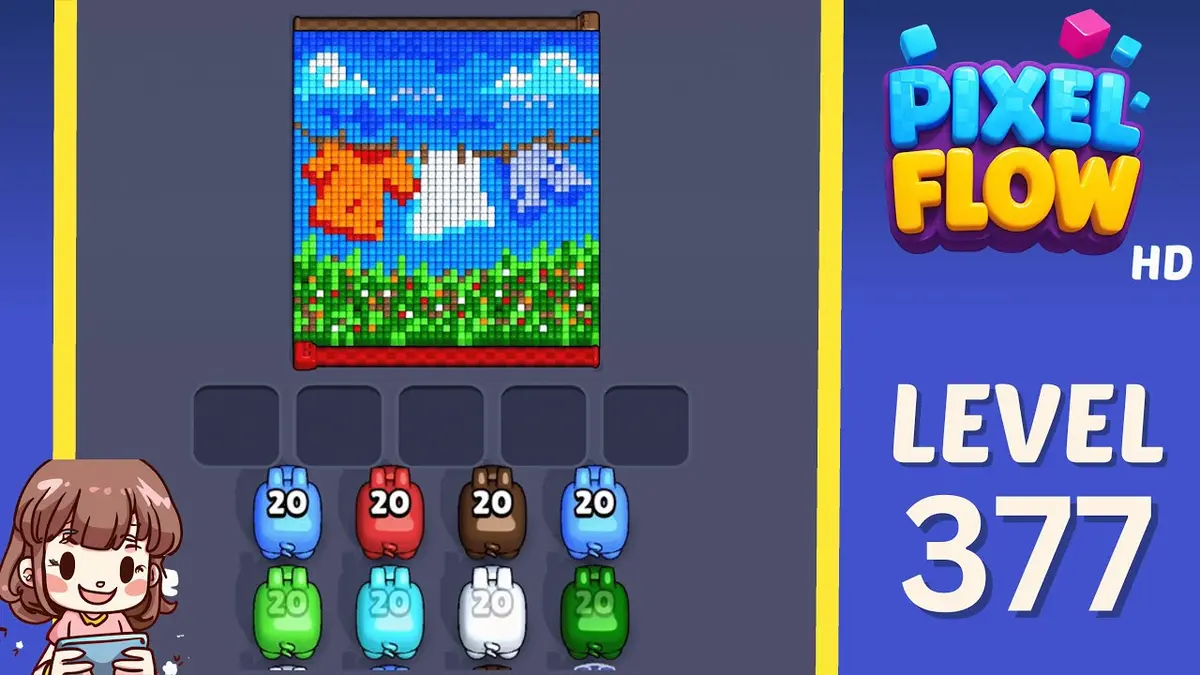
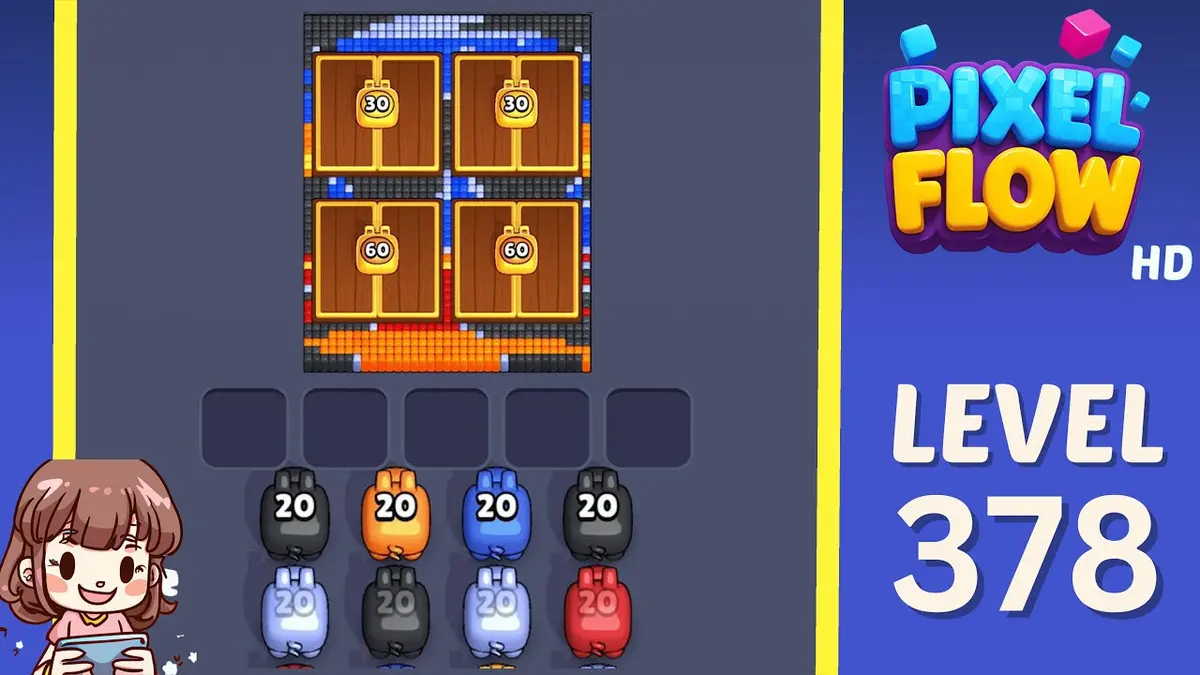
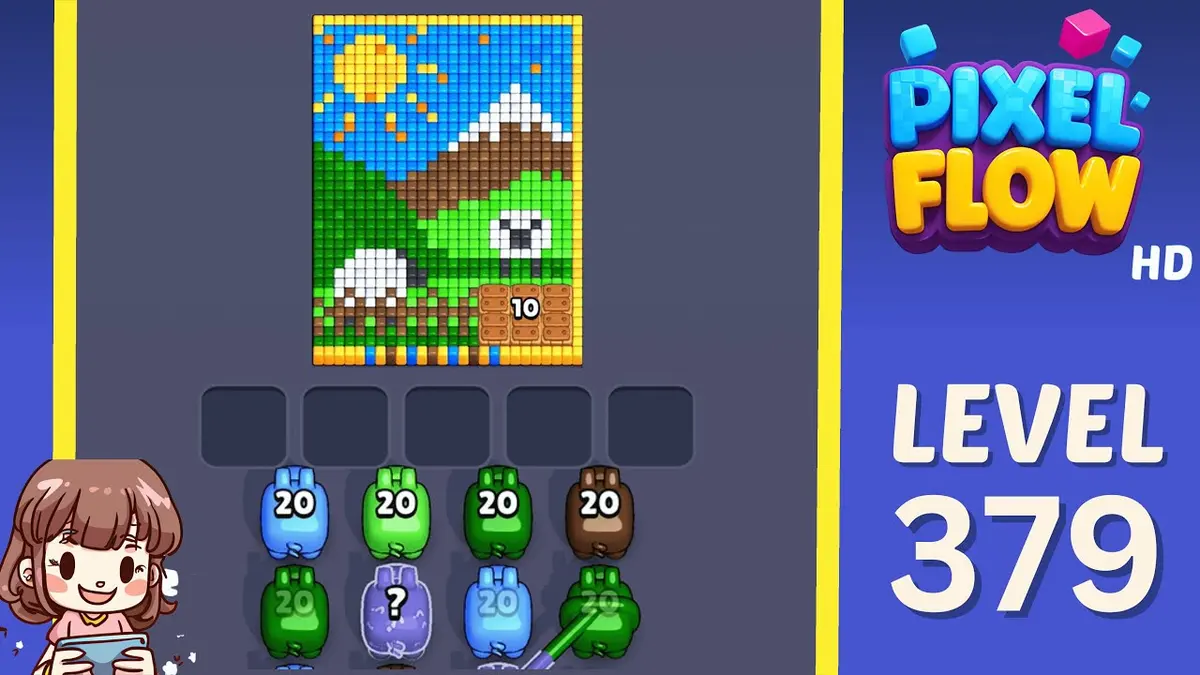
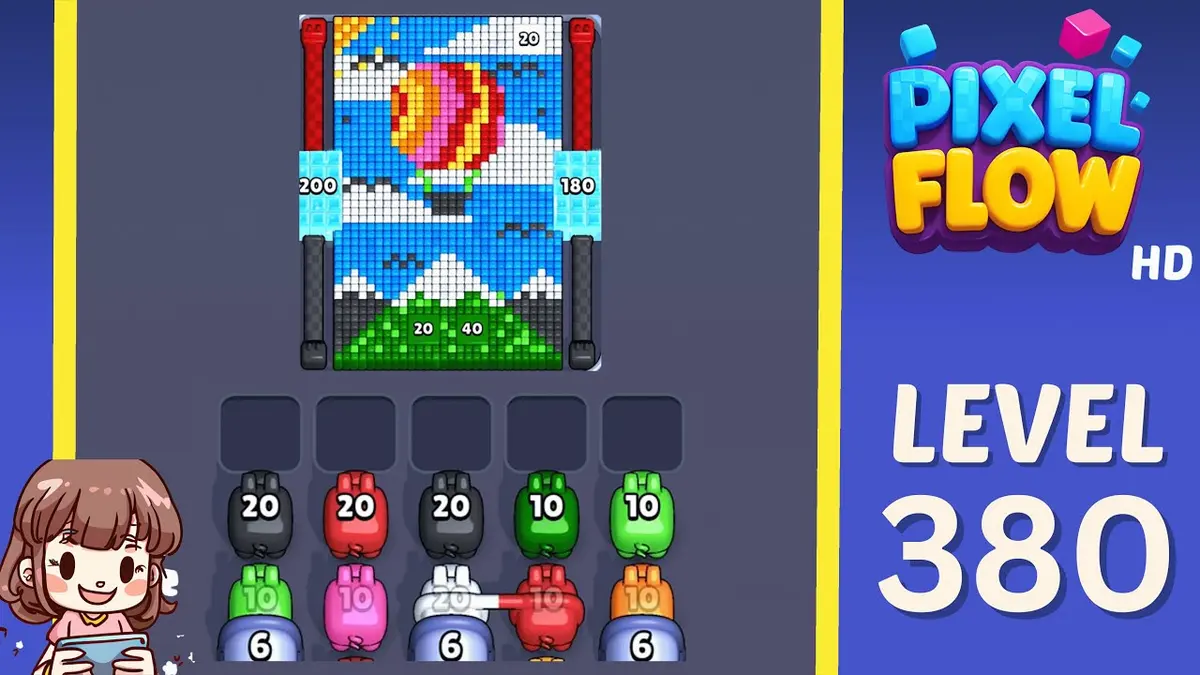
Khoảng gần
Xem phạm vi màn.
Open a few boards in the same small band when the level number is close but the image does not match.
Hướng dẫn nâng cao
Mở logic đường đi gần bàn này.
These pages may not be the same layout, but they show useful opener, tray, and booster decisions for nearby hard boards.
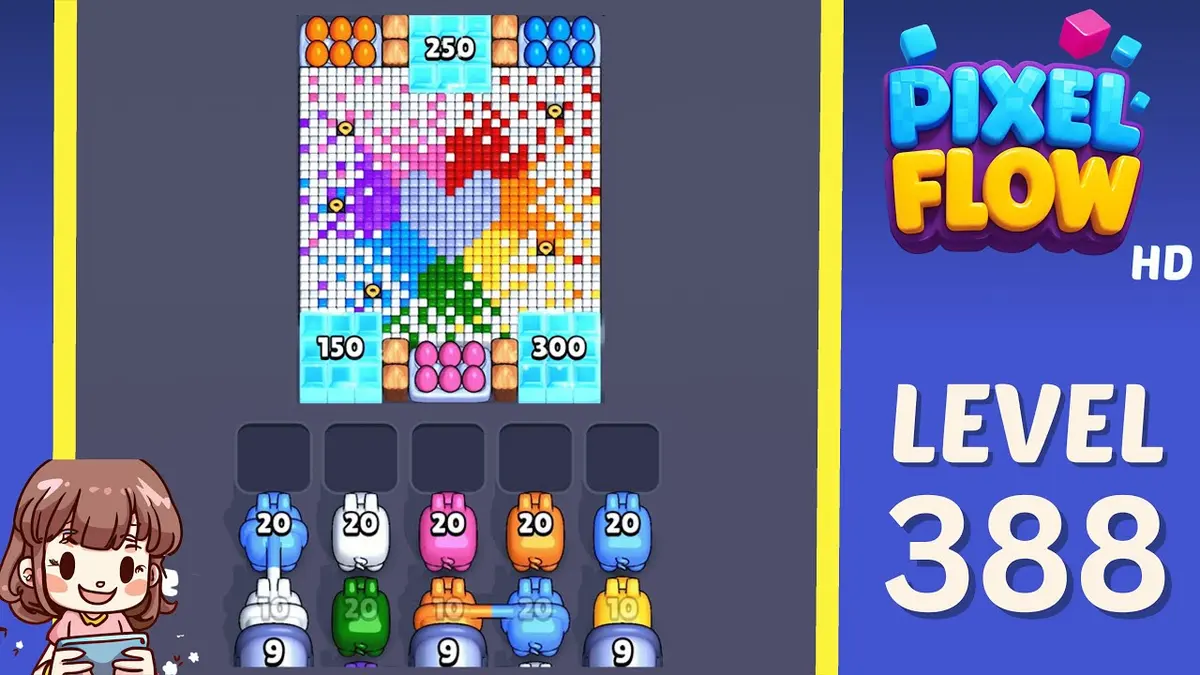
Màn 388
Nâng cao
Start with the blocker group that releases the most new space. A useful opener should remove a connected group or create a wider lane, not just spend a few easy pixels.
Mở hướng dẫn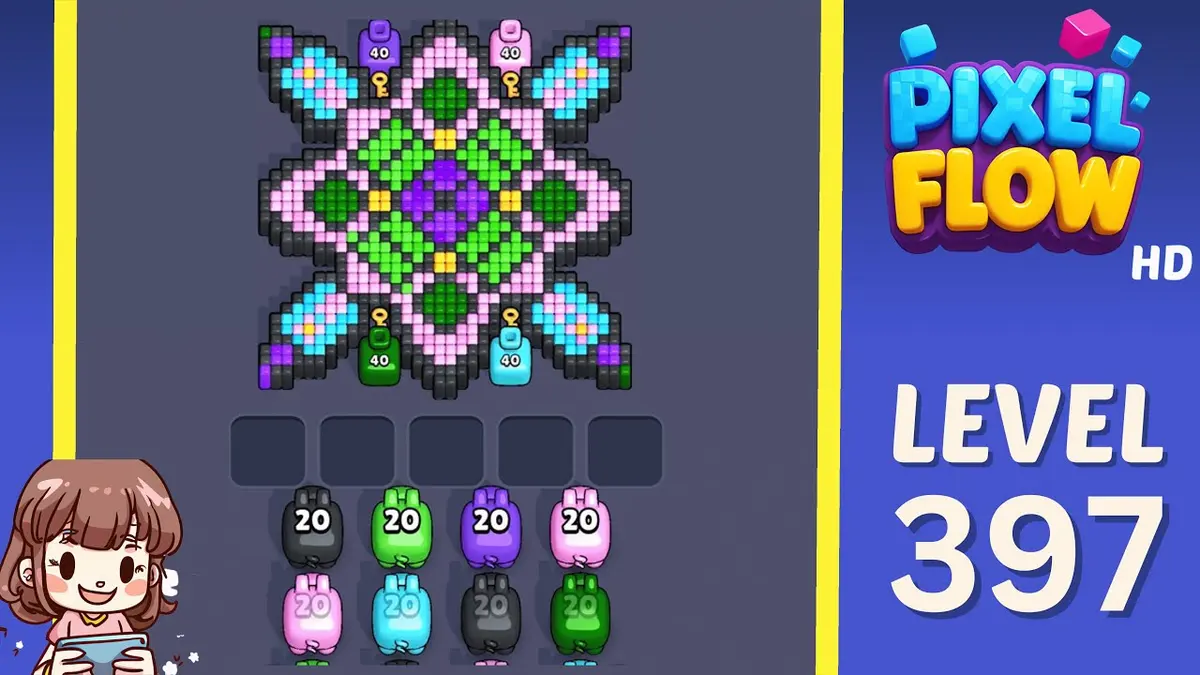
Màn 397
Nâng cao
Start with the first color window that can clear fully. A useful opener should remove a connected group or create a wider lane, not just spend a few easy pixels.
Mở hướng dẫn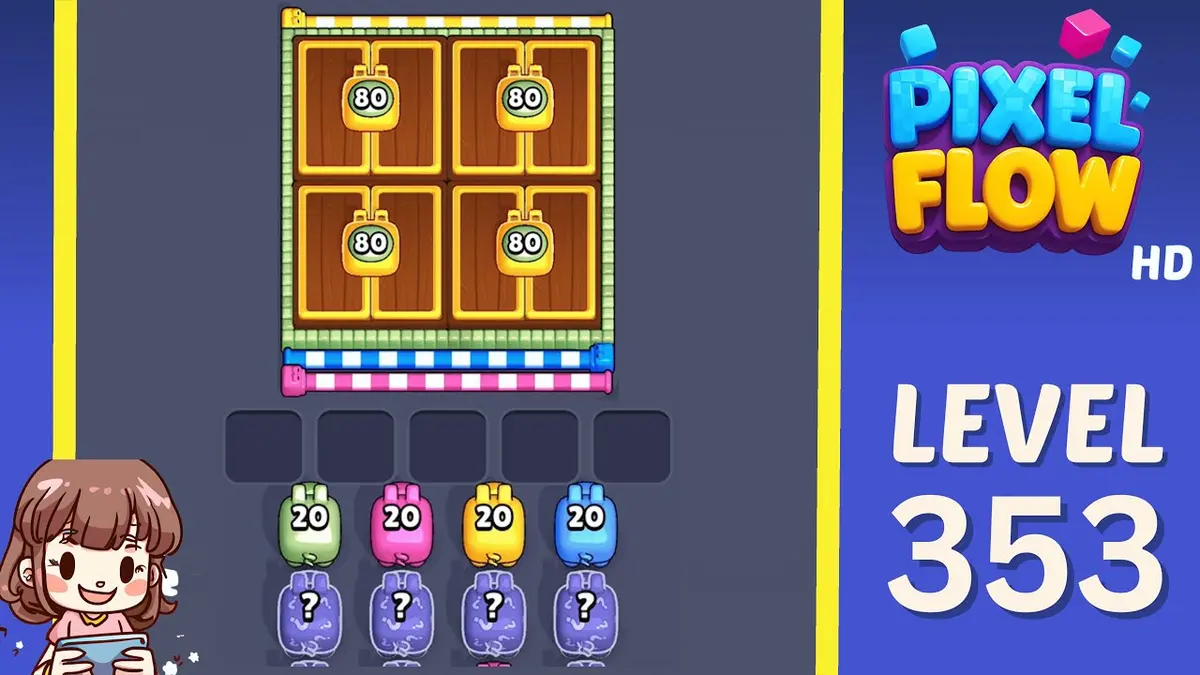
Màn 353
Nâng cao
Start with the first color window that can clear fully. A useful opener should remove a connected group or create a wider lane, not just spend a few easy pixels.
Mở hướng dẫn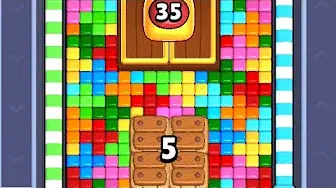
Màn 434
Nâng cao
Start with the color that opens a path into the pocket. A useful opener should remove a connected group or create a wider lane, not just spend a few easy pixels.
Mở hướng dẫn
Bình luận
Bình luận (2)