
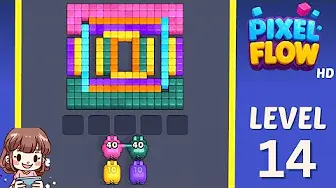
Xác nhận hình ảnh trước, so với các bàn gần đó, rồi chuyển sang khớp ảnh chụp nếu bố cục khác.
Khớp bàn
Lời giải Pixel Flow màn 14 | Ảnh bàn & hướng dẫn
Use the Level 14 image as the first check: the board outline and exposed colors should look like your screen.
Màn 14 Khớp bàn
- Compare largest connected pocket and the largest connected color pocket with your screen before spending boosters on Level 14.
- The usual mistake is tapping every available color instead of waiting for a pig that can clear a full group.
- Restart before spending. Early levels teach color order better than a booster would. Mở hướng dẫn
- If the layout does not match, upload a screenshot and use the closest visual result before spending boosters. Compare nearby Levels 12, 13, 15, 16 if the shape is close.
Hộ chiếu bàn
Dùng như trang khớp bàn.
Xác nhận hình ảnh trước, so với các bàn gần đó, rồi chuyển sang khớp ảnh chụp nếu bố cục khác.
Compare largest connected pocket and the largest connected color pocket with your screen before spending boosters on Level 14.
Dùng khớp ảnh khi cùng một số màn có thể hiện ra bàn khác.
Khi số đúng nhưng ảnh không khớp, hãy xem các bàn gần đó trước.
Cần xem
largest connected pocketthe largest connected color pocket
Khớp bàn
Kiểm tra trước, đừng đoán.
Ordinary board pages are useful as visual anchors: confirm the image, open nearby boards, or use the screenshot matcher when the screen differs.
Check the board before the route
Use the Level 14 image as the first check: the board outline and exposed colors should look like your screen.
Use the first move to create space
Clear the largest exposed color group first and keep the tray from filling with one-pixel shots.
Keep tray pressure under control
The usual mistake is tapping every available color instead of waiting for a pig that can clear a full group.
Use boosters only when they change the next move
Restart before spending. Early levels teach color order better than a booster would.
Trang bàn
Thêm gợi ý đường đi của bạn vào bàn này.
Add route clues tied to the exact level image you are checking.
Chưa có gợi ý nào từ người chơi trên bàn này.
Thêm gợi ý sau khi thử bố cục để đường đi tiếp theo dễ đọc hơn.
Mở trình giải
Cùng số, nhưng bàn khác?
Match your screenshot against 2020 board visuals, then return to the closest level page once the picture lines up.
Bàn gần
Di chuyển trong phạm vi này bằng hình ảnh.
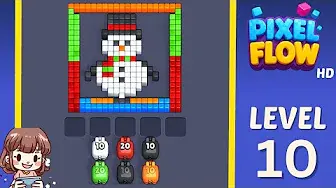
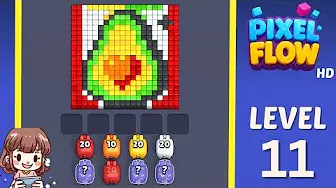
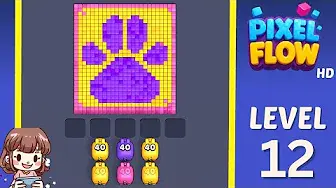
Use nearby pages when your board has the same level band but the picture is slightly different.
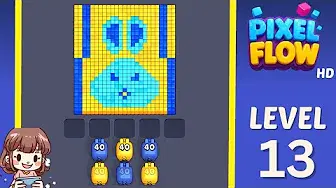
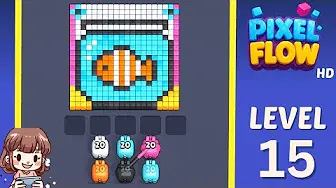
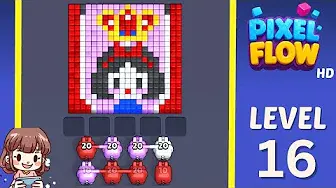
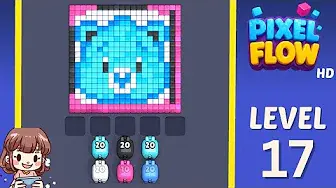
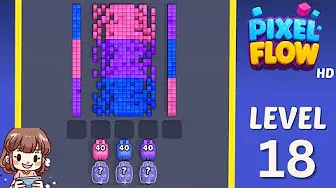
Khoảng gần
Xem phạm vi màn.
Open a few boards in the same small band when the level number is close but the image does not match.
Hướng dẫn nâng cao
Mở logic đường đi gần bàn này.
These pages may not be the same layout, but they show useful opener, tray, and booster decisions for nearby hard boards.
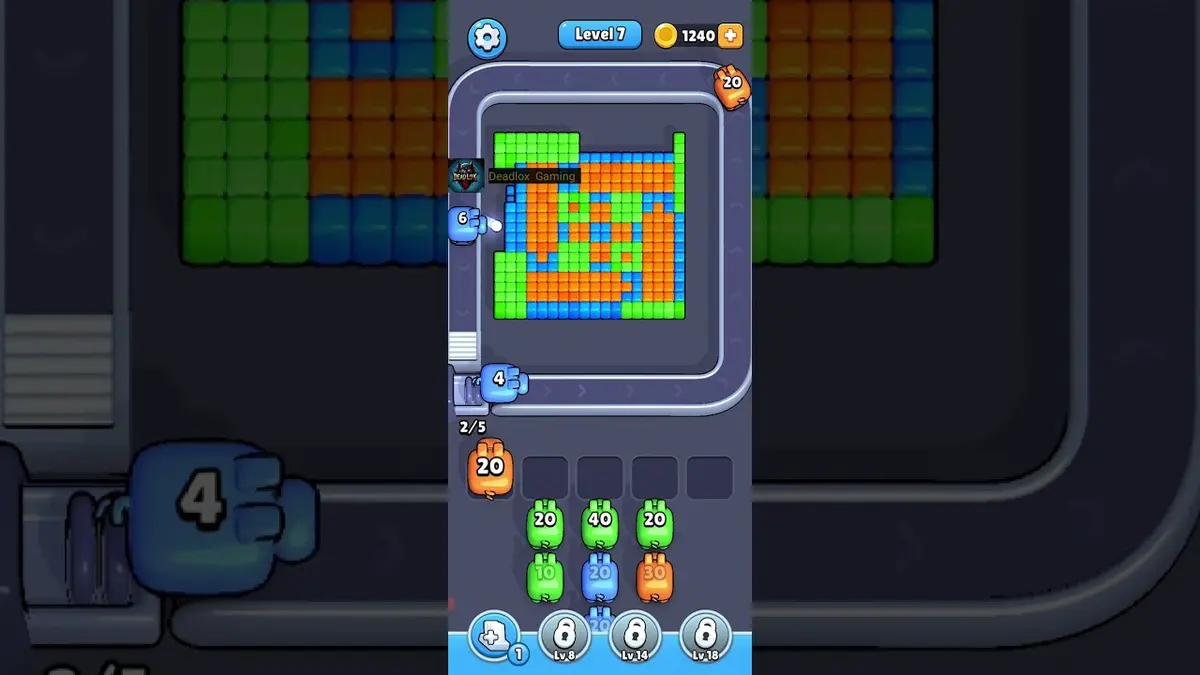
Màn 1
First color lane
Clear the longest matching lane first so the belt teaches you how color targeting works.
Mở hướng dẫn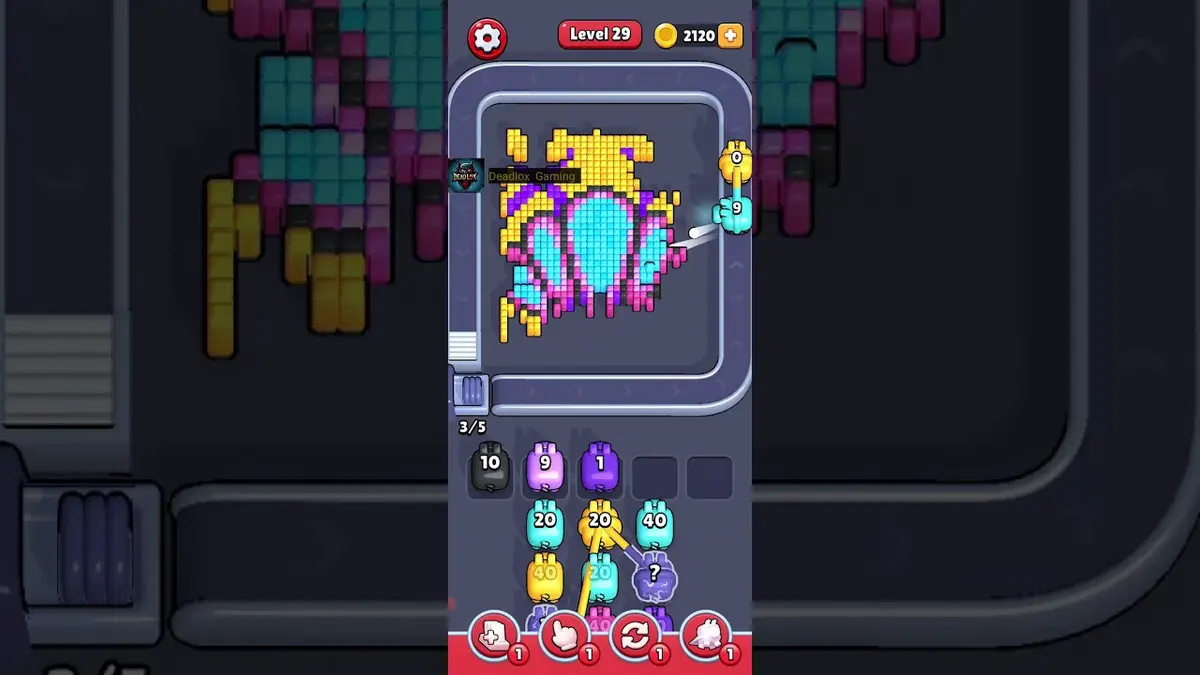
Màn 29
Early rhythm check
Let weak pigs pass when they cannot spend most of their ammo on the visible color.
Mở hướng dẫn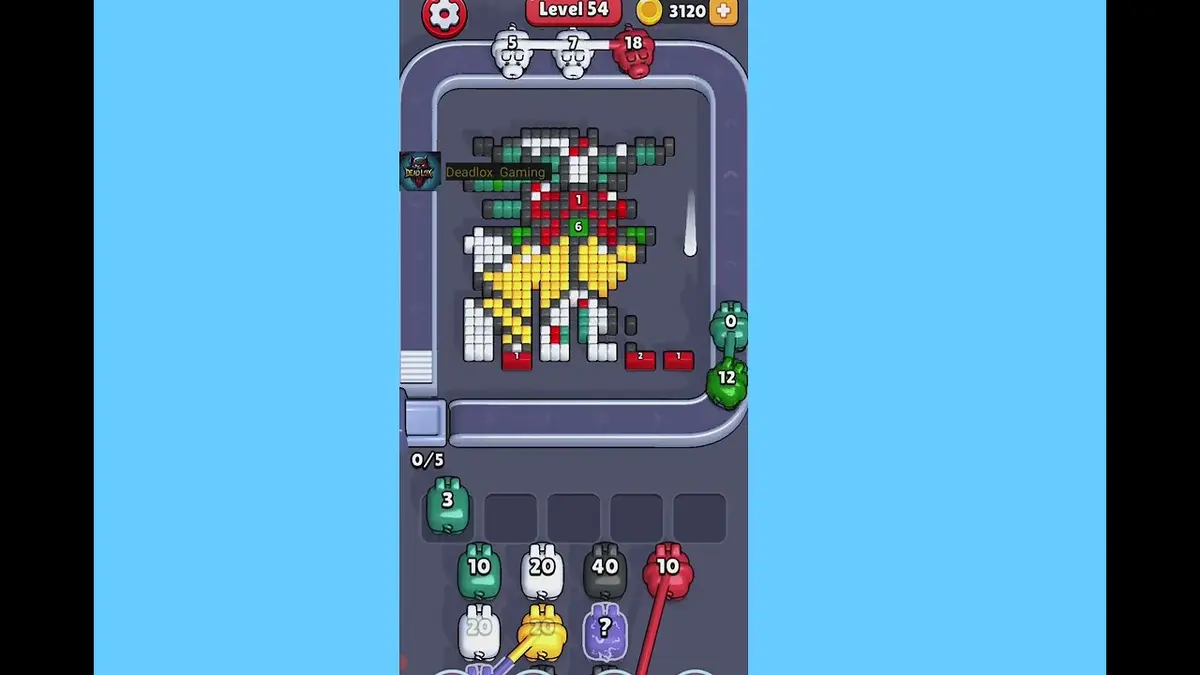
Màn 54
Crossing lane drill
Open the crossing with the color that has the cleanest visible chain, then use the second color after the lane breathes.
Mở hướng dẫn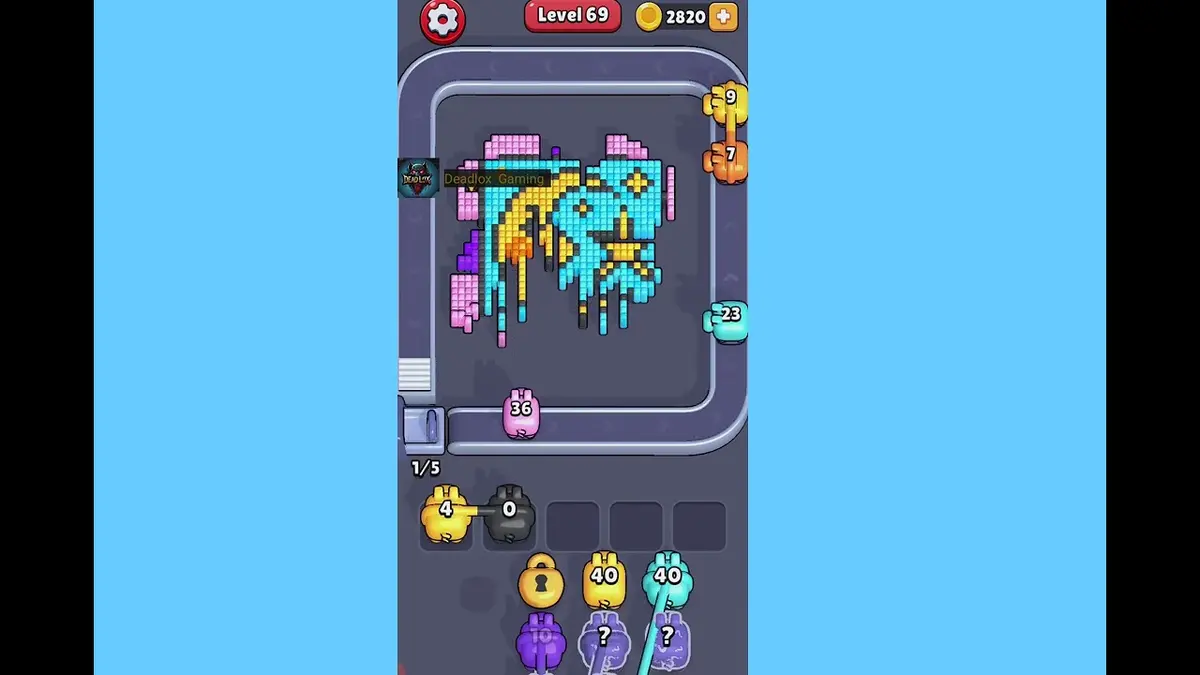
Màn 69
First hard wall
Break the exposed shell color first, then spend the narrow color after it has a direct line.
Mở hướng dẫn
Bình luận
Bình luận (0)