
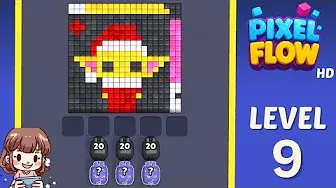
Сначала подтвердите картинку, сравните с соседними досками и переходите к сопоставлению по скриншоту, если раскладка отличается.
Сравнение поля
Pixel Flow уровень 9: решение и поле
Use the Level 9 image as the first check: the board outline and exposed colors should look like your screen.
Уровень 9 Сравнение поля
- Compare split wall and first open lane and the wall color touching the widest edge with your screen before spending boosters on Level 9.
- The usual mistake is tapping every available color instead of waiting for a pig that can clear a full group.
- Restart before spending. Early levels teach color order better than a booster would. Открыть гайд
- If the layout does not match, upload a screenshot and use the closest visual result before spending boosters. Compare nearby Levels 7, 8, 10, 11 if the shape is close.
Паспорт доски
Используйте как страницу сопоставления доски.
Сначала подтвердите картинку, сравните с соседними досками и переходите к сопоставлению по скриншоту, если раскладка отличается.
Compare split wall and first open lane and the wall color touching the widest edge with your screen before spending boosters on Level 9.
Используйте сопоставление по картинке, когда один и тот же номер уровня может показывать другую доску.
Если номер верный, а картинка нет, сначала посмотрите ближайшие доски.
Смотреть на
split wall and first open lanethe wall color touching the widest edge
Сравнение поля
Сначала проверьте, не угадывайте.
Ordinary board pages are useful as visual anchors: confirm the image, open nearby boards, or use the screenshot matcher when the screen differs.
Check the board before the route
Use the Level 9 image as the first check: the board outline and exposed colors should look like your screen.
Use the first move to create space
Clear the largest exposed color group first and keep the tray from filling with one-pixel shots.
Keep tray pressure under control
The usual mistake is tapping every available color instead of waiting for a pig that can clear a full group.
Use boosters only when they change the next move
Restart before spending. Early levels teach color order better than a booster would.
Страницы полей
Добавьте к этой доске свою подсказку маршрута.
Add route clues tied to the exact level image you are checking.
На этой доске пока нет подсказок игроков.
Добавьте подсказку после проверки раскладки, чтобы следующий маршрут было легче читать.
Открыть решатель
Тот же номер, но другая доска?
Match your screenshot against 2020 board visuals, then return to the closest level page once the picture lines up.
Близкое поле
Двигайтесь по этому диапазону по картинке.
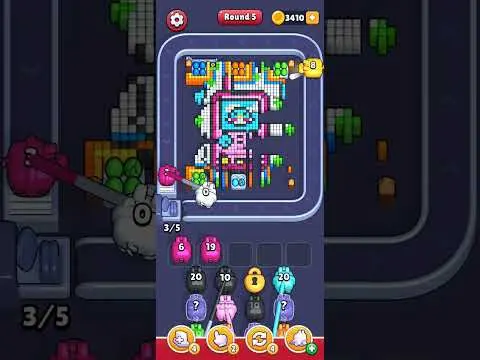
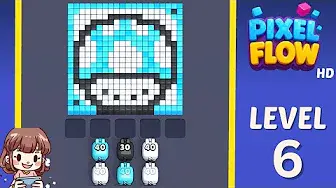
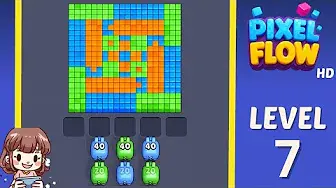
Use nearby pages when your board has the same level band but the picture is slightly different.
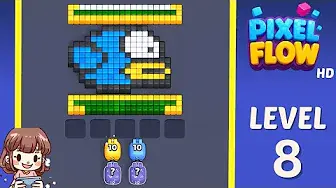
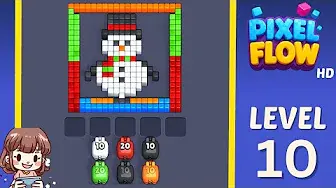
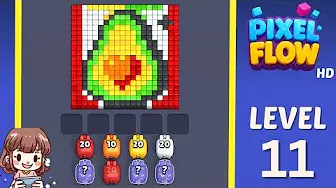
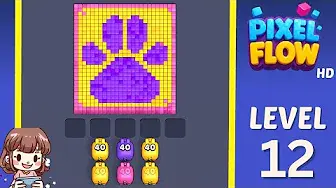
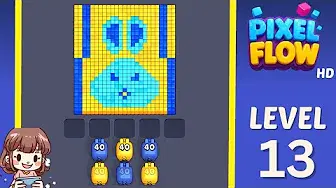
Близкий диапазон
Просмотрите диапазон уровней.
Open a few boards in the same small band when the level number is close but the image does not match.
Расширенные гайды
Открыть логику маршрута рядом с этой доской.
These pages may not be the same layout, but they show useful opener, tray, and booster decisions for nearby hard boards.
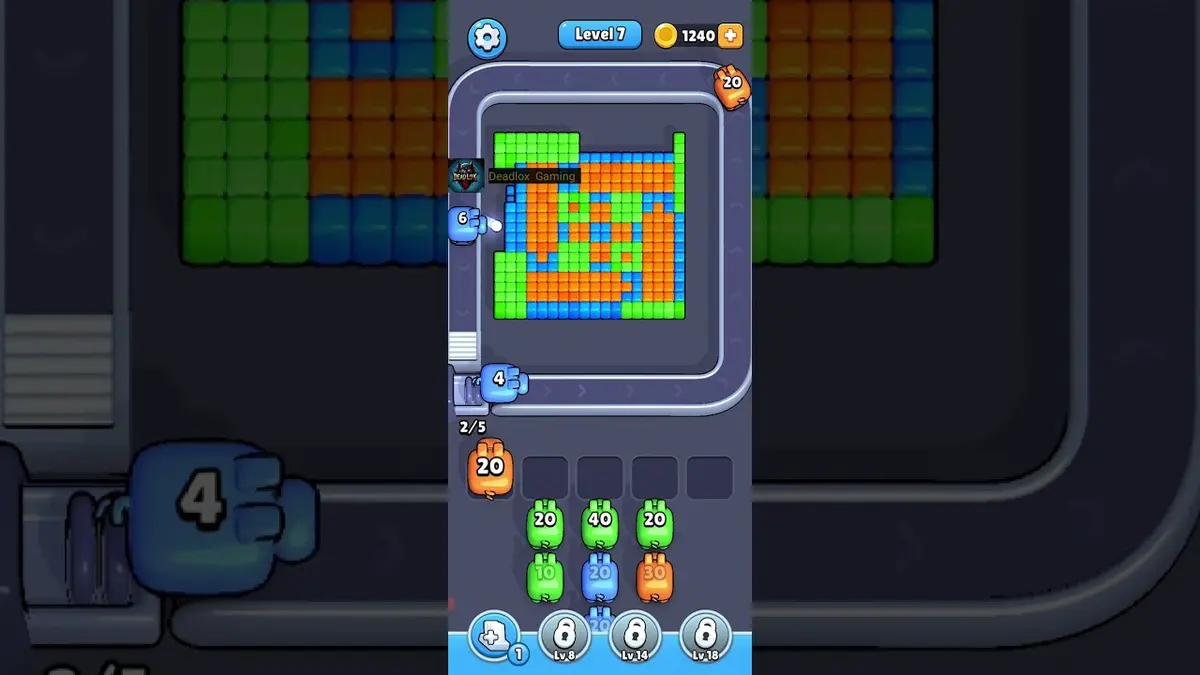
Уровень 1
First color lane
Clear the longest matching lane first so the belt teaches you how color targeting works.
Открыть гайд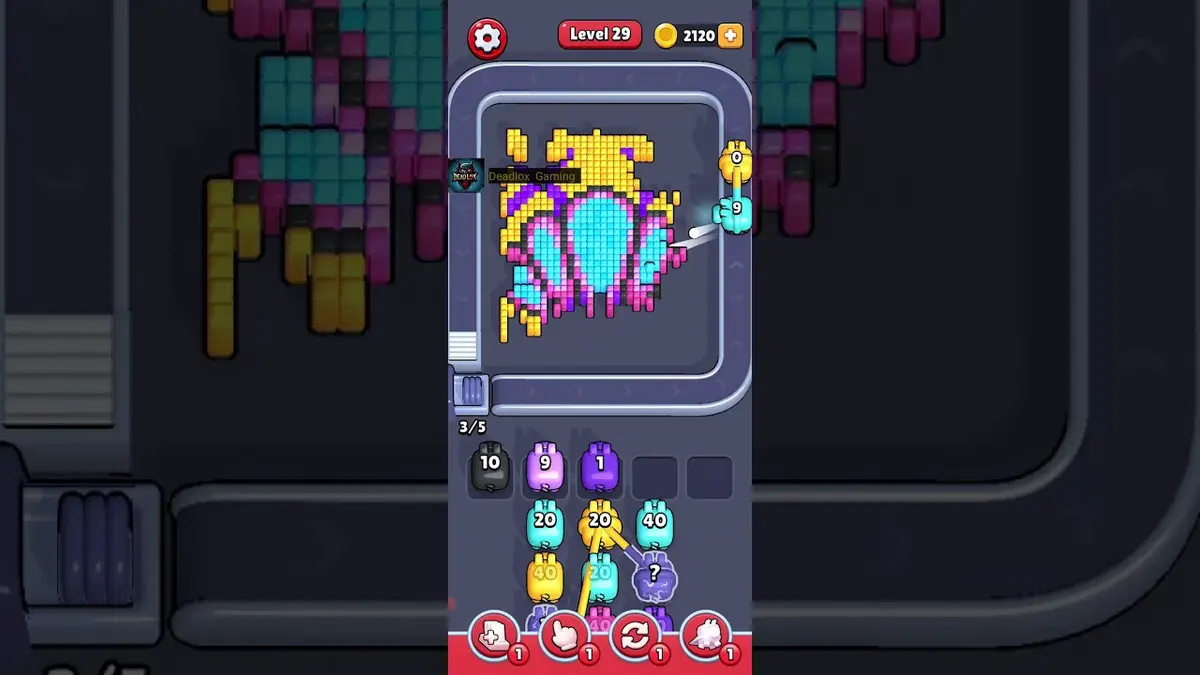
Уровень 29
Early rhythm check
Let weak pigs pass when they cannot spend most of their ammo on the visible color.
Открыть гайд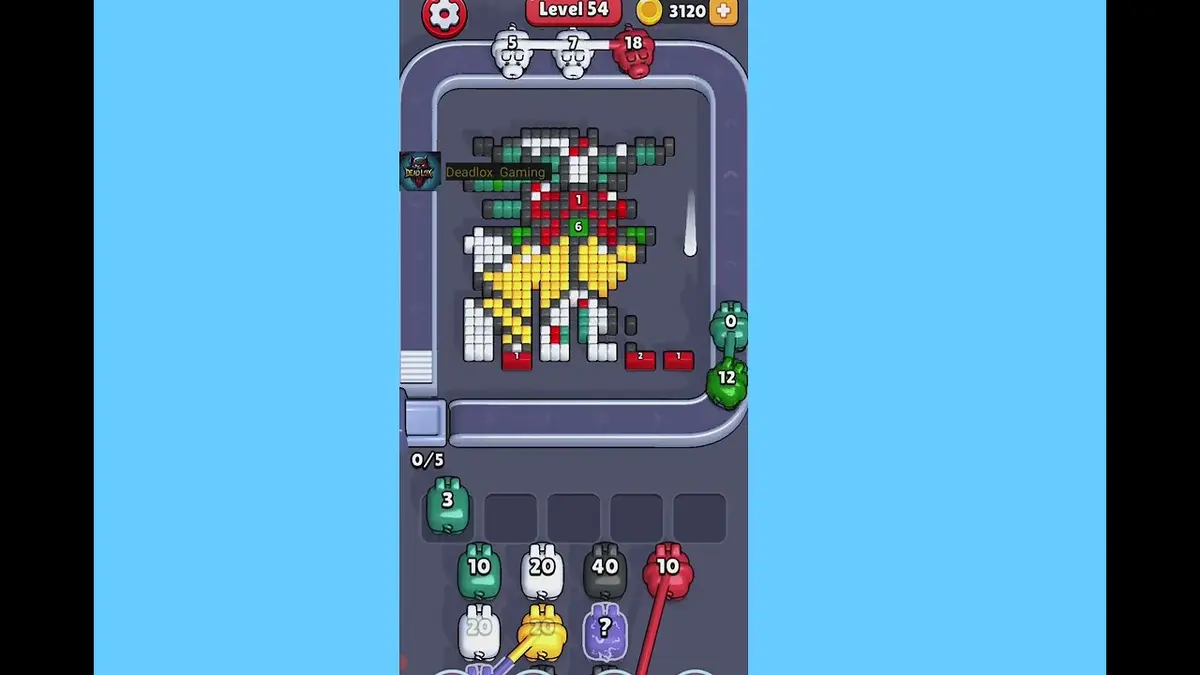
Уровень 54
Crossing lane drill
Open the crossing with the color that has the cleanest visible chain, then use the second color after the lane breathes.
Открыть гайд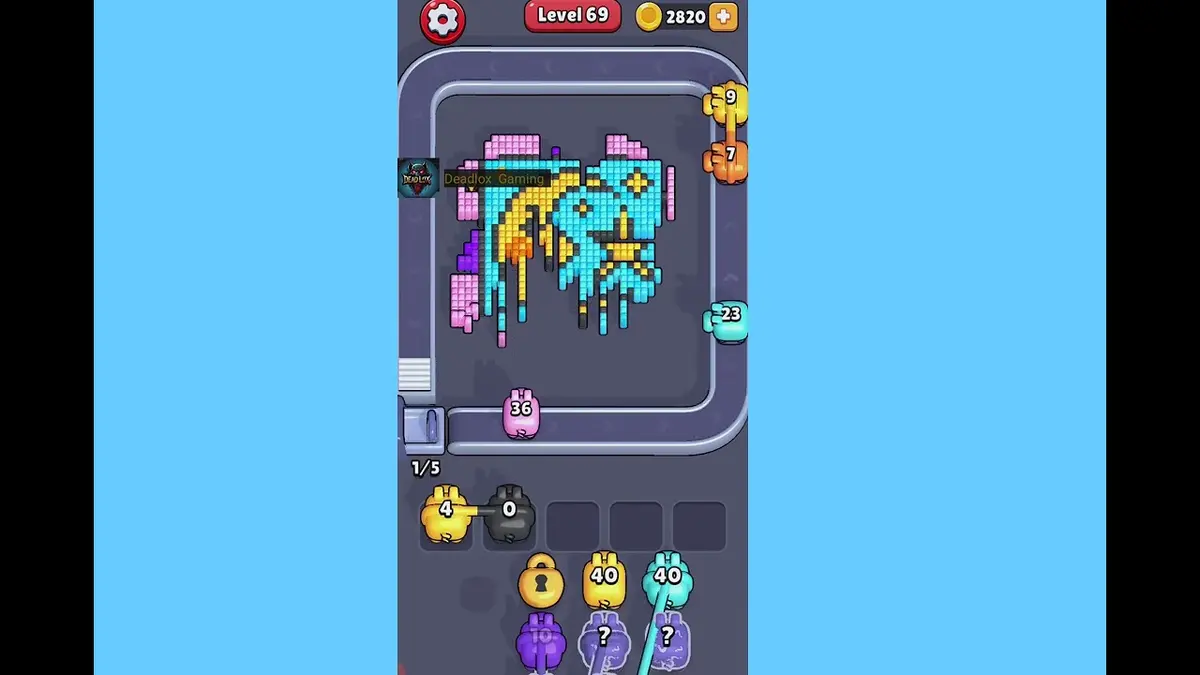
Уровень 69
First hard wall
Break the exposed shell color first, then spend the narrow color after it has a direct line.
Открыть гайд
Комментарии
Комментарии (0)