
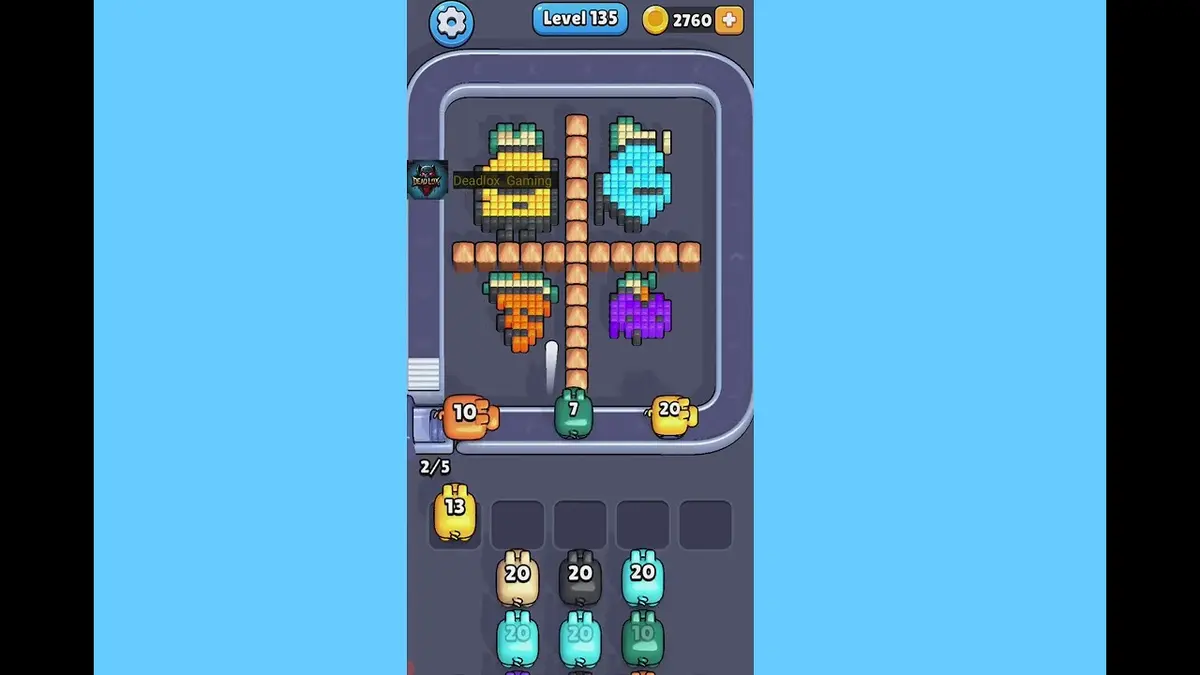
Confirmez d’abord l’image, comparez-la aux plateaux proches, puis passez à la correspondance par capture si la disposition change.
Comparaison de plateau
Solution Pixel Flow Niveau 135 | Image et guide
Use the Level 135 image as the first check: the board outline and exposed colors should look like your screen.
Niveau 135 Comparaison de plateau
- Compare anchor group and border shape and the biggest anchor group near an edge with your screen before spending boosters on Level 135.
- Most failed starts come from cleaning scattered pixels while the actual opener stays blocked.
- Use Hand only when one stored pig blocks the opener. Save Shuffle until the board is open but the belt order stalls. Ouvrir le guide
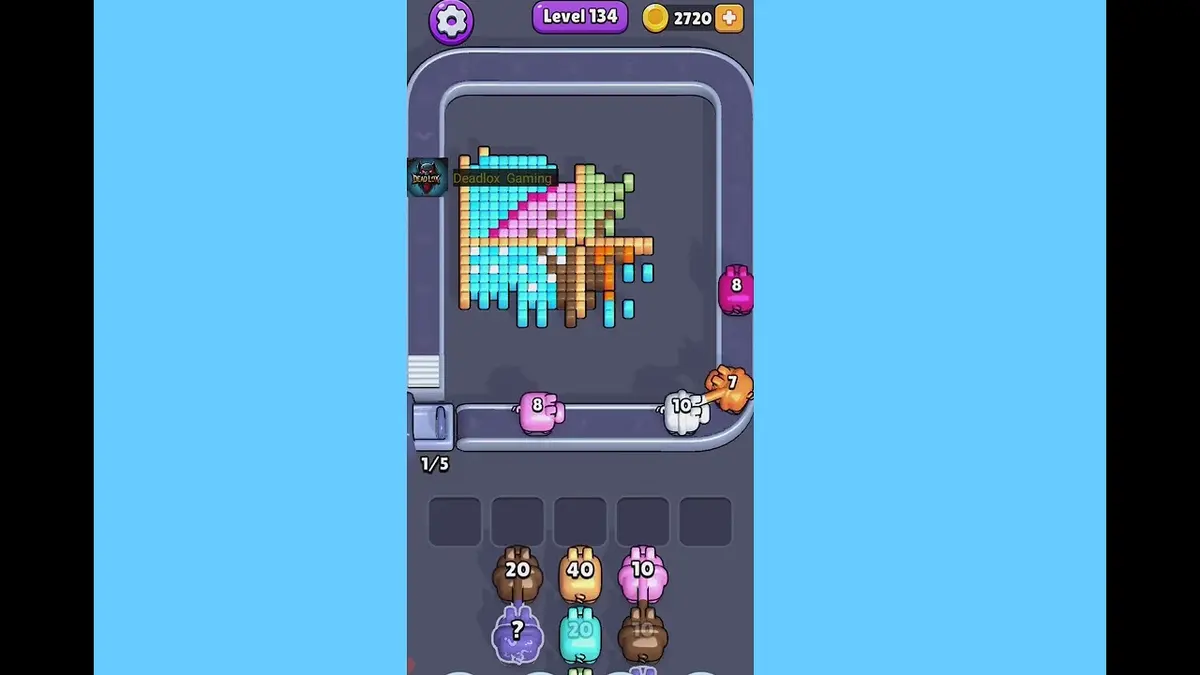
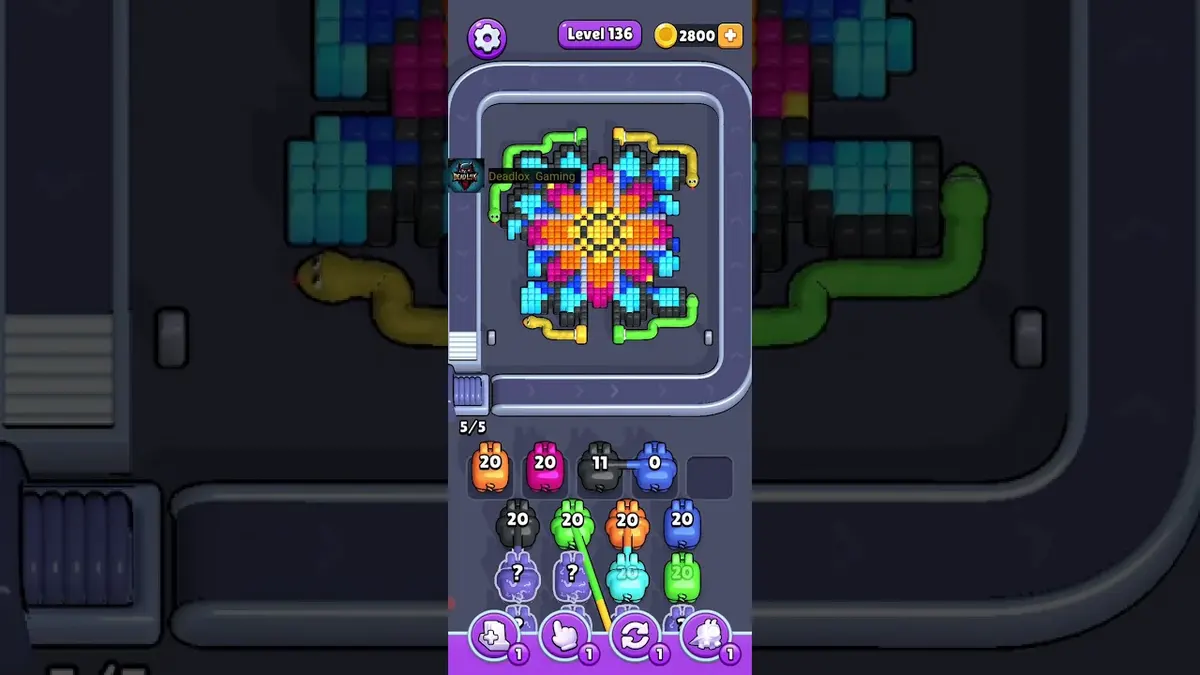
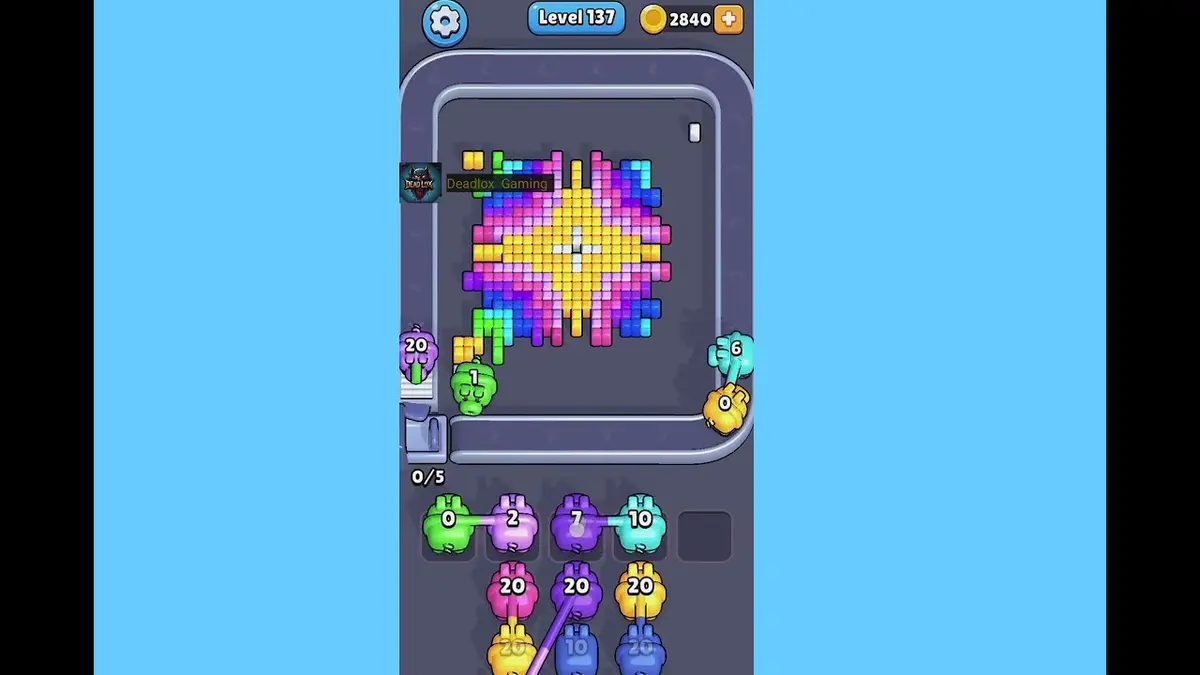
- If the layout does not match, upload a screenshot and use the closest visual result before spending boosters. Compare nearby Levels 133, 134, 136, 137 if the shape is close.
Passeport du plateau
Utilisez-la comme page de correspondance du plateau.
Confirmez d’abord l’image, comparez-la aux plateaux proches, puis passez à la correspondance par capture si la disposition change.
Compare anchor group and border shape and the biggest anchor group near an edge with your screen before spending boosters on Level 135.
Utilisez la correspondance par image quand le même numéro de niveau peut afficher un autre plateau.
Quand le numéro est bon mais pas l’image, regardez d’abord les plateaux proches.
À surveiller
anchor group and border shapethe biggest anchor group near an edge
Comparaison de plateau
Vérifiez d’abord, ne devinez pas.
Ordinary board pages are useful as visual anchors: confirm the image, open nearby boards, or use the screenshot matcher when the screen differs.
Check the board before the route
Use the Level 135 image as the first check: the board outline and exposed colors should look like your screen.
Use the first move to create space
Find the color that opens a real lane, then delay scattered singles until the board has more space.
Keep tray pressure under control
Most failed starts come from cleaning scattered pixels while the actual opener stays blocked.
Use boosters only when they change the next move
Use Hand only when one stored pig blocks the opener. Save Shuffle until the board is open but the belt order stalls.
Pages de plateau
Ajoutez votre propre indice de route à ce plateau.
Add route clues tied to the exact level image you are checking.
Aucune piste de joueur sur ce plateau pour le moment.
Ajoutez une piste après avoir testé la configuration pour que la prochaine route soit plus lisible.
Ouvrir le solveur
Même numéro, plateau différent ?
Match your screenshot against 2020 board visuals, then return to the closest level page once the picture lines up.
Plateau proche
Parcourez cette plage par l’image.
Use nearby pages when your board has the same level band but the picture is slightly different.
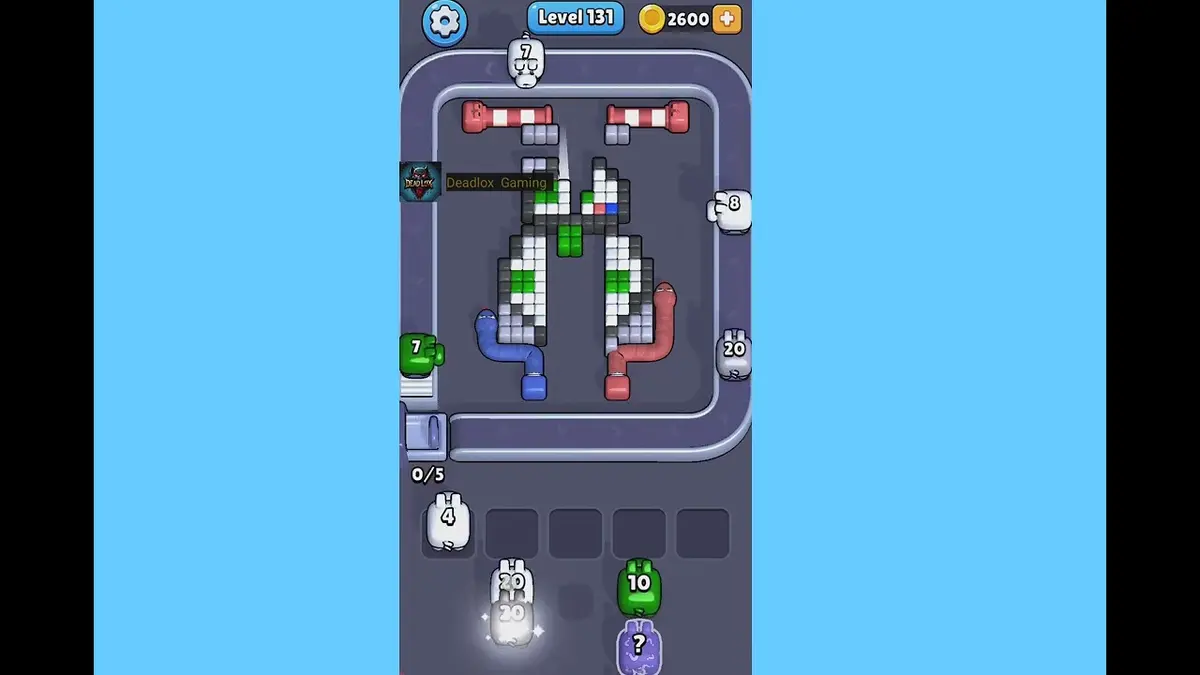
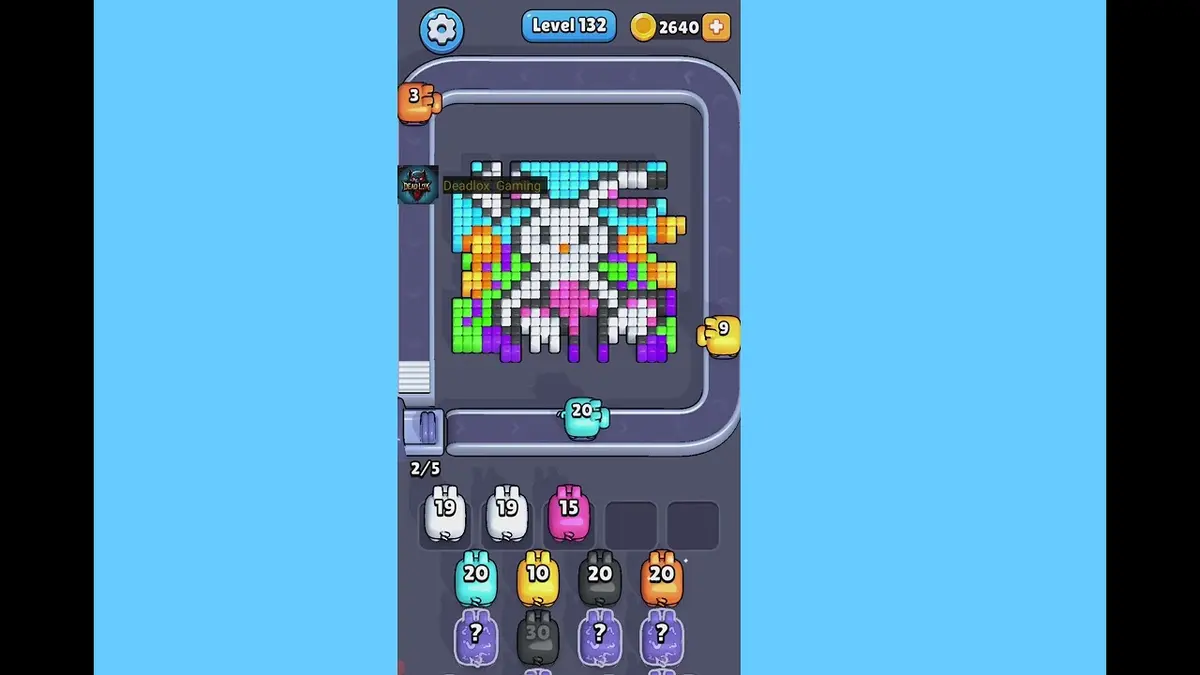
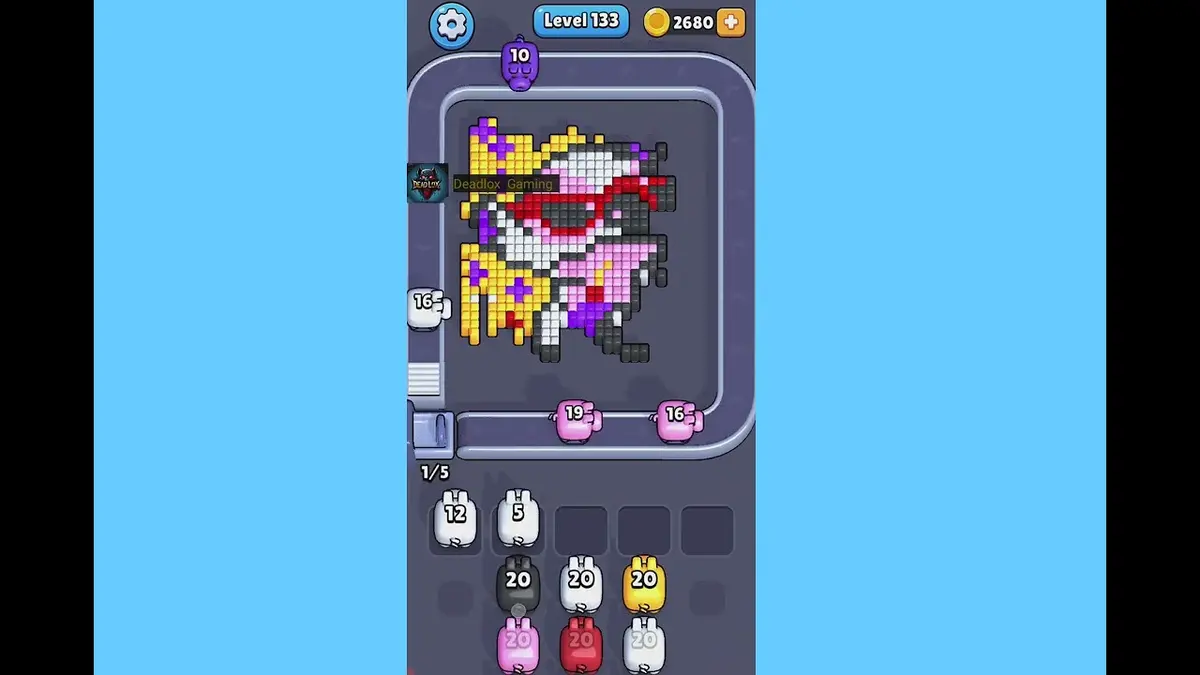
Plage proche
Parcourez la plage de niveaux.
Open a few boards in the same small band when the level number is close but the image does not match.
Guides améliorés
Ouvrir la logique de route près de ce plateau.
These pages may not be the same layout, but they show useful opener, tray, and booster decisions for nearby hard boards.
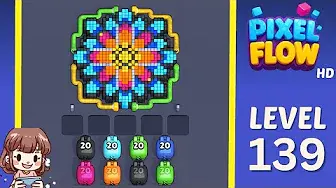
Niveau 139
Known repeated-video level
Start from the largest exposed path, then leave mixed edge pixels alone until that path creates a larger shooting lane.
Ouvrir le guide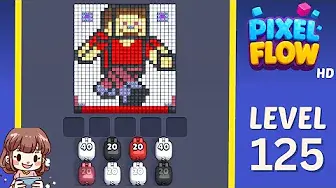
Niveau 125
Mid-board pressure
Work from the edge into the center and keep one slot open for the color that unlocks the middle.
Ouvrir le guide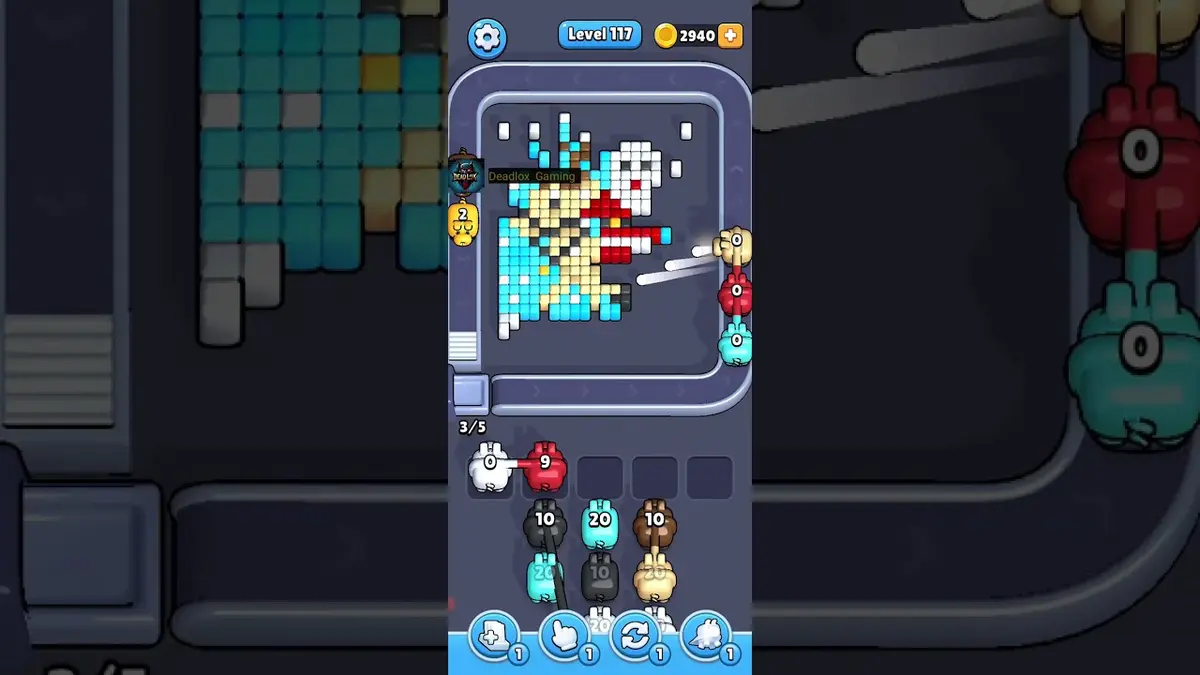
Niveau 117
Amélioré
Start with the first color window that can clear fully. A useful opener should remove a connected group or create a wider lane, not just spend a few easy pixels.
Ouvrir le guide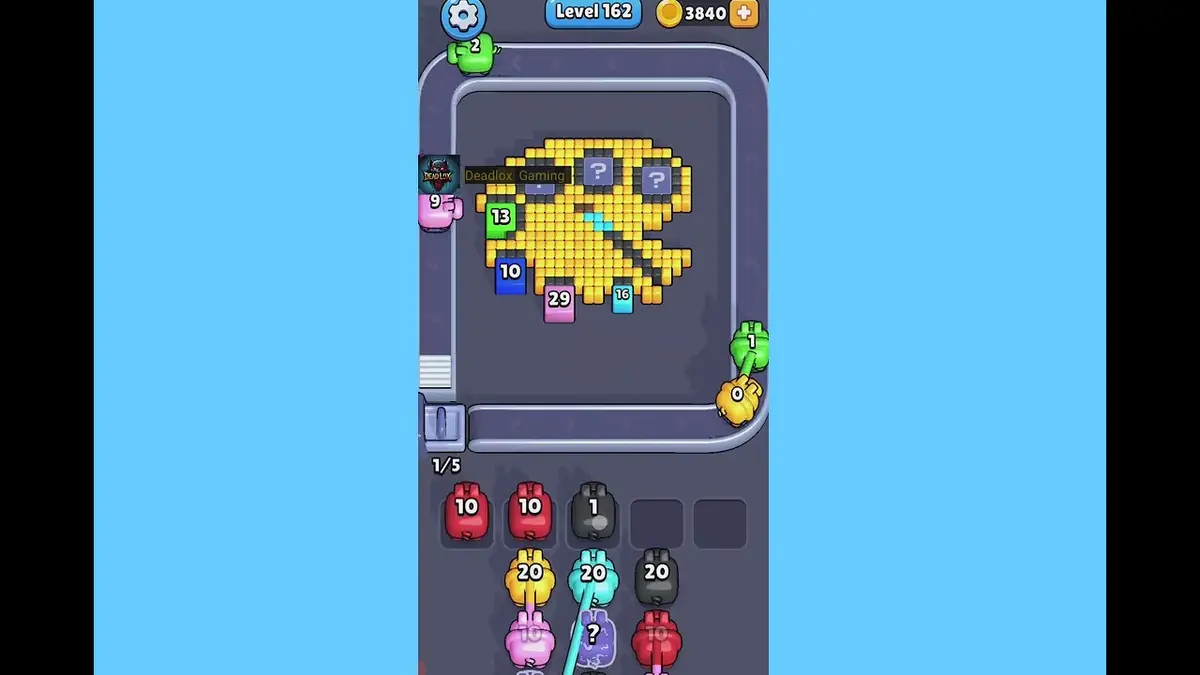
Niveau 162
Queue rhythm lane
Use a two-beat rhythm: accept only pigs that can immediately clear an exposed chain.
Ouvrir le guide
Commentaires
Commentaires (0)